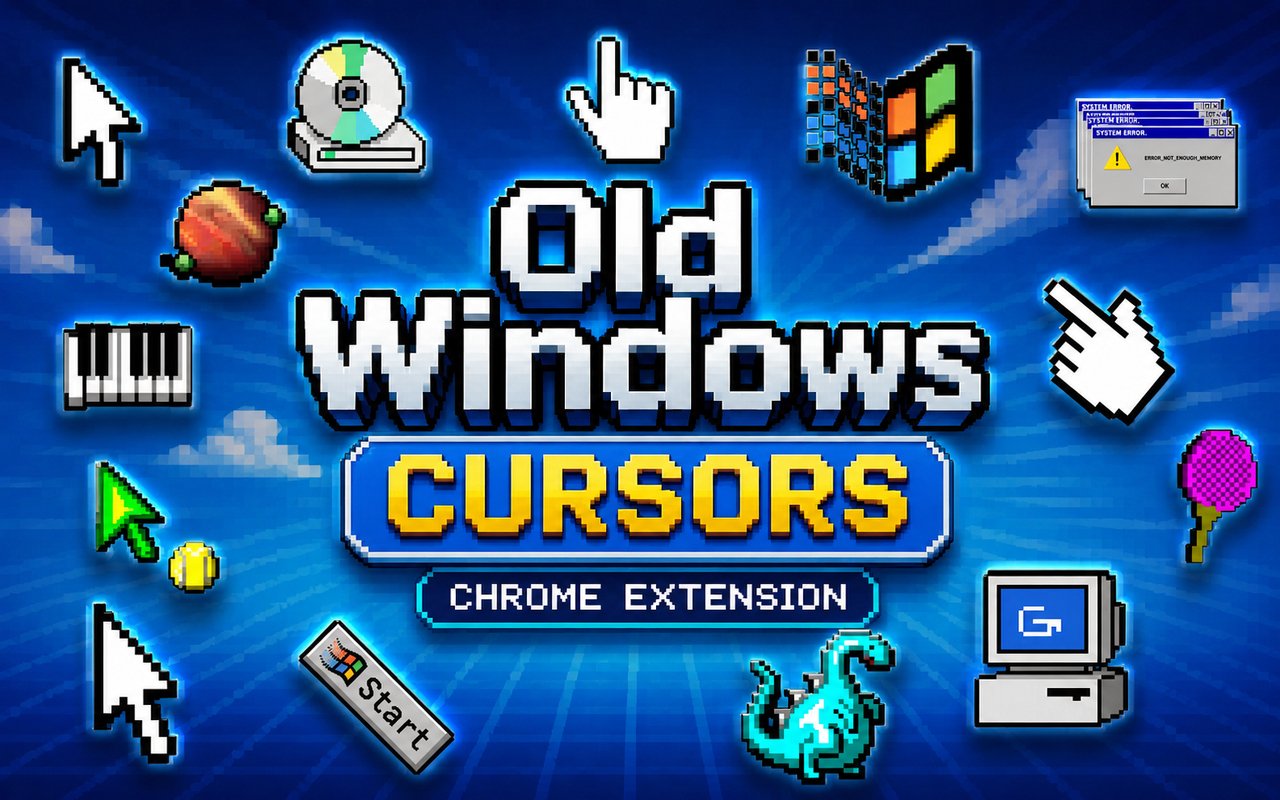
What Is The Windows 98 Cursor?
Windows 98 Cursor is a Chrome extension that replaces your standard browser pointer with cursor designs inspired by the iconic Windows 98 operating system. Every click, hover, and scroll is handled by faithful recreations of the classic OS cursor set, bringing a retro computing aesthetic directly into your browser. The extension applies instantly across all your tabs, giving your entire browsing experience a distinctly nostalgic look.
Windows 98 was a landmark release from Microsoft that defined how millions of people first interacted with personal computers in the late 1990s. Its iconic hourglass loading cursor, the distinctive arrow pointer, and the I-beam text selector are among the most recognizable interface elements in computing history. For anyone who grew up in that era, these visuals carry a strong connection to early PC gaming, dial-up internet, and the beige desktop setups that filled homes and offices alike.
This extension is ideal for retro computing enthusiasts, 90s nostalgia fans, and anyone who wants a subtle throwback to classic interface design without compromising a modern browsing workflow.
Key Features of The Windows 98 Cursor Extension
Complete Windows 98 Classic Cursor Collection
The collection covers the full range of cursor states drawn directly from the Windows 98 interface, including the standard arrow, the hourglass wait cursor, the I-beam text cursor, the crosshair, the resize arrows, and the classic hand pointer. Each design is rendered with the same chunky pixel art construction that made the original OS so visually distinctive, staying true to the source material rather than offering a modernized interpretation.
- Standard arrow pointer
- Hourglass wait cursor
- I-beam text selection cursor
- Crosshair precision cursor
- Diagonal and horizontal resize arrows
- Classic hand link pointer
Original Pixel Art Style
Every cursor in this collection is built around the chunky, low-resolution pixel art aesthetic that defined Windows 98 and the broader visual language of late 90s computing. The monochrome and two-tone color schemes mirror the original OS exactly, using black outlines, white fills, and minimal shading in the way that era demanded. There are no smooth gradients or modern vector curves here — just the raw, grid-based construction that made these cursors recognizable to an entire generation of computer users. The result is a cohesive set that looks like it belongs on a CRT monitor running a Pentium II.
Adjustable Cursor Size
A built-in size slider lets you scale the cursor up or down to suit your screen resolution and personal preference. Whether you are working on a compact laptop display or a large widescreen monitor, you can find a size that feels natural without distorting the pixel art style. Larger sizes also make the retro aesthetic more visible and dramatic during everyday browsing.
Favorites System for Quick Switching
The favorites system lets you bookmark the cursor designs you return to most often, so you can access them instantly without scrolling through the full library every time. Saved favorites remain stored across browser sessions, meaning your preferred selections are always ready when you reopen Chrome. This is particularly useful if you like to rotate between a few specific cursors depending on the task or mood.
Lightweight and Performance-Friendly
The extension runs quietly in the background and places no measurable load on Chrome’s memory or processing resources. Page load times are unaffected, and there is no lag or stutter introduced during normal browsing or during more demanding sessions involving streaming or web-based applications. It is equally well-suited to older machines that might be running a retro-themed setup as it is to modern hardware.
Easy Toggle On and Off
A single click on the extension icon switches the custom cursor off instantly, restoring your browser’s default pointer for situations where a standard cursor is more appropriate — such as video calls, online forms, or productivity tools. Re-enabling it is just as fast, and the extension remembers which cursor was last active so you never have to reselect your preferred design after toggling back on.
How to Install The Windows 98 Cursor
- Open Google Chrome on your desktop or laptop.
- Go to the Chrome Web Store and search for Windows 98 Cursor.
- Click the extension listing to open its detail page.
- Click Add to Chrome and confirm when the popup appears.
- Click the extension icon in your Chrome toolbar to open the cursor library.
- Select any design to activate it immediately — no browser restart needed.
Why Windows 98 Cursor Fans Love This Extension
For anyone who spent their childhood or teenage years navigating Windows 98, seeing that hourglass spin or that chunky arrow pointer move across the screen carries a genuine emotional pull. These were the cursors present during first gaming sessions, early internet exploration through Internet Explorer, and hours spent in MS Paint or Minesweeper. Having them return as the cursor in a modern browser is less about decoration and more about reconnecting with a very specific chapter of computing history that shaped how a generation first understood computers.
Retro computing hobbyists, vintage PC collectors, and developers who deliberately maintain a 90s aesthetic in their personal setups will find that this extension fits naturally into their environment. It also works well for anyone running a retro-themed desktop or streaming classic PC content, where keeping the browser visually consistent with the overall nostalgic theme genuinely adds to the atmosphere.
Frequently Asked Questions
Does this extension work on all websites?
The cursor is active across virtually all websites you visit in Chrome. A small number of sites with strict content security policies may limit custom cursor behavior, but this is uncommon and the extension works normally on the vast majority of pages.
Can I use multiple Windows 98 Cursor cursors at once?
Only one cursor can be active at a time, but switching between designs is quick. The favorites system lets you save your preferred characters and switch between them in seconds without scrolling through the entire collection.
Will this extension slow down my browser?
No. The Windows 98 Cursor extension is built to be lightweight and runs quietly in the background. It has no noticeable impact on Chrome’s speed, memory usage, or page load performance.
Is the Windows 98 Cursor extension free?
Yes. The extension is completely free to download and use from the Chrome Web Store. You get access to the full cursor library without any subscription or in-app purchases.




Community comments
Comments are reviewed before they appear publicly.