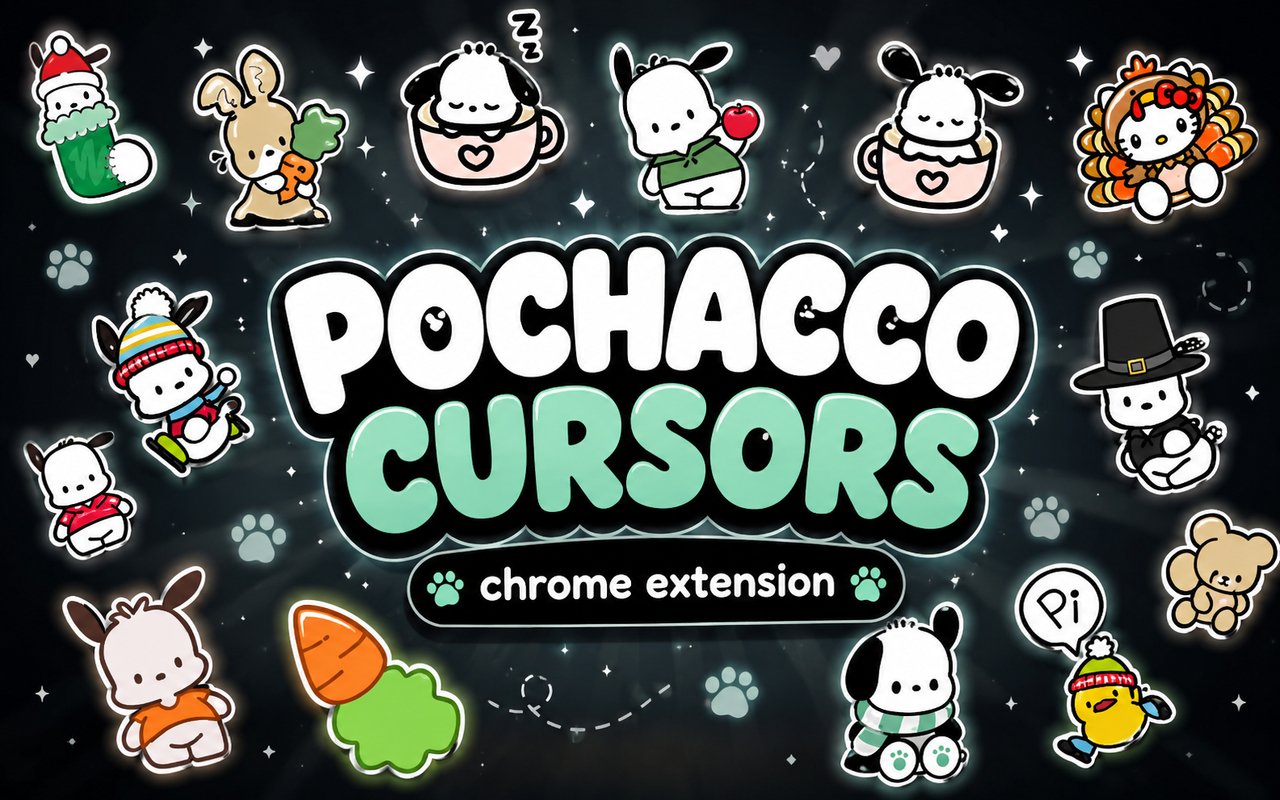
What Is The Pochacco Cursor?
The Pochacco Cursor replaces your standard Chrome browser cursor with charming designs featuring characters from Sanrio’s beloved lineup, turning every click, scroll, and hover into a playful experience. The extension installs directly into Chrome and activates themed cursor designs that follow your pointer across every webpage you visit. It requires no technical setup and works immediately after installation.
Pochacco is one of Sanrio’s most recognisable characters — a cheerful, athletic white dog with a fondness for sports, first introduced in 1989. The extension draws from this world, featuring Pochacco alongside his companion Pi-chan and the iconic Hello Kitty, bringing together some of Sanrio’s most enduring characters in a single cursor pack.
This extension appeals to Sanrio fans, kawaii culture enthusiasts, and anyone who wants to add a touch of personality to their daily browsing without altering their browser setup in any meaningful way.
Key Features of The Pochacco Cursor Extension
Complete Pochacco and Sanrio Cursor Collection
The collection features designs inspired by Pochacco, Pi-chan, and Hello Kitty, with cursor styles that capture each character’s personality through poses, expressions, and themed props. Whether you prefer Pochacco mid-kick, Pi-chan perched and cheerful, or Hello Kitty in her classic bow-adorned look, the library offers a range of options to suit different moods. Characters and designs included in the collection are:
- Pochacco default pointer cursor
- Pochacco sports-themed action cursor
- Pi-chan companion cursor
- Hello Kitty classic bow cursor
- Pochacco text select cursor
- Sanrio pastel loading and busy cursors
Original Animation Art Style
Each cursor is rendered in the soft, rounded art style that defines Sanrio’s visual identity, with clean outlines, gentle pastel tones, and the kind of expressive simplicity that has made these characters globally recognisable for decades. Pochacco’s designs lean into his sporty, energetic character with dynamic little poses, while Hello Kitty and Pi-chan retain their calm, sweet aesthetic. The colour palette favours whites, soft blues, pinks, and warm yellows — colours immediately associated with the Sanrio brand. Every cursor feels like it belongs to the same cohesive world rather than a mismatched collection of icons.
Adjustable Cursor Size
The extension includes a size slider that lets you scale your cursor up or down to suit your display and personal preference. Users on high-resolution or large monitors can increase the size for better visibility, while those on compact laptop screens can keep things proportional and unobtrusive. The adjustment takes effect instantly without requiring a page refresh or browser restart.
Favorites System for Quick Switching
You can bookmark your favourite cursor designs within the extension so they are always easy to find and activate. Rather than scrolling through the full library each time you want to change designs, saved favourites appear at the top for instant access. These preferences are stored and persist across browser sessions, so your selections remain in place even after restarting Chrome.
Lightweight and Performance-Friendly
The extension is designed to run quietly in the background without consuming meaningful system resources. It has no measurable impact on Chrome’s page load times, memory usage, or overall browsing speed, making it suitable for older machines as well as sessions involving graphics-heavy websites or streaming. You are unlikely to notice it is running beyond the cursor change itself.
Easy Toggle On and Off
A simple on/off toggle in the extension popup lets you disable the custom cursor instantly whenever you need to revert to Chrome’s default. This is useful during video calls, screen shares, or when using specific web applications that benefit from the standard system cursor. When you switch it back on, the extension restores whichever cursor was last active.
How to Install The Pochacco Cursor
- Open Google Chrome on your desktop or laptop.
- Go to the Chrome Web Store and search for Pochacco Cursor.
- Click the extension listing to open its detail page.
- Click Add to Chrome and confirm when the popup appears.
- Click the extension icon in your Chrome toolbar to open the cursor library.
- Select any design to activate it immediately — no browser restart needed.
Why Pochacco Cursor Fans Love This Extension
For fans who grew up with Sanrio, seeing Pochacco or Hello Kitty appear as a cursor brings a genuine sense of warmth and nostalgia to something as routine as browsing the web. Pochacco in particular carries a distinct personality — energetic, sporty, and endlessly cheerful — that feels different from other Sanrio characters, and his fans have a specific affection for that identity. Having Pi-chan alongside him in the cursor pack adds to the appeal for collectors and dedicated Sanrio enthusiasts who appreciate the lesser-spotted companions in the lineup. It is the kind of small detail that makes a browser feel genuinely personal rather than out-of-the-box generic.
Students who spend long hours at their computers studying or browsing tend to gravitate toward extensions like this one because a familiar, cheerful cursor makes screen time feel a little less draining. It also resonates strongly with anyone who keeps a Sanrio-themed desk setup or aesthetic and wants their digital environment to match the physical one.
Frequently Asked Questions
Does this extension work on all websites?
The cursor is active across virtually all websites you visit in Chrome. A small number of sites with strict content security policies may limit custom cursor behavior, but this is uncommon and the extension works normally on the vast majority of pages.
Can I use multiple Pochacco Cursor cursors at once?
Only one cursor can be active at a time, but switching between designs is quick. The favorites system lets you save your preferred characters and switch between them in seconds without scrolling through the entire collection.
Will this extension slow down my browser?
No. The Pochacco Cursor extension is built to be lightweight and runs quietly in the background. It has no noticeable impact on Chrome’s speed, memory usage, or page load performance.
Is the Pochacco Cursor extension free?
Yes. The extension is completely free to download and use from the Chrome Web Store. You get access to the full cursor library without any subscription or in-app purchases.




Community comments
Comments are reviewed before they appear publicly.