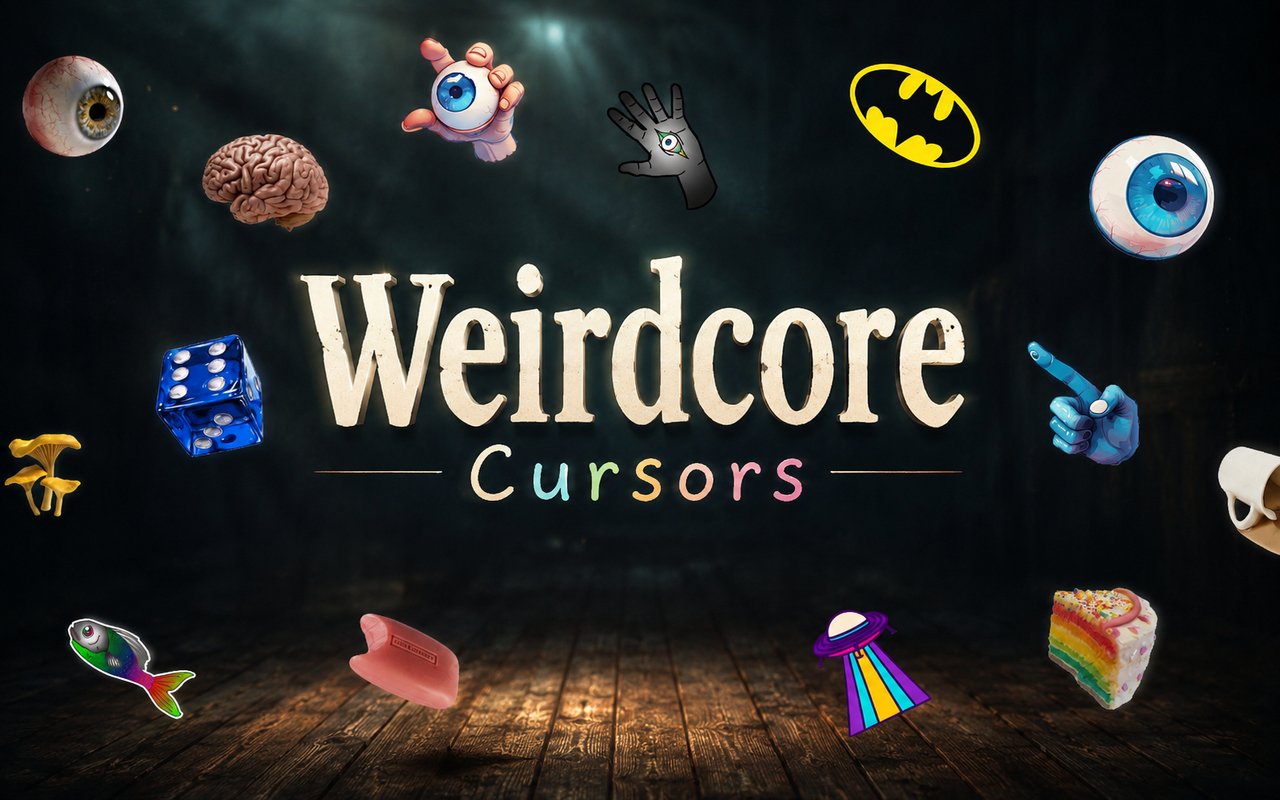
What Is The Weirdcore Cursor?
Weirdcore Cursor is a Chrome extension that replaces your standard browser cursor with a set of custom designs inspired by the unsettling, surreal visual language of weirdcore aesthetics. Each cursor draws directly from the distorted imagery, lo-fi textures, and dreamlike compositions that define this corner of internet art culture. The extension installs cleanly into Chrome and activates your chosen cursor across all browsing sessions.
Weirdcore as an aesthetic movement is rooted in disorienting imagery, amateur editing styles, and a sense of uncanny familiarity that blurs the line between memory and nightmare. Key visual elements include glitched text, floating figures in empty voids, surreal landscapes, and unsettling domestic scenes stripped of context. These themes overlap with related internet aesthetics like dreamcore, traumacore, and analog horror, all of which share that same eerie, off-putting quality.
This extension appeals to anyone who engages with surreal internet art, alternative aesthetics, or the broader world of liminal and unsettling visual culture, and it brings that atmosphere into everyday browsing without any additional effort.
Key Features of The Weirdcore Cursor Extension
Complete Weirdcore Aesthetic Cursor Collection
The cursor library pulls from the full range of weirdcore visual elements, including glitched figures, distorted smiling faces, void landscapes, floating eyes, surreal hands, and lo-fi dreamcore imagery. Each design captures a specific mood or motif from this aesthetic tradition rather than offering generic shapes. The collection includes designs such as:
- Glitched distorted figure cursor
- Floating eye in void design
- Surreal smiling face cursor
- Lo-fi dreamcore landscape pointer
- Disembodied hand cursor
- Analog horror static cursor
Original Animation Art Style
Every cursor in this collection is rendered to reflect the authentic visual identity of weirdcore, using muted and washed-out color palettes broken up by sudden bursts of unnatural color. The line work is intentionally rough and imperfect, mimicking the amateur digital art style that defines the aesthetic. Textures feel grainy or overexposed, as if sourced from degraded media or forgotten home footage. The overall result is a cursor set that feels genuinely unsettling rather than simply decorative.
Adjustable Cursor Size
The extension includes a size slider that lets you scale your cursor up or down depending on your screen resolution and personal preference. Smaller sizes keep the experience subtle and closer to a standard cursor, while larger sizes make the weirdcore designs more prominent and visible during browsing. The adjustment is saved automatically so you do not need to reconfigure it each time you open Chrome.
Favorites System for Quick Switching
You can bookmark any cursor design as a favorite, creating a personal shortlist that sits separate from the main library. This makes it easy to jump between two or three preferred designs without scrolling through every available option each time. Favorites are saved to your extension data and persist across browser sessions, so your shortlist is always ready.
Lightweight and Performance-Friendly
The extension runs quietly in the background and places no measurable load on Chrome’s memory or processing resources. Page load times are unaffected, and there is no lag even when running alongside other extensions or during graphics-heavy browsing sessions. It functions reliably on older machines as well as modern high-performance setups.
Easy Toggle On and Off
A single click on the extension icon lets you switch the custom cursor on or off at any moment. This is useful when switching to a video call, a work application, or any context where a standard cursor is more appropriate. The extension remembers whichever design was last active, so when you toggle it back on, your cursor is restored immediately without any reconfiguration.
How to Install The Weirdcore Cursor
- Open Google Chrome on your desktop or laptop.
- Go to the Chrome Web Store and search for Weirdcore Cursor.
- Click the extension listing to open its detail page.
- Click Add to Chrome and confirm when the popup appears.
- Click the extension icon in your Chrome toolbar to open the cursor library.
- Select any design to activate it immediately — no browser restart needed.
Why Weirdcore Cursor Fans Love This Extension
For people who spend time creating, sharing, or simply consuming weirdcore and dreamcore content, the aesthetic is more than a visual style — it is a way of processing emotion, nostalgia, and unease through distorted imagery. The glitched figures, uncanny voids, and surreal domestic scenes that populate weirdcore art carry a particular emotional weight that feels intensely personal to those drawn to it. Having that atmosphere reflected in something as constant as a cursor keeps that connection alive throughout the day. It is a small but meaningful way to carry the aesthetic into a space you inhabit for hours at a time.
This extension particularly resonates with artists, writers, and creatives who work in browser-based tools and want their environment to reflect their aesthetic sensibilities. Students who spend long hours in browsers for research or coursework also find it a subtle way to make that time feel more personal and aligned with their interests.
Frequently Asked Questions
Does this extension work on all websites?
The cursor is active across virtually all websites you visit in Chrome. A small number of sites with strict content security policies may limit custom cursor behavior, but this is uncommon and the extension works normally on the vast majority of pages.
Can I use multiple Weirdcore Cursor cursors at once?
Only one cursor can be active at a time, but switching between designs is quick. The favorites system lets you save your preferred characters and switch between them in seconds without scrolling through the entire collection.
Will this extension slow down my browser?
No. The Weirdcore Cursor extension is built to be lightweight and runs quietly in the background. It has no noticeable impact on Chrome’s speed, memory usage, or page load performance.
Is the Weirdcore Cursor extension free?
Yes. The extension is completely free to download and use from the Chrome Web Store. You get access to the full cursor library without any subscription or in-app purchases.




Community comments
Comments are reviewed before they appear publicly.