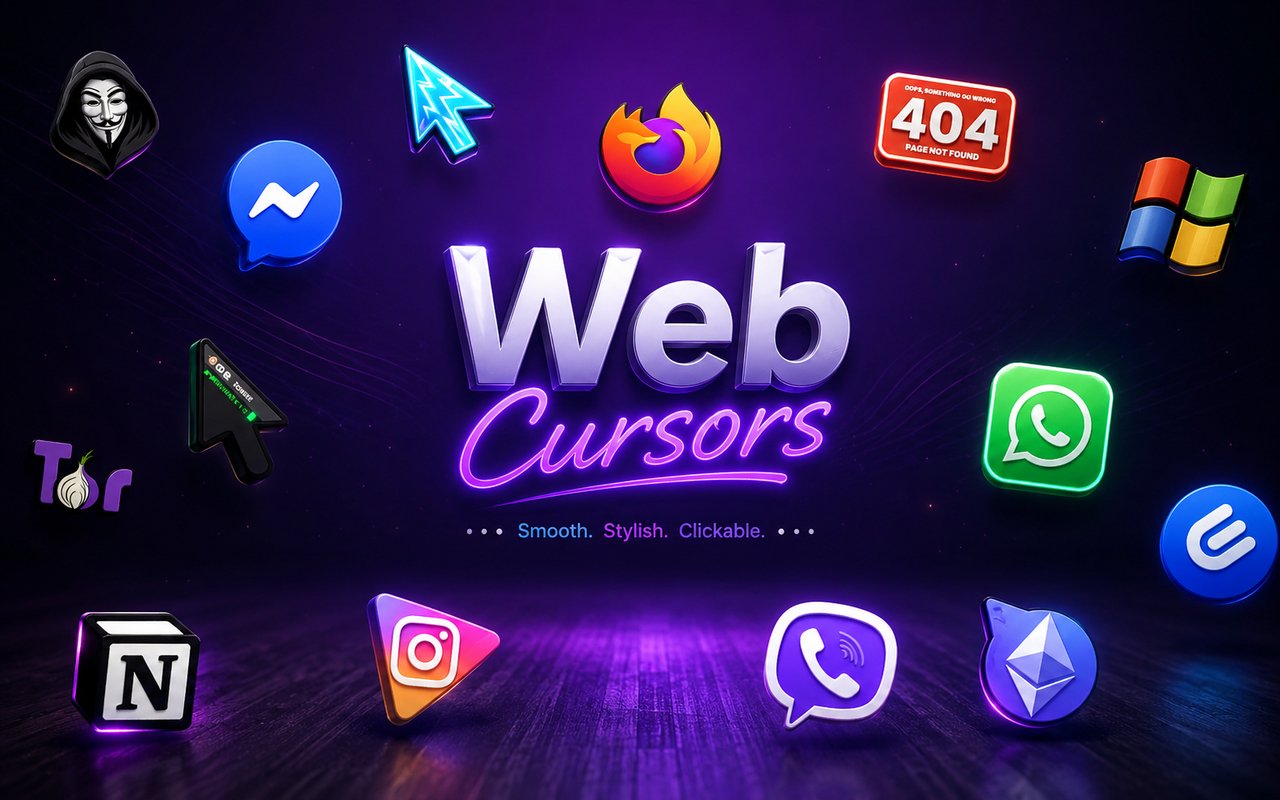
What Is The Web Cursor?
Web Cursor is a Chrome extension that replaces your standard browser cursor with themed icon designs inspired by the most popular apps and platforms on the internet. Instead of the plain default arrow, you browse with cursors styled after the tools and services you already use every day. The extension applies instantly across your tabs and requires no technical setup.
The design concept draws from the visual identities of widely recognised web platforms and internet culture, incorporating the logos, icons, and interface elements of services like ChatGPT, Figma, Twitch, and Notion. These are applications that millions of people interact with daily, making their iconography immediately familiar and satisfying to see in cursor form. The collection reflects the modern internet workspace and creative toolset in a way that feels personal and relevant.
This extension appeals to developers, designers, streamers, and anyone who spends long hours working across multiple web apps and wants their browser environment to feel a little more their own.
Key Features of The Web Cursor Extension
Complete Internet Icons Cursor Collection
The collection covers a wide range of recognisable internet platforms and tools, pulling from the visual language of the apps people use most. Cursor designs based on ChatGPT, Figma, Twitch, Notion, and other popular web services are all included, giving users a library that reflects real browsing habits. Here is a look at what the collection covers:
- ChatGPT cursor design
- Figma cursor design
- Twitch cursor design
- Notion cursor design
- Internet icon and logo themed cursors
- Web app interface element cursors
Original Animation Art Style
Each cursor in the collection is crafted to reflect the distinct visual identity of the platform it represents, using the exact color palettes and icon styles that users already associate with those apps. The ChatGPT cursor carries the clean monochrome tone of the OpenAI interface, while the Twitch design uses the deep purple and bold forms of the streaming platform’s branding. Figma-inspired cursors echo the precision and minimal geometry of a professional design tool. This attention to source-accurate styling makes each cursor feel authentic rather than decorative.
Adjustable Cursor Size
A built-in size slider lets you scale any cursor up or down to suit your screen resolution and personal preference. Whether you are working on a compact laptop display or a large external monitor, you can dial in exactly the right size for comfortable visibility. The setting saves automatically so you do not need to readjust each time you open Chrome.
Favorites System for Quick Switching
The favorites system lets you bookmark the cursor designs you return to most often, so you can access them instantly without browsing through the entire library. Saved favorites persist across browser sessions, meaning your preferred selections are waiting for you every time you open Chrome. This is especially useful if you like to rotate between a few specific designs depending on what you are working on.
Lightweight and Performance-Friendly
The extension runs quietly in the background and has no measurable impact on Chrome’s speed, memory usage, or page load times. It is designed to stay out of the way while still being active across all your tabs. Even during graphics-intensive sessions or on older machines, the extension adds no noticeable overhead to your browsing.
Easy Toggle On and Off
A simple one-click toggle lets you switch the custom cursor off instantly whenever you need to revert to your default browser cursor, such as during video calls, screen shares, or specific work tasks. Re-enabling it is equally fast, and the extension automatically remembers which cursor you had active so you never have to re-select it after toggling back on.
How to Install The Web Cursor
- Open Google Chrome on your desktop or laptop.
- Go to the Chrome Web Store and search for Web Cursor.
- Click the extension listing to open its detail page.
- Click Add to Chrome and confirm when the popup appears.
- Click the extension icon in your Chrome toolbar to open the cursor library.
- Select any design to activate it immediately — no browser restart needed.
Why Web Cursor Fans Love This Extension
For people who spend their working day inside apps like Figma, Notion, ChatGPT, and Twitch, there is something genuinely satisfying about seeing those familiar icons reflected in the cursor itself. These are not abstract designs — they represent the tools that designers prototype in, writers draft in, developers build with, and communities gather around. Having those icons follow your pointer around the screen turns something mundane into a small acknowledgement of the digital environment you actually live in.
This extension resonates especially with remote workers, freelance designers, and content creators who have these platforms open for hours at a time and appreciate small personalisation touches that make their setup feel curated. If your browser is effectively your workplace, there is real appeal in making even the cursor reflect the tools of your trade.
Frequently Asked Questions
Does this extension work on all websites?
The cursor is active across virtually all websites you visit in Chrome. A small number of sites with strict content security policies may limit custom cursor behavior, but this is uncommon and the extension works normally on the vast majority of pages.
Can I use multiple Web Cursor cursors at once?
Only one cursor can be active at a time, but switching between designs is quick. The favorites system lets you save your preferred characters and switch between them in seconds without scrolling through the entire collection.
Will this extension slow down my browser?
No. The Web Cursor extension is built to be lightweight and runs quietly in the background. It has no noticeable impact on Chrome’s speed, memory usage, or page load performance.
Is the Web Cursor extension free?
Yes. The extension is completely free to download and use from the Chrome Web Store. You get access to the full cursor library without any subscription or in-app purchases.




Community comments
Comments are reviewed before they appear publicly.