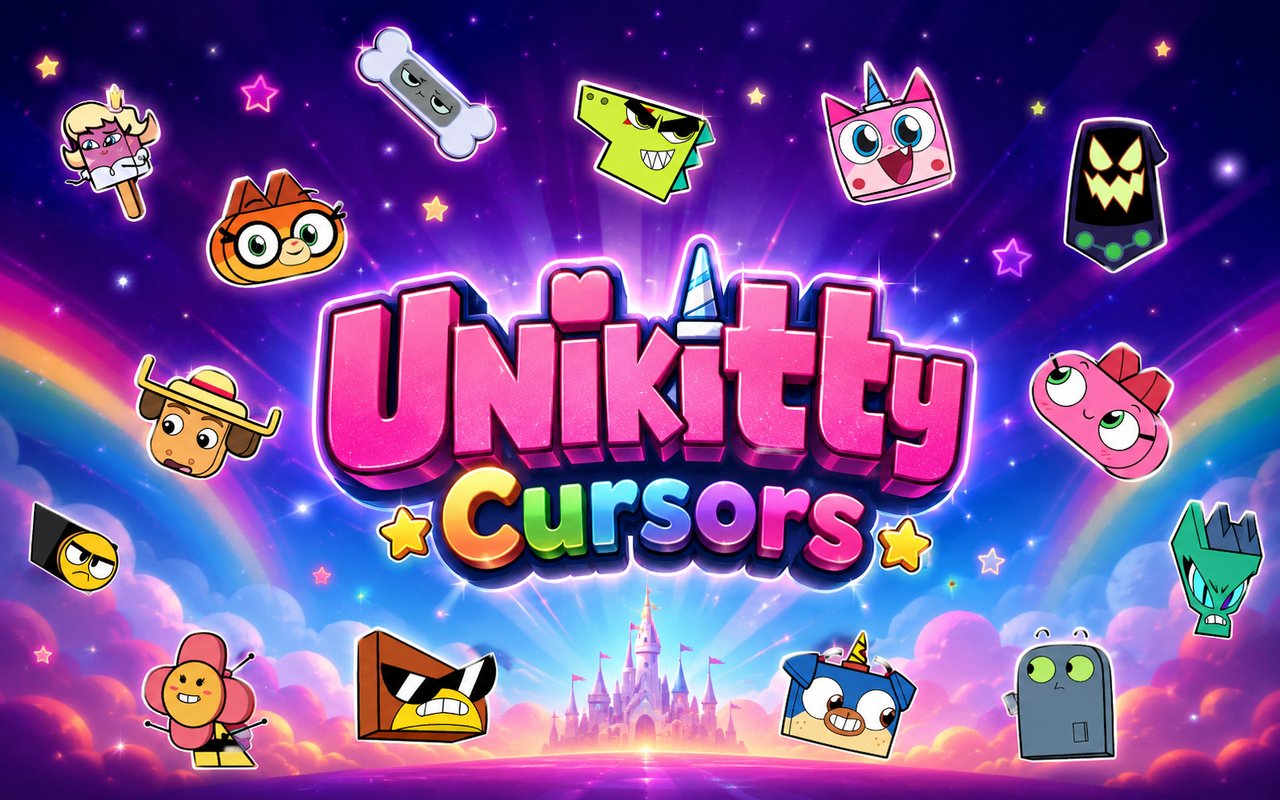
What Is The Unikitty Cursor?
Unikitty Cursor is a Chrome extension that replaces your default browser cursor with custom-designed cursors inspired by the animated Unikitty series. Each cursor is crafted around the colorful characters and upbeat world of the show, bringing a burst of personality to everyday browsing. Simply install the extension and your pointer transforms into a themed design drawn directly from the Unikitty universe.
Unikitty! is an animated series from Cartoon Network based on the character originally introduced in The Lego Movie. The show follows the eternally optimistic Princess Unikitty alongside her loyal brother Puppycorn, the inventive Dr. Fox, the stoic bodyguard Hawkodile, and the deadpan Richard, with the grumpy Master Frown stirring up trouble along the way. Its bright pastel visuals, rapid-fire humor, and endearing cast made it a fan favorite among younger audiences and animation enthusiasts alike.
This extension is a natural fit for fans of the show who want to carry a little of that relentless positivity into their daily web browsing without any extra effort.
Key Features of The Unikitty Cursor Extension
Complete Unikitty Cursor Collection
The extension draws from the full main cast of the series, giving you cursor designs based on Unikitty, Puppycorn, Dr. Fox, Hawkodile, Richard, and Master Frown. Each character brings their own visual identity to the pointer, so whether you prefer the rainbow enthusiasm of Unikitty or the stern look of Hawkodile, there is a cursor that fits your mood. The included designs cover:
- Unikitty cursor
- Puppycorn cursor
- Dr. Fox cursor
- Hawkodile cursor
- Richard cursor
- Master Frown cursor
Original Animation Art Style
Every cursor in the collection is rendered in the show’s distinctive visual style, featuring bold outlines, saturated pastel color palettes, and the rounded, expressive character designs that define Unikitty’s animation. Unikitty herself radiates her signature pink and yellow tones, while Master Frown’s muted grays provide a sharp contrast that feels true to the source material. The line work stays faithful to the flat, clean look of the Cartoon Network series rather than attempting a realistic or stylized reinterpretation. Browsing with these cursors feels like a small piece of the show has made its way onto your screen.
Adjustable Cursor Size
The extension includes a size slider that lets you scale cursor designs up or down to suit your screen resolution and personal preference. Whether you are working on a compact laptop display or a large external monitor, you can find a size that remains clear and comfortable. Larger cursors are especially helpful for high-resolution screens where default-sized pointers can be easy to lose.
Favorites System for Quick Switching
The favorites system lets you bookmark your preferred cursor designs so you can return to them instantly without scrolling through the full library each time. Once a cursor is saved to your favorites, it appears in a dedicated shortlist that loads as soon as you open the extension panel. Your saved favorites persist across browser sessions, so your go-to designs are always ready the next time you open Chrome.
Lightweight and Performance-Friendly
The extension operates quietly in the background and has no measurable effect on Chrome’s speed, memory consumption, or page load times. It is designed to function without interfering with your browsing, whether you are streaming video, running web apps, or using an older machine with limited resources. You get the visual customization without any performance trade-off.
Easy Toggle On and Off
A simple on/off toggle lets you disable the custom cursor in one click whenever you need to return to the standard browser pointer, such as during work tasks, video calls, or web applications where a custom cursor might be distracting. Re-enabling it is equally fast, and the extension remembers which cursor was last active so you do not have to reselect your preferred design each time.
How to Install The Unikitty Cursor
- Open Google Chrome on your desktop or laptop.
- Go to the Chrome Web Store and search for Unikitty Cursor.
- Click the extension listing to open its detail page.
- Click Add to Chrome and confirm when the popup appears.
- Click the extension icon in your Chrome toolbar to open the cursor library.
- Select any design to activate it immediately — no browser restart needed.
Why Unikitty Cursor Fans Love This Extension
For fans who grew up watching Unikitty and her friends spread chaos and cheer across the Unikingdom, these cursors are a small but satisfying way to keep that connection alive. Characters like Puppycorn, with his boundless enthusiasm, and the perpetually annoyed Master Frown carry distinct personalities that fans genuinely grew attached to over the course of the series. Seeing Hawkodile or Dr. Fox at the tip of your pointer brings back specific moments and running jokes from the show in a way that a generic cursor never could. The extension works because it taps into something real rather than offering simple aesthetic decoration.
Students, young professionals, and anyone who likes to keep their workspace feeling a little less serious will find this extension fits naturally into their daily routine. It is the kind of detail that makes time spent browsing, studying, or working at a computer feel a bit more personal and a lot more fun.
Frequently Asked Questions
Does this extension work on all websites?
The cursor is active across virtually all websites you visit in Chrome. A small number of sites with strict content security policies may limit custom cursor behavior, but this is uncommon and the extension works normally on the vast majority of pages.
Can I use multiple Unikitty Cursor cursors at once?
Only one cursor can be active at a time, but switching between designs is quick. The favorites system lets you save your preferred characters and switch between them in seconds without scrolling through the entire collection.
Will this extension slow down my browser?
No. The Unikitty Cursor extension is built to be lightweight and runs quietly in the background. It has no noticeable impact on Chrome’s speed, memory usage, or page load performance.
Is the Unikitty Cursor extension free?
Yes. The extension is completely free to download and use from the Chrome Web Store. You get access to the full cursor library without any subscription or in-app purchases.




Community comments
Comments are reviewed before they appear publicly.