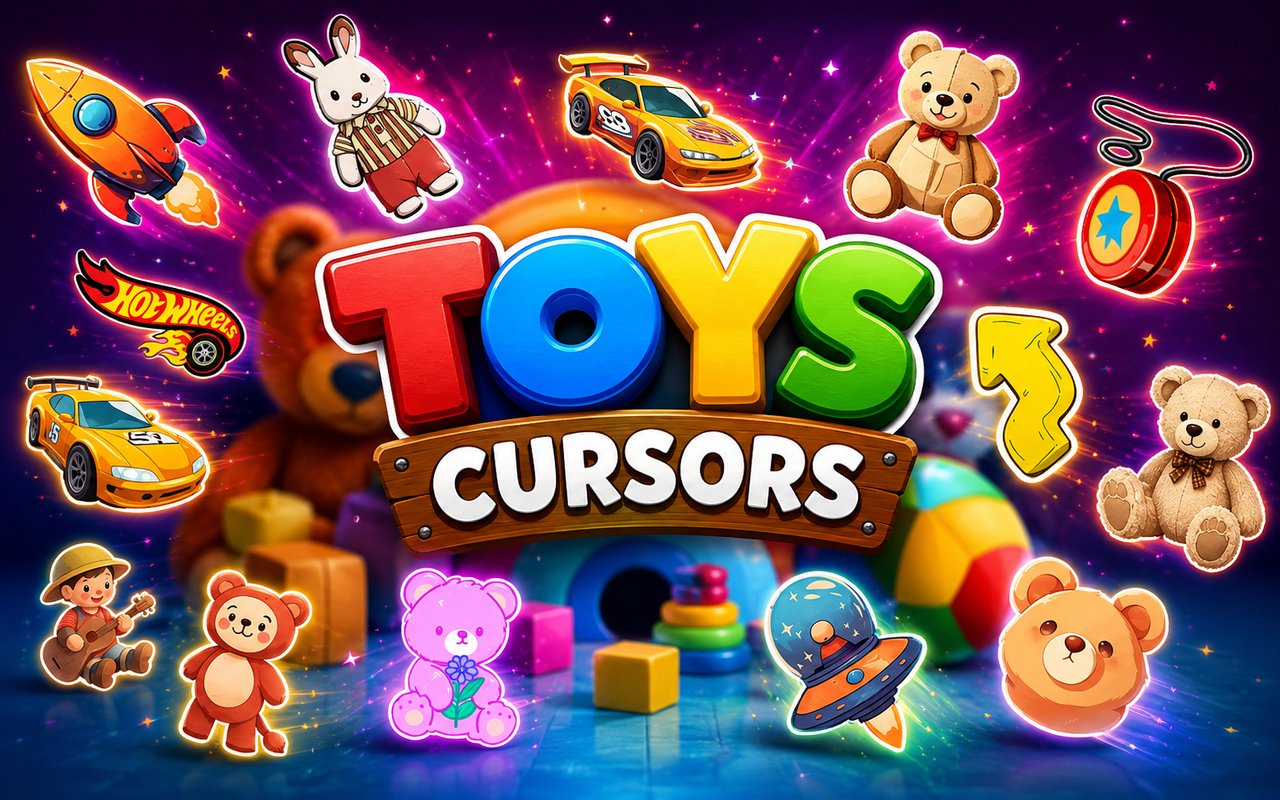
What Is The Toys Cursor?
Toys Cursor is a Chrome extension that replaces your standard browser pointer with custom cursor designs inspired by beloved classic toys and toy brands. Each cursor is crafted around a specific toy character or product, swapping out the default arrow for something far more playful. The extension installs directly into Chrome and activates the moment you select a design from its built-in library.
The cursors draw from a rich lineup of iconic toy brands that have defined childhood for generations. Teddy Bear, Hot Wheels, Furby, Bratz dolls, Gloomy Bear, and Play-Doh each appear as their own cursor design, capturing the personality and visual character of each toy. These are not generic cartoon designs — each cursor reflects the specific look and feel of the toy it represents.
The extension is a natural fit for collectors, nostalgic adults, and younger users who want their browsing environment to reflect the toys they love most.
Key Features of The Toys Cursor Extension
Complete Toys Cursor Collection
The library covers a diverse range of toy icons, from the soft warmth of a Teddy Bear cursor to the sharp, colorful energy of Hot Wheels, the quirky charm of Furby, the fashion-forward style of Bratz, the dark cuteness of Gloomy Bear, and the moldable creativity of Play-Doh. Each design stands on its own as a recognizable tribute to its source toy. The full lineup includes:
- Teddy Bear cursor
- Hot Wheels cursor
- Furby cursor
- Bratz cursor
- Gloomy Bear cursor
- Play-Doh cursor
Original Animation Art Style
Each cursor in this collection is designed to mirror the visual identity of the toy it represents rather than being a generic cartoon illustration. The Gloomy Bear cursor leans into its pale pink and blood-splattered aesthetic, while the Bratz cursors capture the bold eyes and fashion-forward look the dolls are known for. Hot Wheels cursors use the vivid, high-contrast color schemes associated with the brand’s die-cast car packaging and track sets. The Play-Doh cursor brings in the bright, primary-color palette that has defined the product for decades.
Adjustable Cursor Size
A built-in size slider lets you scale your chosen cursor up or down to suit your display and personal preference. Whether you are working on a compact laptop screen or a large external monitor, you can dial in exactly the right size for comfortable use. Larger cursors are particularly useful for high-resolution displays where a standard-sized pointer can appear too small.
Favorites System for Quick Switching
The favorites system lets you bookmark the cursor designs you return to most often, so you do not have to scroll through the full library every time you want to change your pointer. Saved favorites appear in a dedicated section for instant one-click access. Your saved selections carry over between browser sessions, so your preferred lineup is always ready when you open Chrome.
Lightweight and Performance-Friendly
The extension is built to run quietly in the background without drawing on Chrome’s memory or slowing down page loading. Users on older machines or those running multiple tabs and applications simultaneously will not notice any added strain. The cursor rendering process is handled efficiently, keeping your browsing experience smooth regardless of the site you are visiting.
Easy Toggle On and Off
A simple on/off toggle lets you disable the custom cursor with a single click whenever you need to revert to Chrome’s default pointer. This is useful during video calls, presentations, or when using web applications that have their own cursor behaviors. Once you are ready to switch back, the extension immediately restores the last active cursor design without requiring any additional steps.
How to Install The Toys Cursor
- Open Google Chrome on your desktop or laptop.
- Go to the Chrome Web Store and search for Toys Cursor.
- Click the extension listing to open its detail page.
- Click Add to Chrome and confirm when the popup appears.
- Click the extension icon in your Chrome toolbar to open the cursor library.
- Select any design to activate it immediately — no browser restart needed.
Why Toys Cursor Fans Love This Extension
For anyone who grew up with Furby sitting on a shelf, racing Hot Wheels cars across the living room floor, or sculpting figures out of Play-Doh, these cursors carry a genuine emotional weight that goes beyond simple customization. Seeing a Teddy Bear or Gloomy Bear cursor following your mouse across a webpage is a small but constant reminder of those experiences. Bratz fans in particular will appreciate how faithfully the cursor design captures the doll’s signature look. That kind of specific, recognizable detail is what separates a cursor pack built around real toy brands from a generic novelty.
Collectors, toy enthusiasts, and anyone who keeps a Furby or a shelf of Hot Wheels models in their home will find that this extension extends that personality into their online life. It is especially popular among users who stream toy content, shop for collectibles online, or simply want their browser to feel like a personal space rather than a default workspace.
Frequently Asked Questions
Does this extension work on all websites?
The cursor is active across virtually all websites you visit in Chrome. A small number of sites with strict content security policies may limit custom cursor behavior, but this is uncommon and the extension works normally on the vast majority of pages.
Can I use multiple Toys Cursor cursors at once?
Only one cursor can be active at a time, but switching between designs is quick. The favorites system lets you save your preferred characters and switch between them in seconds without scrolling through the entire collection.
Will this extension slow down my browser?
No. The Toys Cursor extension is built to be lightweight and runs quietly in the background. It has no noticeable impact on Chrome’s speed, memory usage, or page load performance.
Is the Toys Cursor extension free?
Yes. The extension is completely free to download and use from the Chrome Web Store. You get access to the full cursor library without any subscription or in-app purchases.




Community comments
Comments are reviewed before they appear publicly.