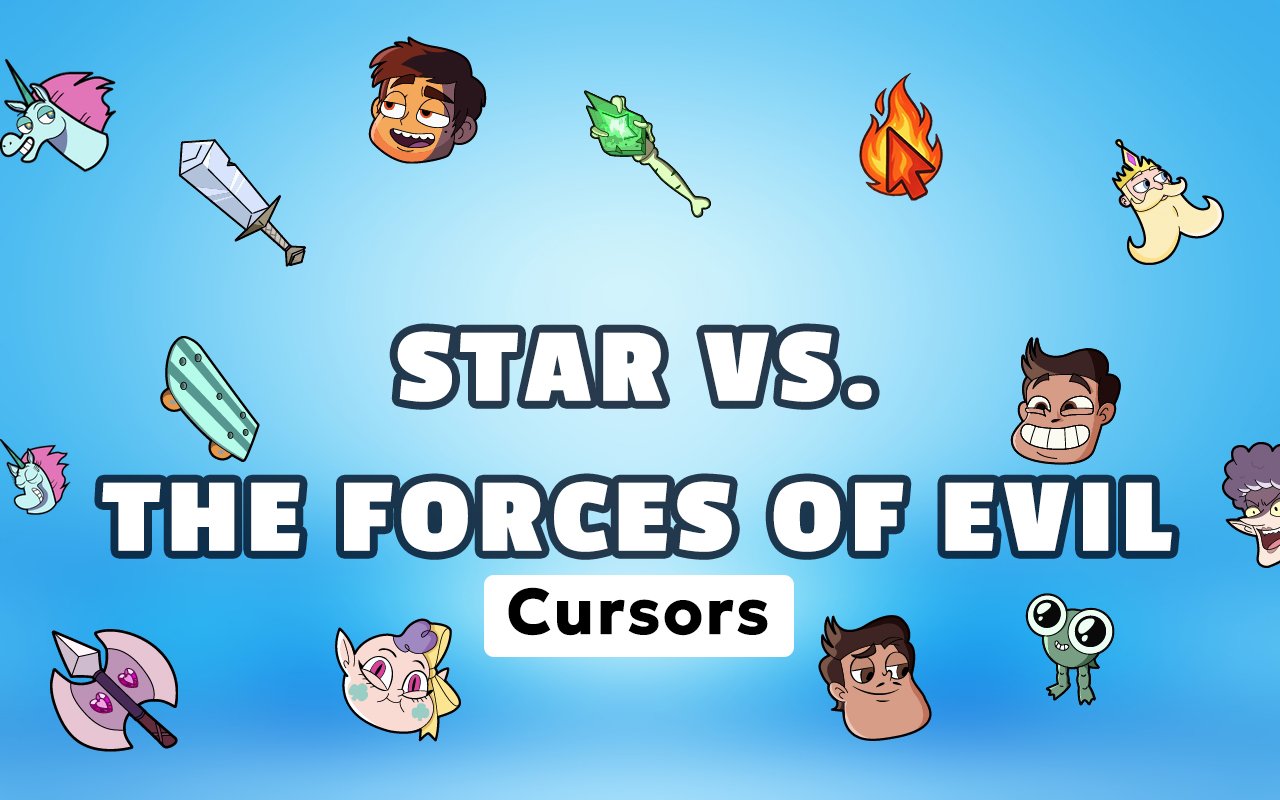
What Is The Star vs Forces of Evil Cursor?
The Star vs Forces of Evil Cursor is a Chrome extension that replaces your standard browser cursor with custom designs drawn from the beloved animated series. Once installed, every click and scroll is accompanied by characters and imagery from the show, turning an ordinary part of your browser into something personal and expressive. The extension is simple to set up and activates immediately without any configuration.
Star vs. the Forces of Evil is a Disney animated series following Star Butterfly, a magical princess from another dimension, and her best friend Marco Diaz as they battle interdimensional threats on Earth and beyond. The show features a vivid cast including the villainous Ludo, the mysterious Eclipsa, and the fan-favourite Tom Lucitor, all rendered in a distinctive and energetic art style. Its mix of magical adventure, sharp humour, and emotional storytelling built a dedicated fanbase over its four-season run.
This extension is a natural fit for fans who want a daily connection to the show, whether they are students, creative professionals, or casual browsers who grew up watching Star and her friends.
Key Features of The Star vs Forces of Evil Cursor Extension
Complete Star vs Forces of Evil Cursor Collection
The extension includes cursors featuring the core cast of the series, giving fans access to designs inspired by Star Butterfly, Marco Diaz, Eclipsa Butterfly, Moon Butterfly, Tom Lucitor, Ludo, and Hekapoo. Each cursor captures the look and personality of its respective character, making it easy to choose one that matches your mood or browsing session.
- Star Butterfly cursor
- Marco Diaz cursor
- Eclipsa Butterfly cursor
- Moon Butterfly cursor
- Tom Lucitor cursor
- Ludo cursor
- Hekapoo cursor
Original Animation Art Style
Every cursor in this collection reflects the bright, expressive visual language that defined the Star vs. the Forces of Evil animation. The designs lean into the show’s signature colour palette — vivid magentas, deep purples, and electric blues — paired with the bold outlines and slightly exaggerated character proportions that made the series visually memorable. Star’s cheek marks and wand, Eclipsa’s elegant gothic aesthetic, and Tom’s smouldering flame motifs are all represented with care. The result feels consistent with the source material rather than like a generic fan interpretation.
Adjustable Cursor Size
The extension includes a size slider that lets you scale your cursor up or down to suit your display setup. Whether you are on a compact laptop screen or a large external monitor, you can find a size that feels comfortable and visible. Larger cursors work particularly well for high-resolution displays where the default size can feel too small.
Favorites System for Quick Switching
You can mark individual cursor designs as favourites so they are always within easy reach when you open the extension panel. This removes the need to browse the full library every time you want to change designs, which is especially useful when you rotate between a few characters regularly. Your saved favourites carry over between browser sessions, so your shortlist is always ready.
Lightweight and Performance-Friendly
The extension runs quietly in the background and places no meaningful load on Chrome’s memory or processing resources. Page load times, video playback, and browser responsiveness are entirely unaffected, even on older machines or during resource-heavy tasks. You get the visual personalisation without any trade-off in performance.
Easy Toggle On and Off
A single click on the extension icon lets you switch the custom cursor on or off at any moment. This is useful when you need a clean, professional setup for work, video calls, or web applications that benefit from a standard cursor. When you toggle it back on, the extension restores the last active cursor automatically without requiring you to reselect it.
How to Install The Star vs Forces of Evil Cursor
- Open Google Chrome on your desktop or laptop.
- Go to the Chrome Web Store and search for Star vs Forces of Evil Cursor.
- Click the extension listing to open its detail page.
- Click Add to Chrome and confirm when the popup appears.
- Click the extension icon in your Chrome toolbar to open the cursor library.
- Select any design to activate it immediately — no browser restart needed.
Why Star vs Forces of Evil Cursor Fans Love This Extension
Star vs. the Forces of Evil earned genuine emotional investment from its audience through its character development, surprising story turns, and the heartfelt relationships at its centre. Fans who followed Star and Marco across four seasons, watched Eclipsa’s arc unfold, and felt the weight of Moon Butterfly’s decisions tend to hold the show close even years after it ended. Having those characters present during everyday browsing is a small but meaningful way to keep that connection alive. For many users, selecting a cursor is less about aesthetics and more about which character meant something to them personally.
Students who rewatched the series during study sessions, or fans who discovered it through fan communities and social media, will find this extension slots naturally into their daily routine. It works particularly well for anyone who spends long hours in a browser and wants their workspace to feel a little more like their own.
Frequently Asked Questions
Does this extension work on all websites?
The cursor is active across virtually all websites you visit in Chrome. A small number of sites with strict content security policies may limit custom cursor behavior, but this is uncommon and the extension works normally on the vast majority of pages.
Can I use multiple Star vs Forces of Evil Cursor cursors at once?
Only one cursor can be active at a time, but switching between designs is quick. The favorites system lets you save your preferred characters and switch between them in seconds without scrolling through the entire collection.
Will this extension slow down my browser?
No. The Star vs Forces of Evil Cursor extension is built to be lightweight and runs quietly in the background. It has no noticeable impact on Chrome’s speed, memory usage, or page load performance.
Is the Star vs Forces of Evil Cursor extension free?
Yes. The extension is completely free to download and use from the Chrome Web Store. You get access to the full cursor library without any subscription or in-app purchases.




Community comments
Comments are reviewed before they appear publicly.