What Is The School Cursor?
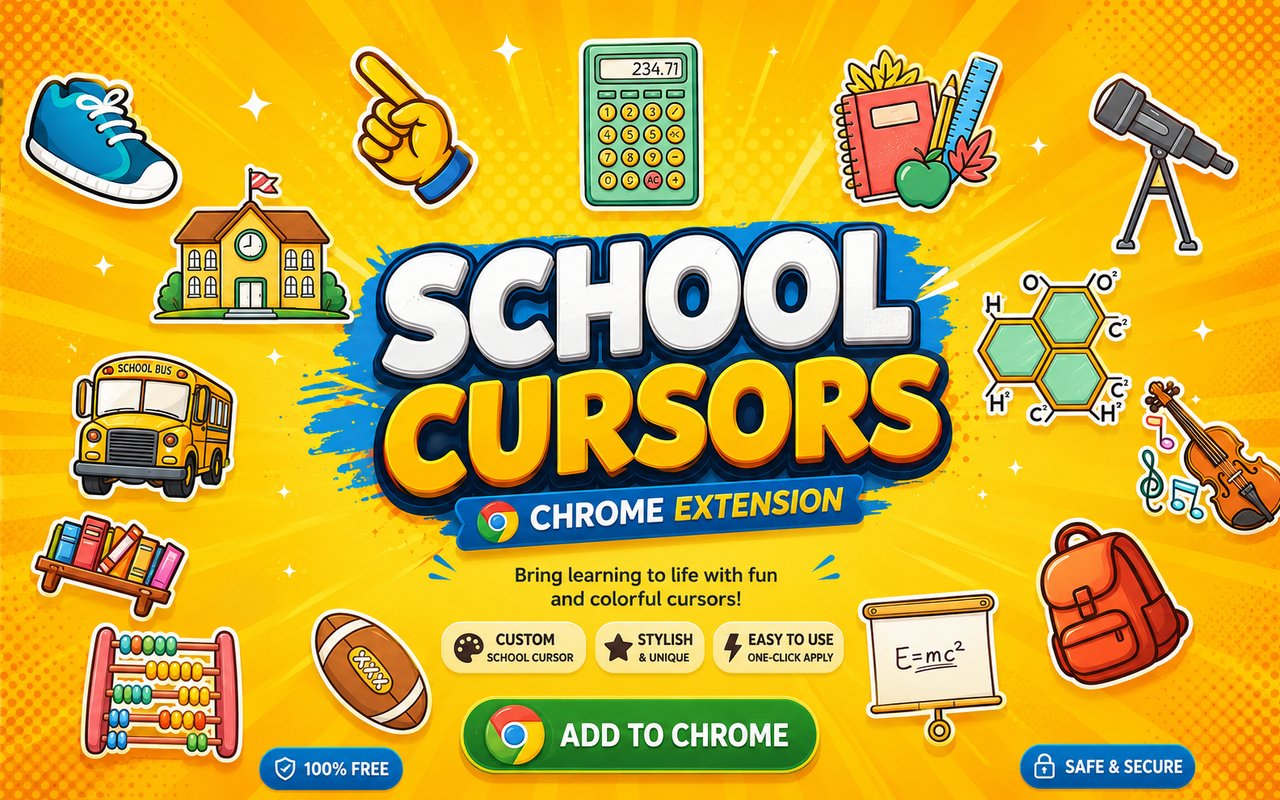
School Cursor is a Chrome extension that replaces your standard browser pointer with a collection of school-themed cursor designs inspired by everyday academic life. From the moment you install it, your cursor transforms into familiar classroom objects and back-to-school imagery that follow you across every tab you open. The extension integrates directly into Chrome without requiring any additional software or configuration.
The designs draw from the classic visual world of school life, featuring iconic items like books, backpacks, pencils, and globes that every student recognises instantly. School supplies such as rulers, erasers, and notebooks have long been symbols of learning, curiosity, and the excitement of a new academic year. These familiar objects carry real meaning for anyone who has spent time in a classroom.
This extension appeals to students, teachers, and anyone who wants a cursor that reflects a love of learning and the back-to-school spirit in their daily browsing.
Key Features of The School Cursor Extension
Complete School Cursor Collection
The collection includes a wide range of academic-themed designs, featuring books, backpacks, pencils, globes, rulers, and other classic school supplies. Each cursor is crafted to represent the everyday objects that define the school experience, giving you plenty of variety to match your mood or subject. Here is what you can expect to find in the library:
- Book cursor
- Backpack cursor
- Pencil cursor
- Globe cursor
- Ruler cursor
- Eraser cursor
Original Animation Art Style
Each cursor in the collection is rendered with bright, clean colors that reflect the cheerful and familiar aesthetic of school stationery and supplies. The designs use bold outlines and vivid fills — think classic yellow pencils, deep blue globes, and rich red backpacks — that stand out clearly against any webpage background. The art style keeps things simple and immediately recognisable, so each item reads clearly even at small cursor sizes. This visual approach gives the collection a friendly, classroom-ready feel that suits learners of all ages.
Adjustable Cursor Size
The extension includes a built-in size slider that lets you scale your cursor up or down to suit your display and personal preference. Whether you are working on a compact laptop screen or a large external monitor, you can find a size that feels natural and comfortable. Larger sizes are particularly useful for presentations or shared screens where visibility matters.
Favorites System for Quick Switching
The favorites system allows you to bookmark the cursor designs you return to most often, saving you from browsing through the full library every time you want to switch. Once saved, your preferred cursors are accessible instantly from a dedicated section within the extension panel. Your favorites are remembered across browser sessions, so your choices are still there the next time you open Chrome.
Lightweight and Performance-Friendly
The extension is designed to run quietly in the background without placing any demand on your system resources. It has no measurable effect on Chrome’s speed, memory usage, or page load times, even during resource-intensive browsing sessions. It performs just as well on older machines as it does on newer hardware.
Easy Toggle On and Off
A simple one-click toggle lets you disable the custom cursor whenever you need your standard pointer back, such as during video calls, work tasks, or specific web applications that benefit from a default cursor. Re-enabling it is equally instant, with no need to reselect your design. The extension remembers whichever cursor was active when you toggled off, so it restores exactly where you left it.
How to Install The School Cursor
- Open Google Chrome on your desktop or laptop.
- Go to the Chrome Web Store and search for School Cursor.
- Click the extension listing to open its detail page.
- Click Add to Chrome and confirm when the popup appears.
- Click the extension icon in your Chrome toolbar to open the cursor library.
- Select any design to activate it immediately — no browser restart needed.
Why School Cursor Fans Love This Extension
For students, the back-to-school season carries a distinct mix of excitement and anticipation — fresh notebooks, a new backpack, and the smell of sharpened pencils are sensory memories that stick with people long after their school years. Having those same objects appear as a cursor brings a small but genuine piece of that feeling into everyday browsing. It is a simple way to express a connection to learning and academic life without any effort. Whether someone is in the middle of exam season or just misses the classroom, these cursors carry real personal resonance.
Students doing online research, writing assignments, or following along with digital lessons will find that using a school-themed cursor adds a touch of personality to an otherwise routine activity. It is especially popular among younger users who want their browser to feel like their own space, and teachers who want to add a bit of character to their classroom displays or shared screens.
Frequently Asked Questions
Does this extension work on all websites?
The cursor is active across virtually all websites you visit in Chrome. A small number of sites with strict content security policies may limit custom cursor behavior, but this is uncommon and the extension works normally on the vast majority of pages.
Can I use multiple School Cursor cursors at once?
Only one cursor can be active at a time, but switching between designs is quick. The favorites system lets you save your preferred characters and switch between them in seconds without scrolling through the entire collection.
Will this extension slow down my browser?
No. The School Cursor extension is built to be lightweight and runs quietly in the background. It has no noticeable impact on Chrome’s speed, memory usage, or page load performance.
Is the School Cursor extension free?
Yes. The extension is completely free to download and use from the Chrome Web Store. You get access to the full cursor library without any subscription or in-app purchases.




Community comments
Comments are reviewed before they appear publicly.