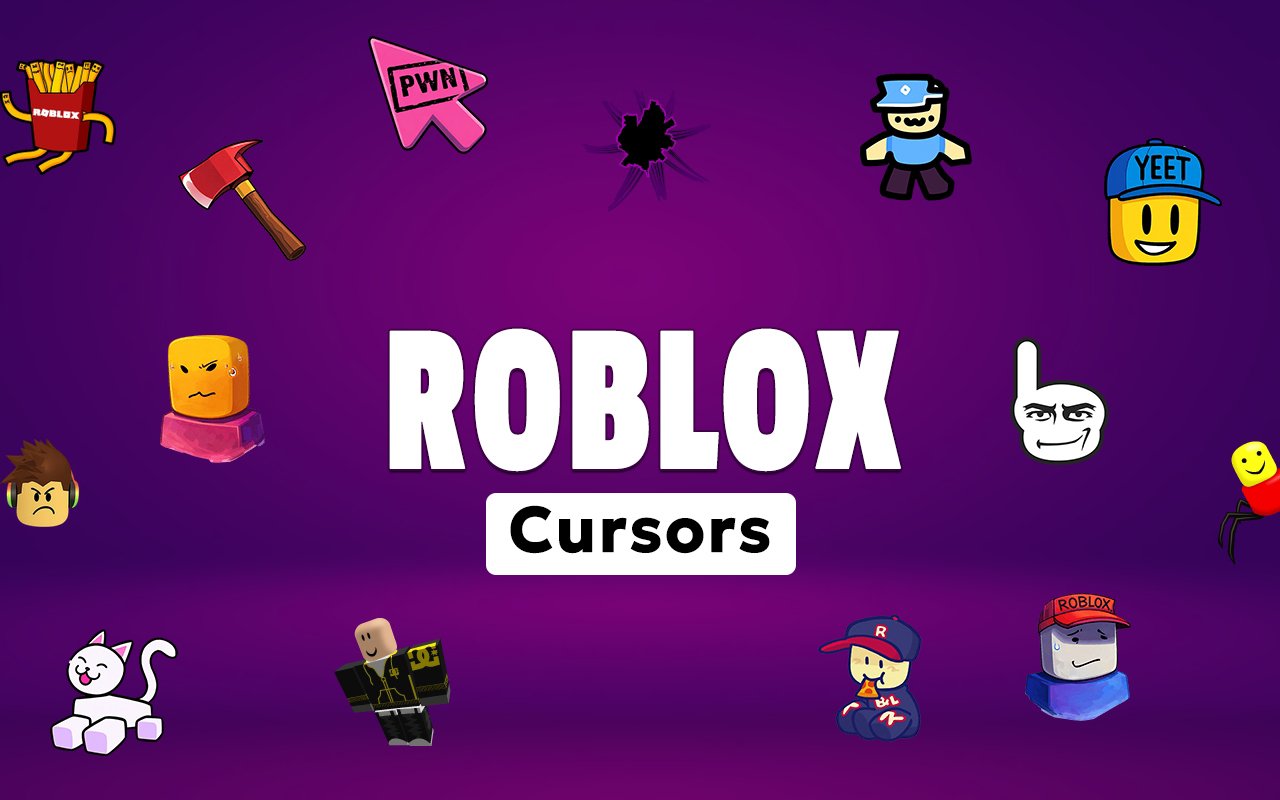
What Is The Roblox Cursor?
The Roblox Cursor is a Chrome extension that replaces your standard browser pointer with custom cursor designs inspired by the world of Roblox. Instead of the default arrow, your cursor becomes one of several iconic characters and figures from the Roblox universe, active across every tab you open. Installation takes seconds, and the swap is immediate.
Roblox is one of the most popular online gaming platforms in the world, known for its blocky character designs, user-created worlds, and a cast of recognisable figures that fans know instantly. Characters like the classic Noob with his bright yellow and blue colour scheme, the unsettling Guest 666, and the legendary Despacito Spider have all become staples of Roblox culture and community humour.
This extension appeals to Roblox players of all ages who want their browser to reflect their love of the game during everyday browsing, whether they are watching videos, doing homework, or jumping between tabs between gaming sessions.
Key Features of The Roblox Cursor Extension
Complete Roblox Character Cursor Collection
The collection draws from some of the most recognised characters and figures in Roblox history, including the Noob, Guest 666, and Despacito Spider alongside other fan-favourite designs. Whether you prefer the charm of the classic Roblox character or the internet-famous oddities that the community has turned into memes, there is a cursor here for every type of Roblox fan.
- Noob (classic yellow and blue Roblox character)
- Guest 666
- Despacito Spider
- Classic Roblox Guest
- Roblox logo cursor
- Default Roblox character design
Original Animation Art Style
Every cursor in this collection is designed to match the blocky, low-polygon visual identity that defines Roblox as a platform. The colour palette leans into the bright primaries and flat shading that characterise the game’s character models, making each cursor immediately recognisable to anyone familiar with the platform. Character details like the Noob’s signature teal body and yellow head are faithfully reproduced at cursor scale. The result feels cohesive rather than like a generic pixel art pack.
Adjustable Cursor Size
The extension includes a size slider that lets you scale your cursor up or down to suit your display and personal preference. Smaller sizes work well on compact laptop screens where desk space is limited, while larger sizes make characters more visible on high-resolution monitors. Finding the right fit takes only a few seconds inside the extension panel.
Favorites System for Quick Switching
If you find yourself returning to the same two or three cursor designs regularly, the favorites system lets you bookmark them for instant access. Rather than scrolling through the full library every time you want to switch, your saved cursors appear at the top for quick selection. Favorites are stored persistently and remain available across browser sessions even after Chrome is closed and reopened.
Lightweight and Performance-Friendly
The extension runs quietly in the background and places no measurable load on Chrome’s performance. Page load times, memory usage, and browser speed are all unaffected, even when you have many tabs open simultaneously. It runs just as smoothly on older machines as it does on newer hardware, making it accessible to a wide range of users.
Easy Toggle On and Off
A single click on the extension icon lets you switch the custom cursor off entirely, reverting Chrome to its default pointer whenever you need it. This is useful during video calls, online exams, or web applications where a standard cursor is more practical. When you are ready to bring it back, one click re-enables it and your last active cursor is restored automatically.
How to Install The Roblox Cursor
- Open Google Chrome on your desktop or laptop.
- Go to the Chrome Web Store and search for Roblox Cursor.
- Click the extension listing to open its detail page.
- Click Add to Chrome and confirm when the popup appears.
- Click the extension icon in your Chrome toolbar to open the cursor library.
- Select any design to activate it immediately — no browser restart needed.
Why Roblox Cursor Fans Love This Extension
Roblox has been part of players’ lives for years, and characters like the Noob and Guest 666 carry real nostalgia for anyone who grew up on the platform. The Despacito Spider in particular became a cultural phenomenon within the Roblox community, representing the kind of absurd, community-driven humour that makes Roblox unique. Seeing these figures appear as your browser cursor brings a small but genuine moment of recognition every time you click. For long-time players, it is a quiet nod to something they genuinely care about.
Younger players and teenagers who spend time in Chrome between Roblox sessions will find that the extension keeps the game’s energy present even when they are not actively playing. It is especially popular among students who have Roblox open in one tab while using Chrome for schoolwork in another, turning an ordinary browsing session into something that feels a little more personal.
Frequently Asked Questions
Does this extension work on all websites?
The cursor is active across virtually all websites you visit in Chrome. A small number of sites with strict content security policies may limit custom cursor behavior, but this is uncommon and the extension works normally on the vast majority of pages.
Can I use multiple Roblox Cursor cursors at once?
Only one cursor can be active at a time, but switching between designs is quick. The favorites system lets you save your preferred characters and switch between them in seconds without scrolling through the entire collection.
Will this extension slow down my browser?
No. The Roblox Cursor extension is built to be lightweight and runs quietly in the background. It has no noticeable impact on Chrome’s speed, memory usage, or page load performance.
Is the Roblox Cursor extension free?
Yes. The extension is completely free to download and use from the Chrome Web Store. You get access to the full cursor library without any subscription or in-app purchases.




Community comments
Comments are reviewed before they appear publicly.