What Is The PaRappa Cursor?
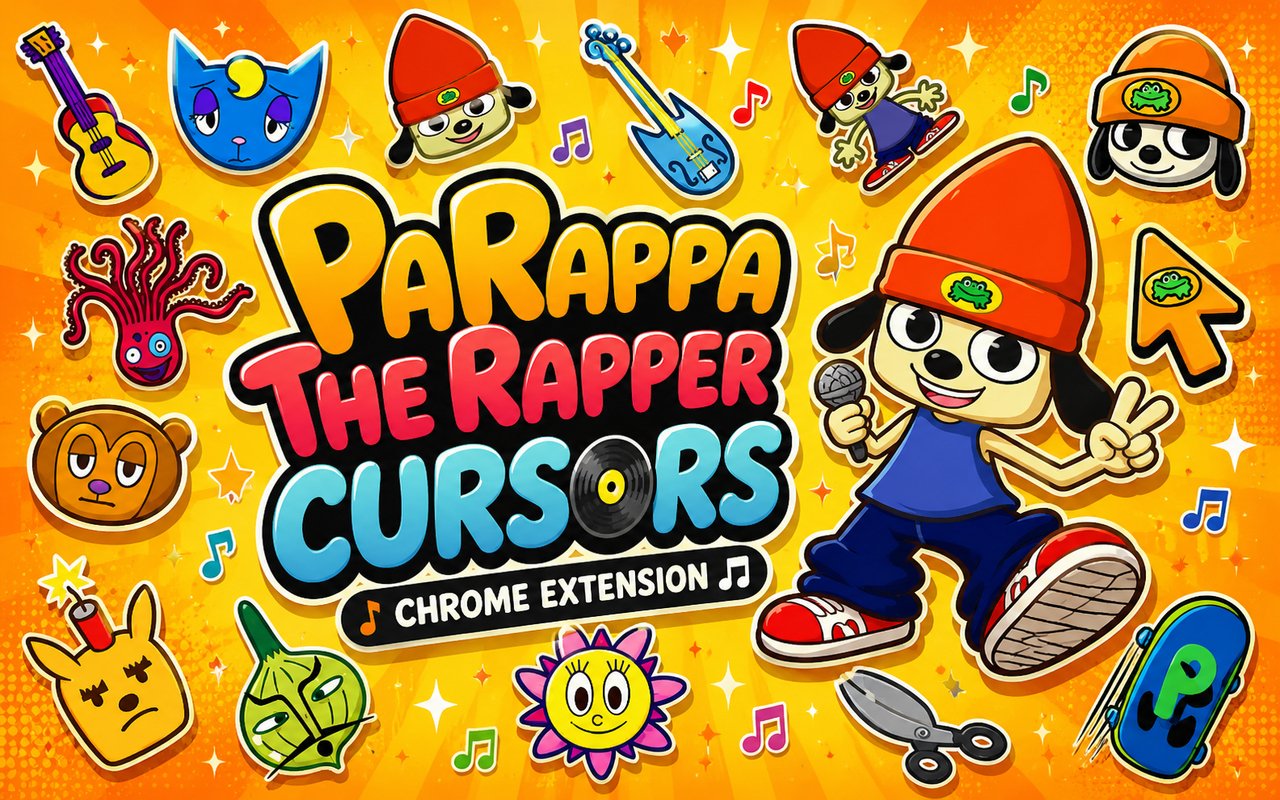
The PaRappa Cursor is a Chrome extension that replaces your default browser cursor with custom designs drawn from the beloved PaRappa the Rapper universe, bringing the game’s iconic characters directly into your everyday browsing. Each cursor is crafted to reflect the distinct visual style of the franchise, so every click and scroll carries a piece of that signature rap energy. The extension installs in seconds and activates immediately without any technical setup.
PaRappa the Rapper began as a PlayStation rhythm game in 1996, introducing players to a flat, paper-thin dog with an unbreakable will and a love of rap. Characters like PaRappa himself, the cheerful Sunny Funny, the laid-back DJ PJ Berri, and the rest of the crew became cult icons thanks to the game’s unforgettable music and quirky storytelling. The franchise later expanded into an anime series and a sequel game, cementing its place in gaming history.
This extension appeals to fans of the game and anyone who wants a cursor that reflects genuine personality, making it a natural fit for daily browsing sessions at home or school.
Key Features of The PaRappa Cursor Extension
Complete PaRappa the Rapper Cursor Collection
The collection draws from the full cast of PaRappa the Rapper, featuring PaRappa, Sunny Funny, PJ Berri, Lammy, Katy Kat, Joe Chin, Chop Chop Master Onion, and other fan-favourite designs from the series. Each character is represented with care, capturing the flat graphic style that made the game visually distinct. The available designs include:
- PaRappa cursor
- Sunny Funny cursor
- PJ Berri cursor
- Lammy cursor
- Katy Kat cursor
- Joe Chin cursor
- Chop Chop Master Onion cursor
- Rap crew themed pointer designs
Original Animation Art Style
Every cursor in this collection reflects the signature flat, 2D aesthetic that defined PaRappa the Rapper visually when it launched in the late 1990s. The characters are rendered with clean outlines, bold block colours, and the deliberately simple silhouettes that artist Rodney Greenblat made famous. PaRappa’s trademark blue beanie and striped shirt, Sunny Funny’s yellow flower head, and PJ Berri’s round sleepy face are all faithfully represented. The result is a set of cursors that feel pulled directly from the game rather than being generic fan art.
Adjustable Cursor Size
A built-in size slider lets you scale any cursor up or down to suit your monitor and personal preference. Smaller sizes work well on compact laptop screens where screen real estate matters, while larger sizes make the character designs more visible on high-resolution or wide-format displays. You can adjust the size at any time through the extension panel without restarting Chrome.
Favorites System for Quick Switching
The favorites system lets you bookmark the specific cursor designs you return to most often, so you never have to scroll through the full library every time you want to switch. Saved favorites appear in a dedicated section of the extension panel for instant one-click access. Your selections are stored persistently, meaning they remain available across browser sessions even after you close and reopen Chrome.
Lightweight and Performance-Friendly
The extension is designed to run quietly in the background without consuming noticeable CPU or memory resources. There is no measurable impact on Chrome’s page load times, tab performance, or overall browser speed, even during graphic-intensive tasks like gaming or video streaming. It runs reliably on older machines as well as modern setups without any configuration required.
Easy Toggle On and Off
A simple on/off toggle in the extension panel lets you switch back to your default system cursor instantly whenever needed, whether for a video call, a work application, or a site that looks better with a standard pointer. Re-enabling the custom cursor brings back whichever design was last active, so you never lose your selection. The toggle responds immediately with no delay or browser refresh required.
How to Install The PaRappa Cursor
- Open Google Chrome on your desktop or laptop.
- Go to the Chrome Web Store and search for PaRappa Cursor.
- Click the extension listing to open its detail page.
- Click Add to Chrome and confirm when the popup appears.
- Click the extension icon in your Chrome toolbar to open the cursor library.
- Select any design to activate it immediately — no browser restart needed.
Why PaRappa Cursor Fans Love This Extension
For anyone who grew up pressing buttons in time to Chop Chop Master Onion’s karate lesson or memorising the beats of Cheap Cheap the Cooking Chicken’s kitchen rap, PaRappa the Rapper carries a kind of nostalgia that is hard to replicate. The characters, the music, and the game’s central message that you can do anything if you believe — summed up in PaRappa’s own motto — left a lasting impression on a generation of players. Having PaRappa or Sunny Funny appear every time you move your cursor is a small but genuine reminder of that era. It keeps the spirit of the game alive in an unexpected and enjoyable way.
For students, gamers, and remote workers who spend long hours in front of a screen, a cursor that reflects something they genuinely care about makes the experience feel less routine. Fans of rhythm games and retro PlayStation titles in particular will find that this extension adds a layer of personality to their browser that generic themes simply cannot match.
Frequently Asked Questions
Does this extension work on all websites?
The cursor is active across virtually all websites you visit in Chrome. A small number of sites with strict content security policies may limit custom cursor behavior, but this is uncommon and the extension works normally on the vast majority of pages.
Can I use multiple PaRappa Cursor cursors at once?
Only one cursor can be active at a time, but switching between designs is quick. The favorites system lets you save your preferred characters and switch between them in seconds without scrolling through the entire collection.
Will this extension slow down my browser?
No. The PaRappa Cursor extension is built to be lightweight and runs quietly in the background. It has no noticeable impact on Chrome’s speed, memory usage, or page load performance.
Is the PaRappa Cursor extension free?
Yes. The extension is completely free to download and use from the Chrome Web Store. You get access to the full cursor library without any subscription or in-app purchases.




Community comments
Comments are reviewed before they appear publicly.