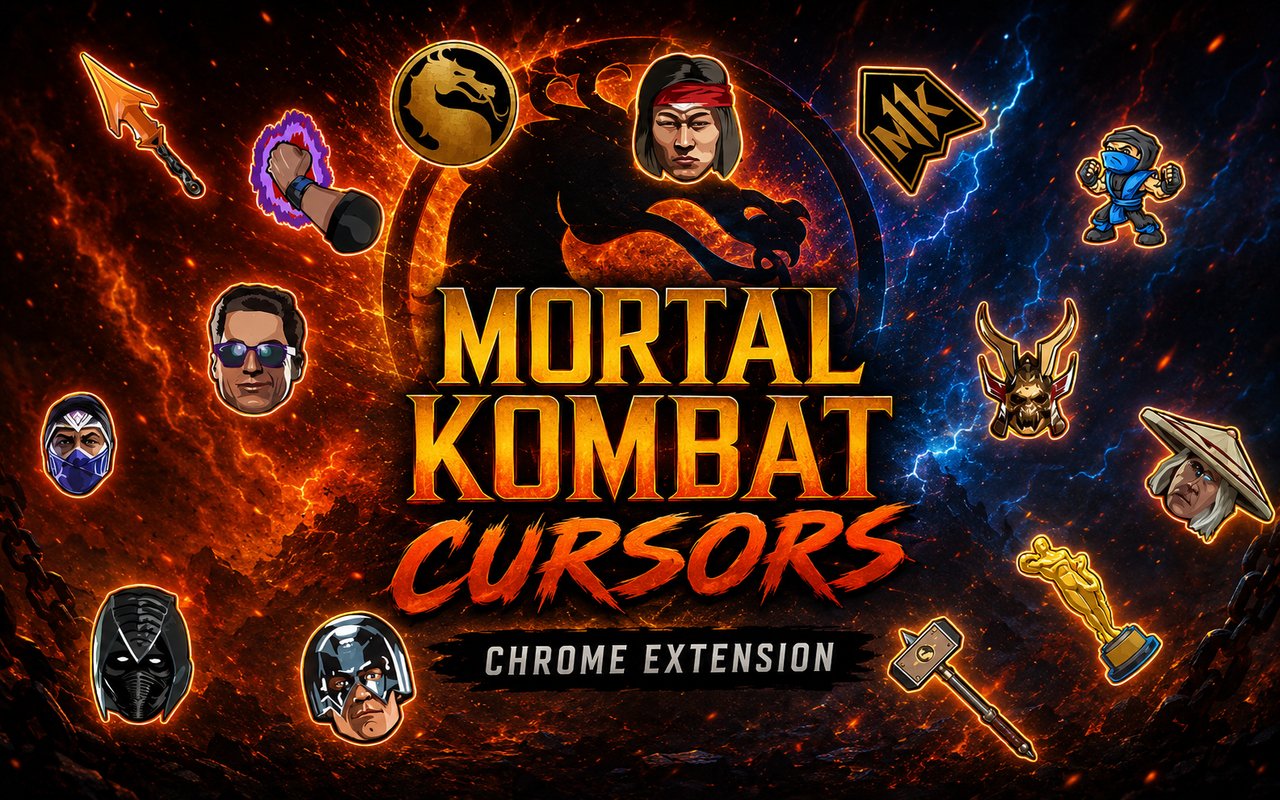
What Is The Mortal Kombat Cursor?
The Mortal Kombat Cursor is a Chrome extension that replaces your standard browser cursor with custom designs inspired by the legendary fighting game franchise. Each cursor is crafted around iconic characters from the series, bringing the world of Mortal Kombat directly into your everyday browsing experience. The extension installs in seconds and activates immediately, with no configuration required.
Mortal Kombat is one of the most recognizable fighting game franchises in history, known for its brutal combat, unforgettable characters, and signature finishing moves. The series features warriors like Scorpion, whose spectral “Get over here!” spear attack has become a gaming icon, the ice-cold Sub-Zero, and the thunder god Raiden, each with deeply developed lore spanning decades of games, films, and animated series. From the Outworld tyrant Shao Kahn to the disciplined Liu Kang and the Hollywood brawler Johnny Cage, the roster is filled with characters that have defined competitive gaming culture.
This extension is a natural fit for Mortal Kombat fans, retro gaming enthusiasts, and anyone who wants their browser to reflect a passion for one of the most iconic fighting game series ever made.
Key Features of The Mortal Kombat Cursor Extension
Complete Mortal Kombat Cursor Collection
The extension draws directly from the Mortal Kombat roster, offering cursor designs based on some of the franchise’s most beloved and recognizable fighters. Characters like Scorpion, Sub-Zero, Liu Kang, Shao Kahn, Raiden, and Johnny Cage are all represented, each cursor capturing their distinct visual identity and personality from the games.
- Scorpion cursor
- Sub-Zero cursor
- Liu Kang cursor
- Shao Kahn cursor
- Raiden cursor
- Johnny Cage cursor
Original Animation Art Style
Each cursor in this collection is designed to reflect the dark, stylized visual language that defines Mortal Kombat’s aesthetic. The color palette leans into deep blacks, fiery oranges for Scorpion, icy blues for Sub-Zero, and the imposing golds and greens associated with Shao Kahn. Character details like Scorpion’s skull mask, Raiden’s conical hat, and Sub-Zero’s ninja garb are faithfully rendered in a way that remains recognizable even at small cursor sizes. The art style balances game-accurate design with the clarity needed for functional everyday use.
Adjustable Cursor Size
The extension includes a built-in size slider that lets you scale your cursor up or down to suit your monitor resolution and personal preference. Whether you are on a compact laptop display or a wide high-resolution monitor, you can dial in the right size for comfortable visibility. Larger sizes work especially well for those who want the character details to remain crisp and easy to see while navigating busy web pages.
Favorites System for Quick Switching
The favorites system lets you bookmark your preferred cursor designs so you can return to them instantly without scrolling through the full library each time. Once saved, your favorites remain accessible across browser sessions, meaning your go-to Scorpion or Sub-Zero cursor is always just one click away. This is particularly useful if you enjoy rotating between a few specific characters depending on your mood.
Lightweight and Performance-Friendly
The extension is engineered to run quietly in the background without consuming meaningful amounts of memory or CPU resources. There is no impact on Chrome’s page load times, and it performs just as smoothly during graphic-intensive sessions as it does during light browsing. Users on older machines will find no degradation in browser performance after installation.
Easy Toggle On and Off
A simple on/off toggle lets you disable the custom cursor instantly whenever you need your default pointer back, whether for a video call, a work presentation, or a specific web application that benefits from the standard cursor. Re-enabling the extension is equally immediate, and it automatically restores the last cursor you had active. There is no need to re-select your preferred design every time you switch it back on.
How to Install The Mortal Kombat Cursor
- Open Google Chrome on your desktop or laptop.
- Go to the Chrome Web Store and search for Mortal Kombat Cursor.
- Click the extension listing to open its detail page.
- Click Add to Chrome and confirm when the popup appears.
- Click the extension icon in your Chrome toolbar to open the cursor library.
- Select any design to activate it immediately — no browser restart needed.
Why Mortal Kombat Cursor Fans Love This Extension
For anyone who grew up feeding quarters into arcade cabinets or wearing out controllers with friends, Mortal Kombat carries a kind of nostalgia that few other franchises can match. Seeing Scorpion’s yellow-clad silhouette or Sub-Zero’s frozen blue aesthetic as your browser cursor is a small but genuine nod to those memories. The rivalry between these two ninja warriors alone has fueled decades of fan devotion, and having them present during everyday online activity keeps that connection alive. Characters like Raiden and Shao Kahn bring the cosmic scale of the series’ lore into your browser in a way that feels both personal and fitting.
For gamers who spend long hours browsing patch notes, watching tournament streams, or reading Mortal Kombat lore wikis, having a cursor that matches that passion makes the experience feel more cohesive and immersive. Content creators, streamers, and competitive fighting game fans will find this extension adds a distinctive personal touch to their setup without requiring any technical effort to maintain.
Frequently Asked Questions
Does this extension work on all websites?
The cursor is active across virtually all websites you visit in Chrome. A small number of sites with strict content security policies may limit custom cursor behavior, but this is uncommon and the extension works normally on the vast majority of pages.
Can I use multiple Mortal Kombat Cursor cursors at once?
Only one cursor can be active at a time, but switching between designs is quick. The favorites system lets you save your preferred characters and switch between them in seconds without scrolling through the entire collection.
Will this extension slow down my browser?
No. The Mortal Kombat Cursor extension is built to be lightweight and runs quietly in the background. It has no noticeable impact on Chrome’s speed, memory usage, or page load performance.
Is the Mortal Kombat Cursor extension free?
Yes. The extension is completely free to download and use from the Chrome Web Store. You get access to the full cursor library without any subscription or in-app purchases.




Community comments
Comments are reviewed before they appear publicly.