What Is The Memes Cursor?
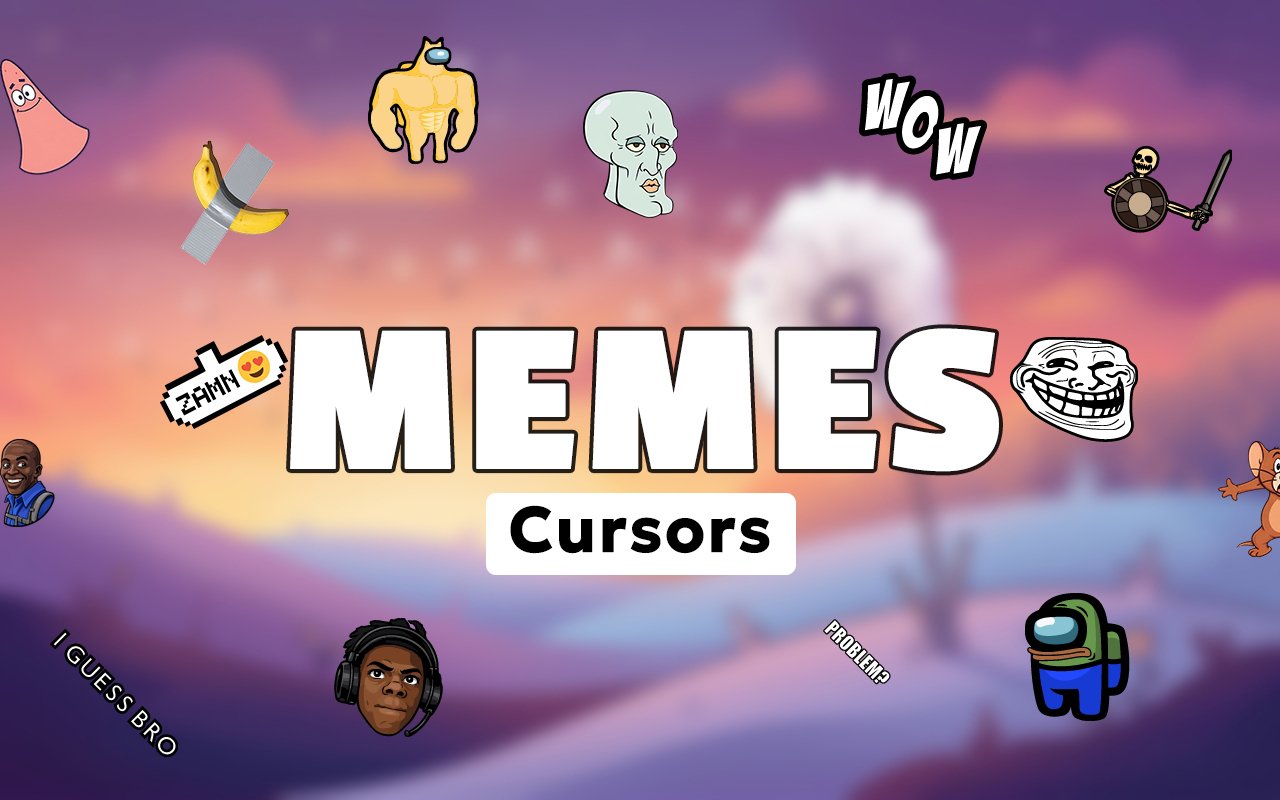
Memes Cursor is a Chrome extension that replaces your standard browser cursor with custom designs based on some of the most recognizable memes on the internet. Instead of the default pointer, you can browse with cursors styled after viral characters and internet legends. The extension installs directly into Chrome and activates your chosen design instantly across every tab.
Internet meme culture has produced a long roster of iconic characters that have taken on a life of their own across social media, forums, and video content. Doge, the beloved Shiba Inu, Pepe the Frog, and Handsome Squidward are among the most widely shared images in online history, while IShowSpeed and Willem Dafoe have become meme legends in their own right through viral moments that spread across platforms. These characters carry genuine cultural weight for anyone who has spent time on the internet over the past decade.
The extension is a natural fit for anyone who grew up immersed in meme culture and wants their browser to reflect that sense of humor during everyday browsing.
Key Features of The Memes Cursor Extension
Complete Meme Cursor Collection
The collection draws from some of the most beloved and widely recognized meme figures ever to circulate online. Characters such as IShowSpeed, Doge, Pepe the Frog, Handsome Squidward, and Willem Dafoe are all represented, giving you a broad range of cursor designs that span years of internet culture. The lineup includes:
- IShowSpeed cursor
- Doge cursor
- Pepe the Frog cursor
- Handsome Squidward cursor
- Willem Dafoe cursor
- Additional viral meme character designs
Original Meme-Faithful Art Style
Each cursor is crafted to stay true to the original image or frame that made each meme recognizable in the first place. Doge retains that warm, knowing expression, while Pepe the Frog is rendered with the loose, slightly chaotic line work that defines the character across countless variations. The designs lean into the lo-fi, irreverent visual language of internet meme culture rather than polishing the characters into something unrecognizable. That faithfulness to the source material is what makes these cursors immediately identifiable on screen.
Adjustable Cursor Size
A built-in size slider lets you scale each cursor up or down to suit your display and personal preference. Whether you are working on a compact laptop screen or a large external monitor, you can dial in the exact size that feels right. Larger sizes make the meme designs more visible and expressive, while smaller settings keep things subtle during shared sessions.
Favorites System for Quick Switching
The favorites system lets you bookmark the cursor designs you return to most often so they are always within easy reach. Rather than scrolling through the full collection every time you want to switch, your saved favorites appear front and center whenever you open the extension panel. These preferences are stored persistently, so your saved selections remain in place even after closing and reopening Chrome.
Lightweight and Performance-Friendly
The extension runs quietly in the background without placing any meaningful load on Chrome or your system resources. Page load times, memory usage, and overall browser speed remain unaffected during normal browsing and even during more demanding sessions involving streaming or online gaming. It is equally well suited to older machines that cannot spare much overhead.
Easy Toggle On and Off
A single click on the extension icon is all it takes to switch the custom cursor on or off at any moment. This makes it straightforward to revert to your default system cursor for professional video calls, work presentations, or any situation where a meme cursor might not be appropriate. Once you re-enable the extension, it restores whichever cursor design you had active last.
How to Install The Memes Cursor
- Open Google Chrome on your desktop or laptop.
- Go to the Chrome Web Store and search for Memes Cursor.
- Click the extension listing to open its detail page.
- Click Add to Chrome and confirm when the popup appears.
- Click the extension icon in your Chrome toolbar to open the cursor library.
- Select any design to activate it immediately — no browser restart needed.
Why Memes Cursor Fans Love This Extension
For anyone who has spent real time in internet culture, these characters carry genuine nostalgia and personality. Seeing Doge staring back from your cursor brings the same warmth as stumbling across an old meme you forgot you loved, while Pepe the Frog and Handsome Squidward tap into years of shared online humor that spans generations of internet users. IShowSpeed and Willem Dafoe represent a more recent wave of meme-making, and having them as cursor designs feels like a small nod to the moments that made them legendary. These are not generic decorations — they are characters with real cultural histories attached to them.
For students browsing through long study sessions, gamers switching between tabs, or anyone who simply spends a significant portion of their day in a browser, having a cursor that reflects a sense of humor makes the experience feel more personal. Meme enthusiasts and content creators who live inside internet culture will find particular satisfaction in seeing their favorite viral figures represented in such a direct and usable way.
Frequently Asked Questions
Does this extension work on all websites?
The cursor is active across virtually all websites you visit in Chrome. A small number of sites with strict content security policies may limit custom cursor behavior, but this is uncommon and the extension works normally on the vast majority of pages.
Can I use multiple Memes Cursor cursors at once?
Only one cursor can be active at a time, but switching between designs is quick. The favorites system lets you save your preferred characters and switch between them in seconds without scrolling through the entire collection.
Will this extension slow down my browser?
No. The Memes Cursor extension is built to be lightweight and runs quietly in the background. It has no noticeable impact on Chrome’s speed, memory usage, or page load performance.
Is the Memes Cursor extension free?
Yes. The extension is completely free to download and use from the Chrome Web Store. You get access to the full cursor library without any subscription or in-app purchases.




Community comments
Comments are reviewed before they appear publicly.