What Is The Literary Cursor?
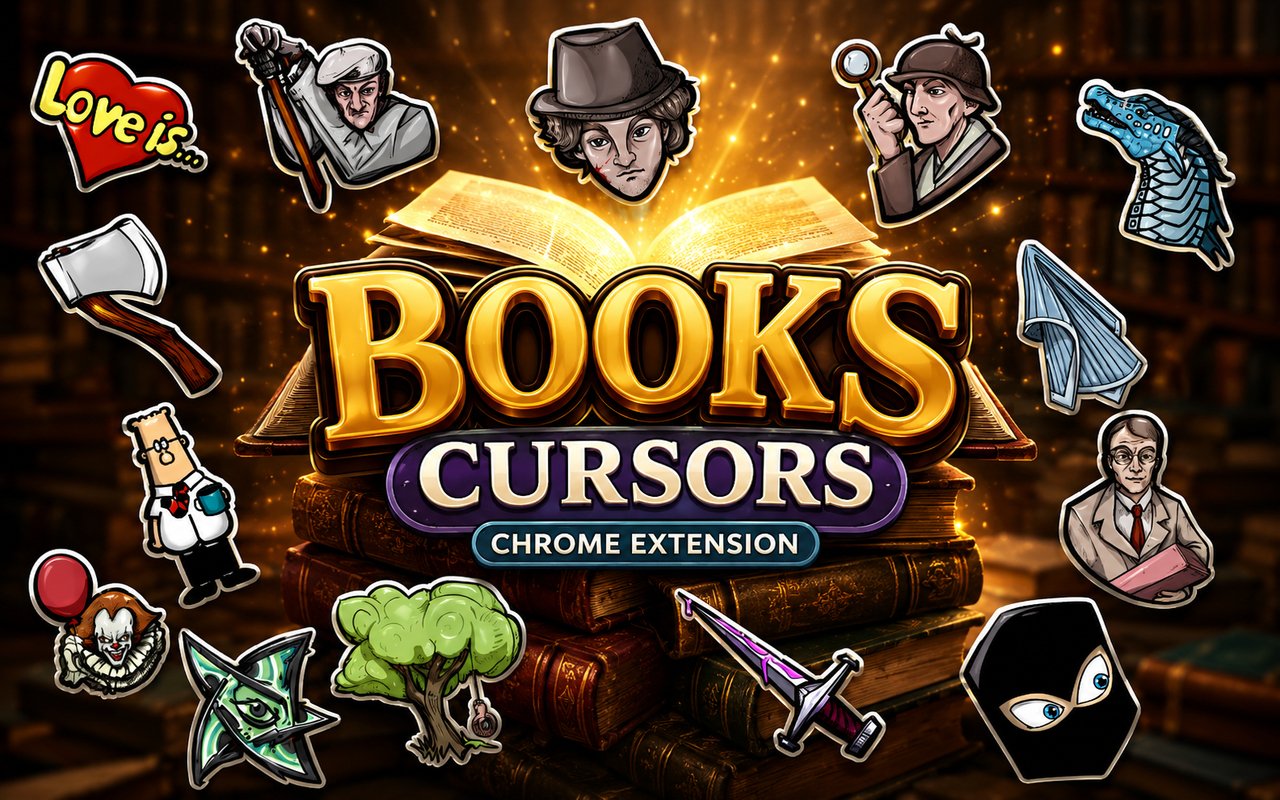
Literary Cursor is a Chrome extension that replaces your standard browser pointer with a set of carefully crafted cursor designs inspired by some of the most beloved works in literary history. With over 15 themed cursors drawn from classic novels, gothic fiction, and iconic storytelling, it brings a bookish personality to every click and scroll. The extension installs directly into Chrome and activates immediately, with no configuration required beyond choosing a design.
The source material spans centuries of literature and genre fiction, drawing from the fog-drenched mysteries of Arthur Conan Doyle’s Sherlock Holmes, the existential dread of Shakespeare’s Hamlet, the dystopian bleakness of George Orwell’s 1984, the cosmic horror of H.P. Lovecraft’s Cthulhu, and the tender philosophy of Antoine de Saint-Exupery’s The Little Prince. These are not obscure references — they are foundational works that have shaped how readers and writers think about storytelling. The cursor set reflects that breadth, covering detective fiction, tragedy, science fiction, horror, and children’s literature in a single collection.
The extension appeals to readers, students, writers, and anyone who would rather their browser feel like a library than a blank utility — it is a small but consistent reminder of the books that matter most.
Key Features of The Literary Cursor Extension
Complete Literary Cursor Collection Across Genres
The collection covers an impressive range of literary worlds, featuring characters and symbols from Sherlock Holmes, Hamlet, 1984, Cthulhu, The Little Prince, and several more classic and genre-defining works. Each design is drawn to represent its source material distinctly, giving you cursors that are immediately recognisable to anyone familiar with the books. The full list includes:
- Sherlock Holmes cursor
- Hamlet cursor
- 1984 / Big Brother cursor
- Cthulhu cursor
- The Little Prince cursor
- Classic horror or gothic fiction cursor
- Additional literary character designs from the wider collection
Original Literary Art Style
Each cursor is designed to reflect the visual and tonal identity of its source material rather than adopting a uniform look across the set. The Sherlock Holmes cursor leans into Victorian-era details — think deerstalkers, magnifying glasses, and sepia tones — while the Cthulhu design embraces dark, tentacled forms drawn in a style that echoes pulp horror illustration. The 1984 cursor carries a stark, oppressive aesthetic, and The Little Prince design uses the soft, watercolour-influenced linework associated with Saint-Exupery’s original illustrations. The result is a collection where each cursor feels native to the world it represents.
Adjustable Cursor Size
A built-in size slider lets you scale any cursor up or down to suit your screen resolution and personal preference. Whether you are working on a compact laptop display or a large external monitor, you can dial in exactly how prominent the cursor appears. This makes the extension practical as well as decorative, ensuring the designs remain clear and usable at any size.
Favorites System for Quick Switching
The favorites system lets you bookmark the cursor designs you return to most often, so you do not have to browse the full library every time you want to switch. Saving a cursor to your favorites takes a single click, and those saved selections persist across browser sessions. This is particularly useful when you rotate between a few preferred designs depending on your mood or what you are working on.
Lightweight and Performance-Friendly
The extension runs quietly in the background and places no measurable load on Chrome’s memory or processing resources. Page load times are unaffected, and the extension performs just as well during resource-intensive browsing sessions as it does on lighter tasks. Users on older machines will find no reason for concern — the impact on system performance is negligible.
Easy Toggle On and Off
A simple on/off toggle in the extension popup lets you revert to your default system cursor whenever you need to — for professional video calls, work presentations, or web applications where a custom cursor might be distracting. Re-enabling the extension is equally instant, and Chrome remembers whichever cursor was last active so you never have to reselect it after toggling back on.
How to Install The Literary Cursor
- Open Google Chrome on your desktop or laptop.
- Go to the Chrome Web Store and search for Literary Cursor.
- Click the extension listing to open its detail page.
- Click Add to Chrome and confirm when the popup appears.
- Click the extension icon in your Chrome toolbar to open the cursor library.
- Select any design to activate it immediately — no browser restart needed.
Why Literary Cursor Fans Love This Extension
For readers, these characters carry genuine emotional weight. Sherlock Holmes represents the pleasure of close observation and rational thinking — qualities that feel at home during an afternoon of research or careful reading online. Hamlet speaks to anyone drawn to questions without easy answers, and The Little Prince has a way of resurfacing meaning in everyday moments. Having these figures present during ordinary browsing is less about decoration and more about keeping good company with stories that have stayed with you.
Students writing essays, readers logging their reading lists, and writers working on fiction will find the cursors particularly fitting — they sit naturally in the context of literary work done at a desk. For anyone whose browser doubles as a reading and research tool, the extension adds a layer of personality that feels earned rather than arbitrary.
Frequently Asked Questions
Does this extension work on all websites?
The cursor is active across virtually all websites you visit in Chrome. A small number of sites with strict content security policies may limit custom cursor behavior, but this is uncommon and the extension works normally on the vast majority of pages.
Can I use multiple Literary Cursor cursors at once?
Only one cursor can be active at a time, but switching between designs is quick. The favorites system lets you save your preferred characters and switch between them in seconds without scrolling through the entire collection.
Will this extension slow down my browser?
No. The Literary Cursor extension is built to be lightweight and runs quietly in the background. It has no noticeable impact on Chrome’s speed, memory usage, or page load performance.
Is the Literary Cursor extension free?
Yes. The extension is completely free to download and use from the Chrome Web Store. You get access to the full cursor library without any subscription or in-app purchases.




Community comments
Comments are reviewed before they appear publicly.