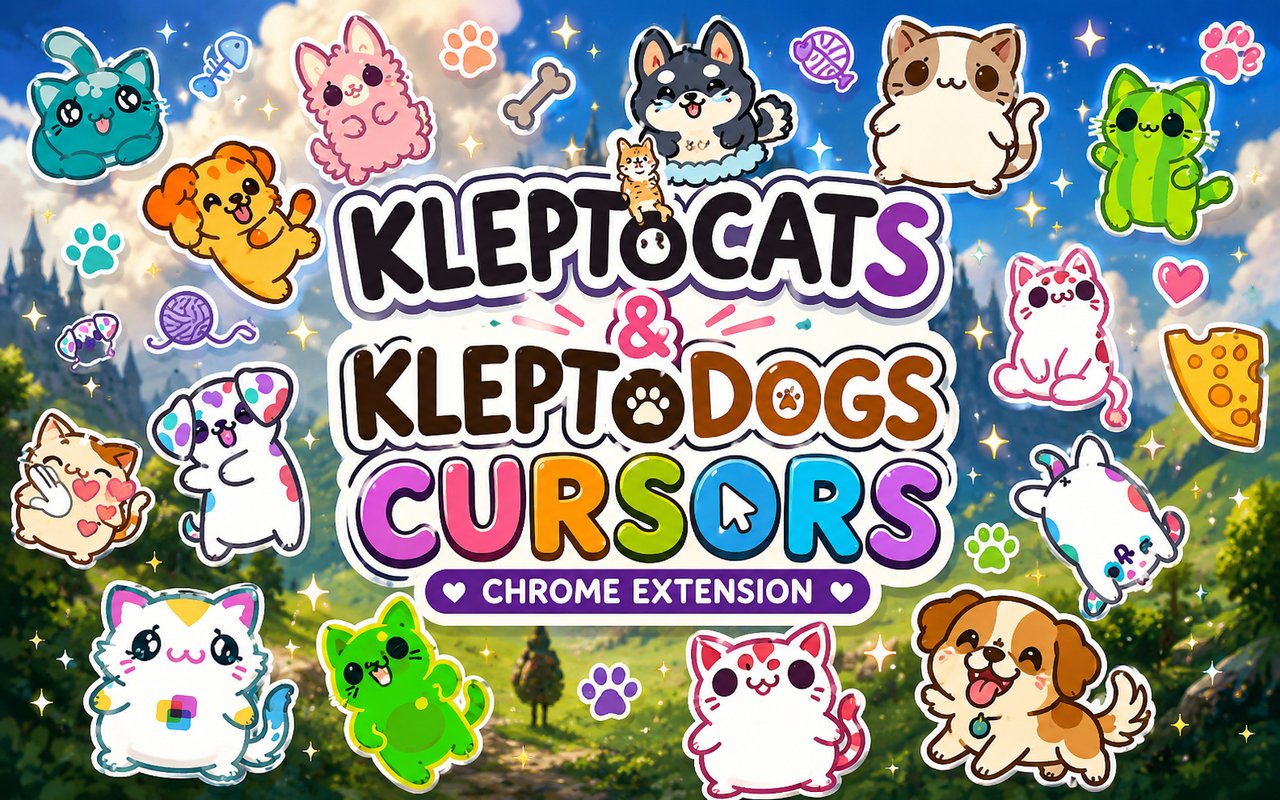
What Is The KleptoCats Cursor?
The KleptoCats Cursor is a Chrome extension that replaces your standard browser pointer with custom cursors themed around the beloved KleptoCats and KleptoDogs mobile games. Each cursor is designed around a specific character from the franchise, giving your browser a personality that matches your love for these quirky klepto pets. Installation takes seconds and the cursor activates immediately across your browsing sessions.
KleptoCats and KleptoDogs are popular mobile games developed by HyperBeard, where players collect adorable cats and dogs who sneak out and bring back random stolen items. Fan-favorite characters like Chester, Guapo, and Sakura have developed strong followings thanks to their distinctive looks and charming animations. The games are known for their pastel color palettes, expressive character designs, and oddly satisfying collect-a-thon gameplay loops.
This extension is a natural fit for fans of the HyperBeard games who want a small but meaningful way to bring their favorite pets into everyday browsing.
Key Features of The KleptoCats Cursor Extension
Complete KleptoCats and KleptoDogs Cursor Collection
The extension draws directly from both games, featuring a lineup of recognizable characters that fans will spot immediately. Chester, Guapo, Papu, Sakura, Gemdog, and Max are all represented, giving you a solid roster of klepto pets to choose from and rotate through. Each character gets their own cursor treatment:
- Chester cursor
- Guapo cursor
- Papu cursor
- Sakura cursor
- Gemdog cursor
- Max cursor
Original Animation Art Style
The cursors capture the soft, rounded character designs that define the KleptoCats visual identity, with warm pastel tones and clean outlines that translate well at cursor scale. HyperBeard’s art style relies on expressive eyes and simplified but charming body shapes, and these cursors reflect that aesthetic faithfully. The color choices stay true to each character’s in-game palette, so Chester looks like Chester and Sakura looks unmistakably like Sakura. The result is a set of cursors that feel like they belong to the same world as the games rather than generic fan recreations.
Adjustable Cursor Size
A built-in size slider lets you scale each cursor up or down to suit your screen resolution and personal preference. Users on larger monitors or high-DPI displays can increase the size for better visibility, while those who prefer a more subtle look can keep things compact. The slider gives you precise control without requiring any technical adjustments in Chrome’s settings.
Favorites System for Quick Switching
The favorites system allows you to bookmark your most-used cursor designs so you can return to them without browsing through the entire library every time. Simply mark a character as a favorite and it appears in a dedicated section for one-click access. Your saved favorites persist across browser sessions, so your preferred lineup is always ready when you open Chrome.
Lightweight and Performance-Friendly
The extension runs quietly in the background without drawing on Chrome’s memory or slowing down page load times. It is designed to have no measurable impact on browser performance, even during graphic-intensive sessions or on older hardware. You can leave it running all day without any concern about it affecting your system.
Easy Toggle On and Off
A single click on the extension icon lets you switch the custom cursor off instantly, reverting to Chrome’s default pointer whenever you need it for work, video calls, or specific web applications. Re-enabling is equally quick, and the extension remembers whichever cursor was last active so you pick up right where you left off.
How to Install The KleptoCats Cursor
- Open Google Chrome on your desktop or laptop.
- Go to the Chrome Web Store and search for KleptoCats Cursor.
- Click the extension listing to open its detail page.
- Click Add to Chrome and confirm when the popup appears.
- Click the extension icon in your Chrome toolbar to open the cursor library.
- Select any design to activate it immediately — no browser restart needed.
Why KleptoCats Cursor Fans Love This Extension
For players who have spent hours watching Chester and Guapo sneak off into the night and return with absurd stolen treasures, having these characters appear on screen during everyday browsing carries a genuine sense of warmth. The KleptoCats and KleptoDogs games built their fanbases on character attachment, and that connection does not disappear when the app is closed. Seeing Papu or Sakura at the tip of your cursor is a small reminder of the relaxing, low-stakes joy those games provide. It is the kind of detail that means a lot to fans who have spent real time with these pets.
Students who play KleptoCats during study breaks, mobile gamers who do most of their browsing on a desktop, and collectors who have unlocked every character in the game are all natural fits for this extension. Having Max or Gemdog as your cursor while you browse is a subtle but satisfying way to keep the games close even when you are not actively playing them.
Frequently Asked Questions
Does this extension work on all websites?
The cursor is active across virtually all websites you visit in Chrome. A small number of sites with strict content security policies may limit custom cursor behavior, but this is uncommon and the extension works normally on the vast majority of pages.
Can I use multiple KleptoCats Cursor cursors at once?
Only one cursor can be active at a time, but switching between designs is quick. The favorites system lets you save your preferred characters and switch between them in seconds without scrolling through the entire collection.
Will this extension slow down my browser?
No. The KleptoCats Cursor extension is built to be lightweight and runs quietly in the background. It has no noticeable impact on Chrome’s speed, memory usage, or page load performance.
Is the KleptoCats Cursor extension free?
Yes. The extension is completely free to download and use from the Chrome Web Store. You get access to the full cursor library without any subscription or in-app purchases.




Community comments
Comments are reviewed before they appear publicly.