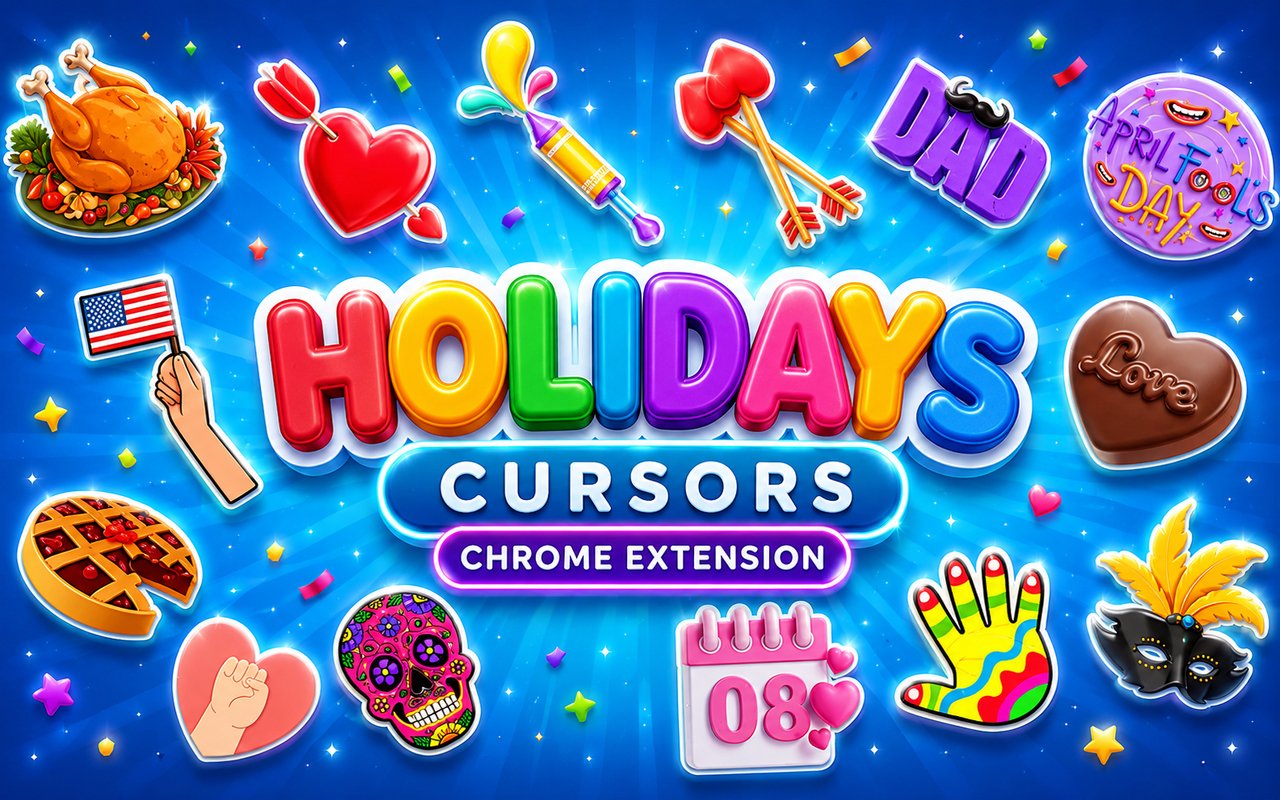
What Is The Holidays Cursor?
Holidays Cursor is a Chrome extension that replaces your standard browser cursor with festive, themed designs tied to major celebrations throughout the year. Each cursor set is crafted to match the spirit of a specific holiday, giving your browsing a seasonal feel no matter the time of year. The extension installs directly into Chrome and activates instantly without any complicated setup.
The collection spans a wide range of holidays and cultural events, from the romantic reds of Valentine’s Day and the vibrant powder colors of Holi to the warm autumn tones of Thanksgiving, the gold and red motifs of Chinese New Year, and the playful absurdity of April Fools. Each occasion brings its own visual language, and the cursors are designed to reflect those specific traditions and aesthetics rather than offering a one-size-fits-all seasonal theme.
This extension appeals to anyone who enjoys personalizing their browser to match the calendar, whether they are holiday enthusiasts, cultural celebrants, or simply people who like a little variety in their daily browsing routine.
Key Features of The Holidays Cursor Extension
Complete Holiday Cursor Collection
The extension includes cursor designs drawn from some of the most beloved holidays and festivals worldwide. You will find designs inspired by Valentine’s Day hearts, Holi color splashes, Thanksgiving harvest imagery, Chinese New Year dragons and lanterns, and April Fools trickster motifs, among others. Some of the specific cursor designs included are:
- Valentine’s Day heart cursor
- Holi color powder splash cursor
- Thanksgiving pumpkin and harvest cursor
- Chinese New Year dragon cursor
- Chinese New Year red lantern cursor
- April Fools jester or joke prop cursor
Festive Art Style Across Every Season
Each cursor set draws directly from the visual traditions of its holiday, using color palettes and iconography that feel immediately recognizable. Valentine’s Day designs lean into deep reds, pinks, and gold, while Holi cursors burst with multicolored pigment-inspired hues. Chinese New Year themes carry the bold reds and ornate gold detailing associated with Lunar New Year decorations. The result is a cohesive collection where every design feels distinctly tied to its occasion rather than generically festive.
Adjustable Cursor Size
A built-in size slider lets you scale any cursor up or down to suit your monitor and personal preference. Whether you are working on a compact laptop screen or a large external display, you can dial in the right size so the cursor feels natural and visible. This flexibility means the extension works comfortably across a wide range of screen setups without any mismatch.
Favorites System for Quick Switching
The favorites system allows you to bookmark your preferred holiday cursor designs so you can return to them without browsing the full library every time. Simply mark a cursor as a favorite and it will be saved and accessible from a dedicated section of the extension panel. These saved preferences persist across browser sessions, so your chosen designs are always ready when you reopen Chrome.
Lightweight and Performance-Friendly
The extension operates quietly in the background and places no meaningful demand on Chrome’s processing resources. Page load times, memory usage, and overall browser performance remain unaffected, even during media-heavy browsing or long sessions. Users on older machines will find the extension just as smooth and unobtrusive as those on newer hardware.
Easy Toggle On and Off
A single click on the toggle switch disables the custom cursor entirely, returning Chrome to its default pointer instantly. This is useful for professional video calls, work applications, or any situation where a themed cursor might feel out of place. When you are ready to bring the holiday spirit back, one more click reactivates the extension and restores whichever cursor was last active.
How to Install The Holidays Cursor
- Open Google Chrome on your desktop or laptop.
- Go to the Chrome Web Store and search for Holidays Cursor.
- Click the extension listing to open its detail page.
- Click Add to Chrome and confirm when the popup appears.
- Click the extension icon in your Chrome toolbar to open the cursor library.
- Select any design to activate it immediately — no browser restart needed.
Why Holidays Cursor Fans Love This Extension
For people who genuinely love marking the changing seasons and cultural occasions, this extension offers a small but meaningful way to carry that enthusiasm into everyday browsing. Switching to a Thanksgiving harvest cursor in November or a Chinese New Year dragon design in January feels like putting up seasonal decorations — it is a low-effort way to acknowledge the occasion with a personal touch. The breadth of holidays covered means there is rarely a stretch of the calendar without something relevant in the collection. For those who celebrate multiple cultural traditions, finding their specific holiday represented with a thoughtfully designed cursor carries real appeal.
Students who decorate their study spaces seasonally, remote workers who enjoy personalizing their digital environment, and anyone who sends a lot of holiday messages and browses related content during festive periods will find the extension a natural fit. It adds a layer of personality to the browser that matches the mood of the moment without requiring any ongoing effort to maintain.
Frequently Asked Questions
Does this extension work on all websites?
The cursor is active across virtually all websites you visit in Chrome. A small number of sites with strict content security policies may limit custom cursor behavior, but this is uncommon and the extension works normally on the vast majority of pages.
Can I use multiple Holidays Cursor cursors at once?
Only one cursor can be active at a time, but switching between designs is quick. The favorites system lets you save your preferred holiday designs and switch between them in seconds without scrolling through the entire collection.
Will this extension slow down my browser?
No. The Holidays Cursor extension is built to be lightweight and runs quietly in the background. It has no noticeable impact on Chrome’s speed, memory usage, or page load performance.
Is the Holidays Cursor extension free?
Yes. The extension is completely free to download and use from the Chrome Web Store. You get access to the full cursor library without any subscription or in-app purchases.




Community comments
Comments are reviewed before they appear publicly.