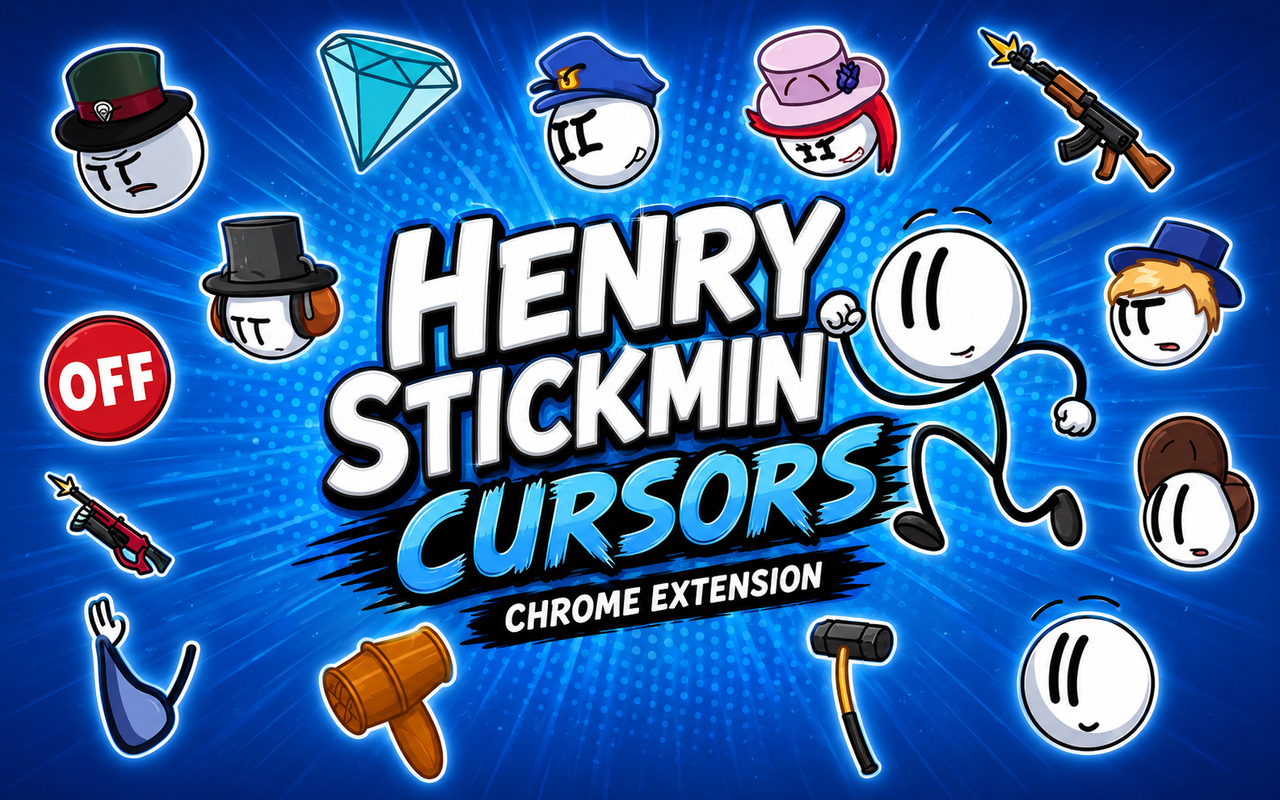
What Is The Henry Stickmin Cursor?
Henry Stickmin Cursor is a Chrome extension that replaces your standard browser pointer with custom cursors inspired by the beloved Henry Stickmin game series. Once installed, your cursor changes to themed designs featuring characters and elements straight from the franchise, bringing a touch of the adventure to every click and scroll. The extension works instantly across your browser with no setup beyond a single click.
Henry Stickmin is a series of flash-style point-and-click adventure games developed by PuffballsUnited, following the chaotic escapades of the stick figure thief Henry Stickmin as he attempts increasingly absurd missions. The cast includes memorable characters like Ellie Rose, the sharp and resourceful partner, Charles Calvin, the loveable helicopter pilot, and the imposing Right Hand Man, among many others. The games became a cultural touchstone for a generation of browser game fans and saw a major revival with the Completing the Mission collection.
This extension appeals most to fans who grew up with the games and want a small but personal way to carry that nostalgia into their daily browsing without any disruption to how they use Chrome.
Key Features of The Henry Stickmin Cursor Extension
Complete Henry Stickmin Cursor Collection
The extension brings together a range of characters from across the Henry Stickmin universe, including Henry himself, Ellie Rose, Charles Calvin, the Right Hand Man, Reginald Copperbottom, and General Galeforce, all rendered as pointer and secondary cursor pairs. Whether you want a cursor inspired by the Toppat Clan’s criminal mastermind or the government agents trying to stop them, there is a design to match. The full lineup includes:
- Henry Stickmin
- Ellie Rose
- Charles Calvin
- Right Hand Man
- Reginald Copperbottom
- General Galeforce
Original Animation Art Style
The cursors draw directly from the stick figure aesthetic that defines the Henry Stickmin series, featuring clean black outlines, flat fills, and the slightly scrappy charm of PuffballsUnited’s original artwork. Each character retains their recognizable silhouette and color details, from Right Hand Man’s dark mechanical form to Charles Calvin’s cheerful proportions. The designs are intentionally simple and bold, which means they remain clear and readable at any scale. That visual clarity is a natural fit for the cursor format, where small designs need to communicate immediately.
Adjustable Cursor Size
The extension includes a size slider that lets you scale your cursor up or down depending on your screen resolution and personal preference. Larger displays or high-DPI monitors benefit from a bigger cursor, while compact setups may feel more comfortable with a smaller one. The adjustment takes effect immediately so you can dial in exactly the right fit without any guesswork.
Favorites System for Quick Switching
You can bookmark any cursor design as a favorite so it stays within easy reach every time you open the extension panel. This means you do not have to scroll through the full library each time you want to switch between your most-used characters. Favorites are saved persistently, so they remain in place across browser sessions even after Chrome is closed and reopened.
Lightweight and Performance-Friendly
The extension runs quietly in the background without consuming noticeable CPU or memory resources, keeping Chrome running at full speed regardless of what else you have open. It performs just as well on older machines as on newer ones, and it does not interfere with graphics-heavy pages, video streaming, or browser-based games. You get a personalized browsing experience without any trade-off in performance.
Easy Toggle On and Off
A single click on the extension icon gives you the option to disable the custom cursor instantly, reverting to your default system pointer whenever you need it for work, video calls, or specific web applications. Re-enabling the cursor is equally quick, and the extension remembers whichever design you had active last so you pick up right where you left off.
How to Install The Henry Stickmin Cursor
- Open Google Chrome on your desktop or laptop.
- Go to the Chrome Web Store and search for Henry Stickmin Cursor.
- Click the extension listing to open its detail page.
- Click Add to Chrome and confirm when the popup appears.
- Click the extension icon in your Chrome toolbar to open the cursor library.
- Select any design to activate it immediately — no browser restart needed.
Why Henry Stickmin Cursor Fans Love This Extension
For players who spent hours clicking through Henry’s increasingly ridiculous escape attempts, choosing between government loyalty and the Toppat Clan, and watching Charles Calvin deliver his unforgettable helicopter moments, this extension is a small but genuine callback to those experiences. Characters like Ellie Rose and the Right Hand Man carry real emotional weight for long-time fans, and seeing them appear at the tip of your cursor every day keeps that connection alive in a low-key, unobtrusive way. The Henry Stickmin games had a particular sense of humor and heart that is hard to find elsewhere, and this extension taps into that without requiring anything beyond a casual browser session.
Students, remote workers, and gamers who spend long hours in Chrome find that small customizations like this make their setup feel distinctly their own. A fan who grew up playing the original flash games and later revisited Completing the Mission will find the cursor library immediately familiar and satisfying to use throughout their daily routine.
Frequently Asked Questions
Does this extension work on all websites?
The cursor is active across virtually all websites you visit in Chrome. A small number of sites with strict content security policies may limit custom cursor behavior, but this is uncommon and the extension works normally on the vast majority of pages.
Can I use multiple Henry Stickmin Cursor cursors at once?
Only one cursor can be active at a time, but switching between designs is quick. The favorites system lets you save your preferred characters and switch between them in seconds without scrolling through the entire collection.
Will this extension slow down my browser?
No. The Henry Stickmin Cursor extension is built to be lightweight and runs quietly in the background. It has no noticeable impact on Chrome’s speed, memory usage, or page load performance.
Is the Henry Stickmin Cursor extension free?
Yes. The extension is completely free to download and use from the Chrome Web Store. You get access to the full cursor library without any subscription or in-app purchases.




Community comments
Comments are reviewed before they appear publicly.