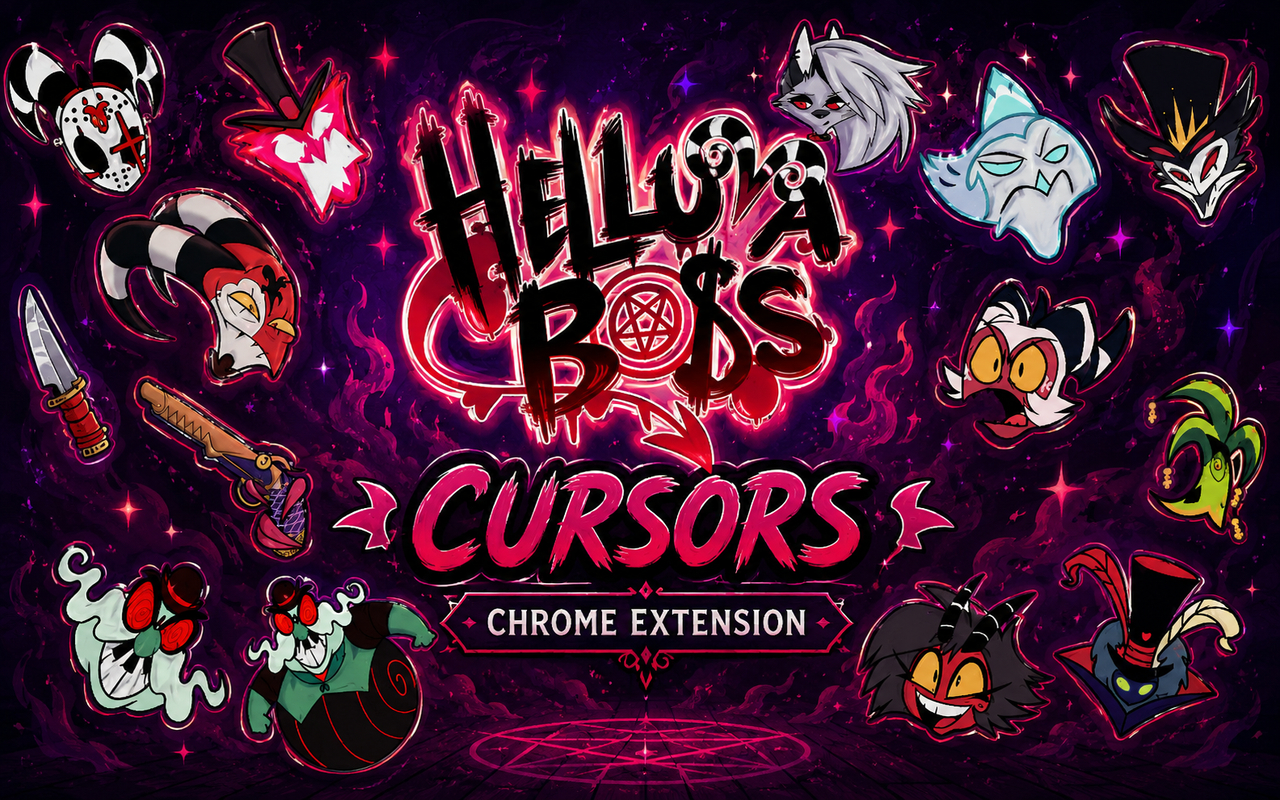
What Is The Helluva Boss Cursor?
Helluva Boss Cursor is a Chrome extension that replaces your standard browser cursor with custom-designed cursors inspired by the animated series Helluva Boss. Every cursor in the collection is drawn from the show’s distinctive cast and visual world, giving your browser a hell-themed makeover that reflects the series in detail. The extension installs directly into Chrome and activates your chosen design across every tab you open.
Helluva Boss is an adult animated web series created by Vivienne Medrano, following the misadventures of IMP, a demon assassination company operating out of Hell. The show features a memorable cast including the half-wolf demon Loona, the chaotic and self-serving Blitzø, the anxious but skilled Moxxie, and his fierce partner Millie, alongside powerful figures like the owl demon Stolas and the grotesque royalty of Mammon. Its sharp humor, vivid character designs, and emotionally charged storylines have earned it a dedicated fanbase since its debut on YouTube.
This extension is built for fans of the show who want to bring a piece of Hell’s finest into their daily browsing without any complicated setup or commitment.
Key Features of The Helluva Boss Cursor Extension
Complete Helluva Boss Cursor Collection
The extension draws from the full main cast of the series, giving fans cursor options tied to the characters they know best. From the sarcastic and lovable Loona to the fast-talking Blitzø, the nervous energy of Moxxie, the fierce and determined Millie, the regal and complicated Stolas, and the flamboyant showmanship of Mammon, the collection covers IMP and beyond. Each cursor is designed to reflect the personality of its character rather than being a simple portrait crop.
- Loona cursor
- Blitzø cursor
- Moxxie cursor
- Millie cursor
- Stolas cursor
- Mammon cursor
Original Animation Art Style
Helluva Boss is known for its bold, high-contrast visual style built on rich reds, deep blacks, and vivid accent colors that reflect its infernal setting. The cursor designs carry that same energy, using the show’s sharp linework, expressive character silhouettes, and saturated color palette to ensure each cursor is immediately recognizable. Loona’s grey-and-white fur, Stolas’s owl-like features, and Mammon’s gaudy golden aesthetic all translate into cursor form with care. The result feels like the cursors belong to the show’s own promotional material rather than being fan-made approximations.
Adjustable Cursor Size
The extension includes a size slider that lets you scale your cursor up or down to suit your screen and personal preference. Whether you are on a compact laptop display where a smaller cursor stays out of the way, or a large monitor where a bigger cursor is easier to track, the slider gives you precise control. Changes apply instantly without needing to reload your browser or reselect your chosen design.
Favorites System for Quick Switching
The favorites system lets you bookmark the cursor designs you return to most often, keeping them accessible without scrolling through the full library every time. Once saved, your favorited cursors appear in a dedicated section at the top of the extension panel for immediate selection. These favorites are stored persistently, so they remain in place across browser sessions and after Chrome restarts.
Lightweight and Performance-Friendly
The extension is designed to run quietly in the background without placing any load on Chrome’s memory or processing resources. You will not notice any slowdown during normal browsing, streaming, or even during sessions with multiple tabs open and media playing. It performs just as well on older machines as it does on newer hardware, making it accessible to the full range of fans regardless of their setup.
Easy Toggle On and Off
A simple on/off toggle in the extension panel lets you switch back to Chrome’s default cursor whenever you need to, such as during video calls, work presentations, or on web apps where a custom cursor might feel out of place. Re-enabling the extension restores your last active cursor immediately, with no need to reselect it. The toggle makes it practical to use the extension long-term rather than uninstalling it every time you need a standard cursor.
How to Install The Helluva Boss Cursor
- Open Google Chrome on your desktop or laptop.
- Go to the Chrome Web Store and search for Helluva Boss Cursor.
- Click the extension listing to open its detail page.
- Click Add to Chrome and confirm when the popup appears.
- Click the extension icon in your Chrome toolbar to open the cursor library.
- Select any design to activate it immediately — no browser restart needed.
Why Helluva Boss Cursor Fans Love This Extension
Helluva Boss has built a fanbase that connects deeply with its characters, particularly because the show does not shy away from giving demons genuine emotional depth alongside its sharp comedy. Loona’s guarded exterior and complicated relationship with Blitzø, Moxxie and Millie’s devoted partnership, and Stolas’s arc of longing and identity have all resonated strongly with viewers who feel seen in those stories. Having these characters present as cursors while browsing is a small but meaningful way to keep the show in your daily environment, especially during the long waits between new episodes. For fans who rewatch clips, follow fan communities, or create content around the series, the extension reinforces that connection throughout the day.
The extension fits naturally into the routines of fans who spend long hours on their computers, whether that means studying, writing, gaming, or scrolling through fan art and discussion threads. For a viewer who has a favorite character — and most Helluva Boss fans do — seeing that character’s cursor every time they move their mouse turns an otherwise unremarkable part of browsing into something personal.
Frequently Asked Questions
Does this extension work on all websites?
The cursor is active across virtually all websites you visit in Chrome. A small number of sites with strict content security policies may limit custom cursor behavior, but this is uncommon and the extension works normally on the vast majority of pages.
Can I use multiple Helluva Boss Cursor cursors at once?
Only one cursor can be active at a time, but switching between designs is quick. The favorites system lets you save your preferred characters and switch between them in seconds without scrolling through the entire collection.
Will this extension slow down my browser?
No. The Helluva Boss Cursor extension is built to be lightweight and runs quietly in the background. It has no noticeable impact on Chrome’s speed, memory usage, or page load performance.
Is the Helluva Boss Cursor extension free?
Yes. The extension is completely free to download and use from the Chrome Web Store. You get access to the full cursor library without any subscription or in-app purchases.




Community comments
Comments are reviewed before they appear publicly.