What Is The Flower Cursor?
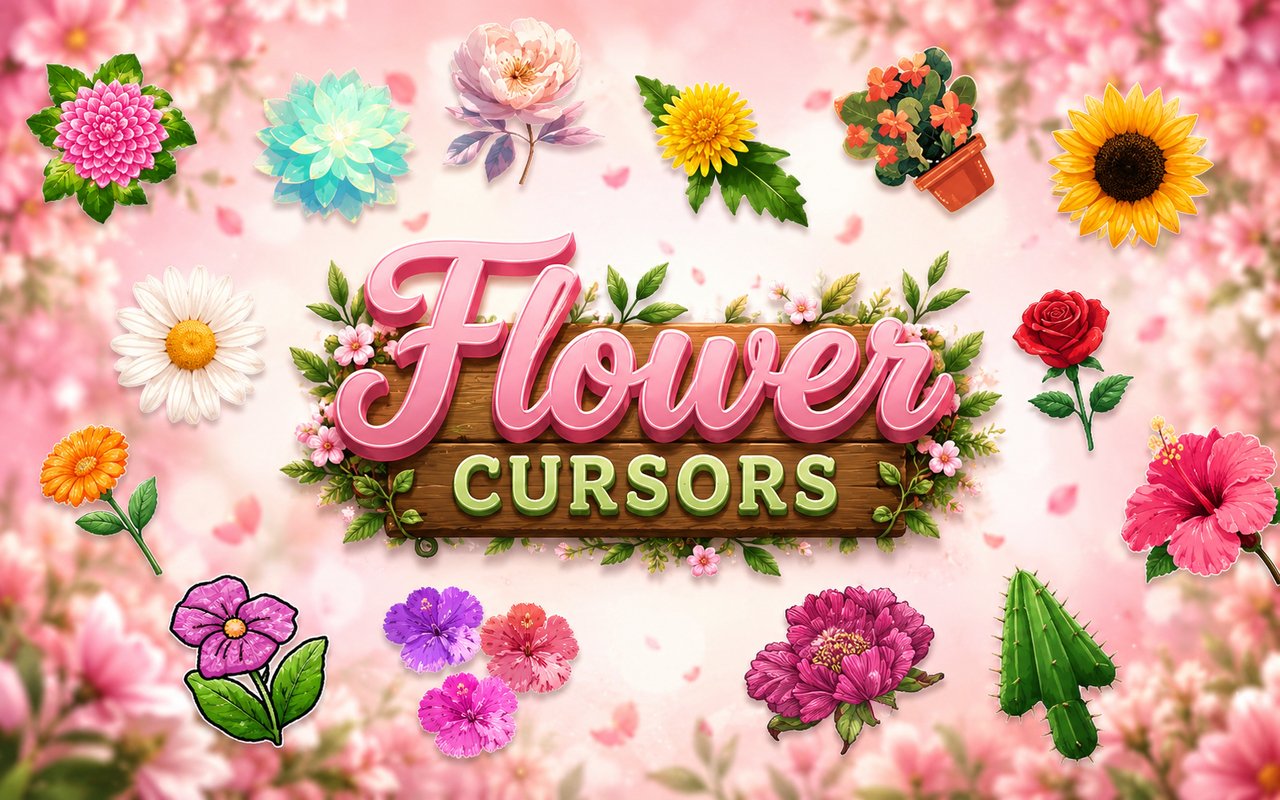
The Flower Cursor extension replaces your standard Chrome browser cursor with beautifully designed floral illustrations, bringing a touch of nature to every page you visit. Choose from a wide library of botanical designs, each crafted to reflect the delicate detail and color of real-world blooms. Whether you are browsing social media, reading articles, or working on a project, your cursor becomes part of the aesthetic.
The collection draws from the rich and varied world of flowers, featuring iconic blooms that nature lovers will immediately recognize. Roses bring classic elegance, sunflowers add warmth and brightness, while lavender and tulips offer softer, more refined touches. The designs celebrate the full spectrum of the floral world, from wildflower simplicity to garden-cultivated beauty.
This extension is ideal for anyone who appreciates botanical art, nature-inspired design, or simply wants a calmer and more visually pleasing browsing experience throughout their day.
Key Features of The Flower Cursor Extension
Complete Floral Cursor Collection
The library includes more than twenty flower designs, giving users a wide range of options that span garden classics and wild varieties. You will find roses, sunflowers, lavender, tulips, daisies, cherry blossoms, peonies, lilies, and more, each illustrated with care and attention to botanical detail.
- Rose cursor
- Sunflower cursor
- Lavender cursor
- Tulip cursor
- Daisy cursor
- Cherry blossom cursor
- Peony cursor
- Lily cursor
Original Botanical Art Style
Each cursor is illustrated with soft, naturalistic colors that reflect the real tones of each flower — deep reds and pinks for roses, golden yellows for sunflowers, soft purples for lavender. The line work is clean but gentle, evoking the style of botanical illustration rather than flat cartoon design. Petals carry subtle shading and dimension, making each cursor feel like a miniature piece of floral artwork. The overall palette is warm and calming, consistent across the full collection so every design feels part of a unified visual set.
Adjustable Cursor Size
A built-in size slider lets you scale each cursor up or down to suit your screen resolution and personal preference. Smaller sizes keep the design subtle and unobtrusive, while larger sizes let the floral detail stand out on high-resolution or wide displays. The adjustment takes effect immediately without any need to refresh your browser.
Favorites System for Quick Switching
Mark any cursor design as a favorite to save it for fast access, so you are not browsing the full library every time you want to switch. Your saved favorites remain available across browser sessions, meaning your preferred blooms are always ready to use. This is especially useful if you rotate between a few designs depending on your mood or the season.
Lightweight and Performance-Friendly
The extension runs quietly in the background and places no measurable load on Chrome’s memory or processing resources. Page load times are unaffected, and the extension performs just as well during graphic-intensive sessions as it does on lightweight pages. It is suitable for older machines as well as modern setups without any performance compromise.
Easy Toggle On and Off
A single click on the extension icon allows you to disable the custom cursor instantly, reverting to Chrome’s default pointer whenever you need it. This is useful for video calls, screen sharing, or any situation where a standard cursor is preferable. Re-enabling the extension restores your last active cursor design without any additional steps.
How to Install The Flower Cursor
- Open Google Chrome on your desktop or laptop.
- Go to the Chrome Web Store and search for Flower Cursor.
- Click the extension listing to open its detail page.
- Click Add to Chrome and confirm when the popup appears.
- Click the extension icon in your Chrome toolbar to open the cursor library.
- Select any design to activate it immediately — no browser restart needed.
Why Flower Cursor Fans Love This Extension
For people who have a genuine love of nature and botanical beauty, having a floral cursor is a small but meaningful way to bring that passion into their everyday digital space. The careful illustration of each bloom — the layered petals of a peony, the bold face of a sunflower, the slender stems of lavender — resonates with anyone who appreciates the natural world. Seeing a flower you love at the tip of your cursor every time you move your mouse creates a quiet sense of comfort and personality in an otherwise functional interface. It is a detail that makes your browser feel genuinely yours.
Students who spend long hours reading and researching online, remote workers who sit at their desks throughout the day, and anyone who decorates their physical space with plants and flowers will find this extension a natural extension of their aesthetic. It works particularly well for people who already maintain floral or nature-themed desktops, wallpapers, or workspace decor.
Frequently Asked Questions
Does this extension work on all websites?
The cursor is active across virtually all websites you visit in Chrome. A small number of sites with strict content security policies may limit custom cursor behavior, but this is uncommon and the extension works normally on the vast majority of pages.
Can I use multiple Flower Cursor cursors at once?
Only one cursor can be active at a time, but switching between designs is quick. The favorites system lets you save your preferred designs and switch between them in seconds without scrolling through the entire collection.
Will this extension slow down my browser?
No. The Flower Cursor extension is built to be lightweight and runs quietly in the background. It has no noticeable impact on Chrome’s speed, memory usage, or page load performance.
Is the Flower Cursor extension free?
Yes. The extension is completely free to download and use from the Chrome Web Store. You get access to the full cursor library without any subscription or in-app purchases.




Community comments
Comments are reviewed before they appear publicly.