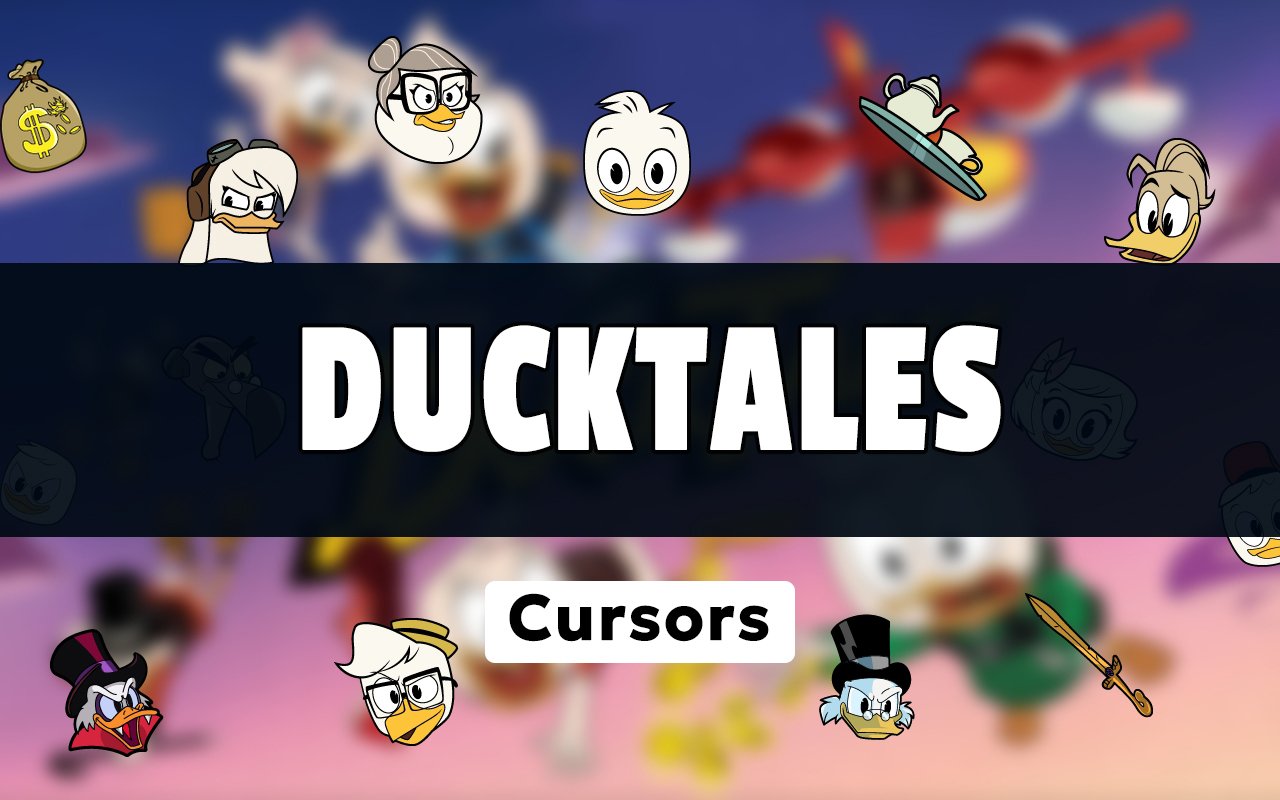
What Is The DuckTales Cursor?
The DuckTales Cursor is a Chrome browser extension that replaces your standard system cursor with custom-designed cursors based on the beloved DuckTales animated series. Once installed, every click and scroll becomes a small nod to Duckburg and its iconic residents. The extension integrates directly into Chrome, applying your chosen design across every tab you open.
DuckTales first aired in 1987 and was rebooted in 2017, building a dedicated fanbase across two generations with characters like the penny-pinching Scrooge McDuck, the adventurous nephews Huey, Dewey, and Louie, the fearless Webby Vanderquack, and the armored hero Gizmoduck. The show’s mix of treasure-hunting, family bonds, and sharp humor made it a standout in Disney animation history.
This extension is a natural fit for fans who grew up with the original series or discovered the reboot, giving them a simple way to bring that affection into their daily browsing routine.
Key Features of The DuckTales Cursor Extension
Complete DuckTales Cursor Collection
The collection draws directly from the DuckTales roster, featuring Scrooge McDuck, Webby Vanderquack, Gizmoduck, Huey, Dewey, Louie, Launchpad McQuack, and iconic props like Scrooge’s money bin and his trusty cane. Each design captures a specific character or element from the series so fans can match their cursor to their favorite part of the show.
- Scrooge McDuck cursor
- Webby Vanderquack cursor
- Gizmoduck cursor
- Huey cursor
- Dewey cursor
- Louie cursor
- Launchpad McQuack cursor
- Scrooge’s money bin prop cursor
Original Animation Art Style
Each cursor is drawn to reflect the distinct visual language of DuckTales, with bold outlines, bright primary colors, and expressive character poses that mirror the show’s animated style. Scrooge’s top hat and coat, Webby’s bow, and Gizmoduck’s armored suit are all rendered with care so they remain recognizable even at small cursor sizes. The reboot’s cleaner, more angular design sensibility is evident in the linework, giving the cursors a polished and modern feel. Color choices stay faithful to each character’s on-screen palette, from Scrooge’s red coat to Gizmoduck’s blue armor.
Adjustable Cursor Size
A built-in size slider lets you scale any cursor up or down to suit your screen resolution and personal preference. Whether you are on a compact laptop display or a wide external monitor, you can find a size that feels comfortable without the cursor appearing too small to notice or too large to use comfortably. Adjustments are applied instantly with no need to restart Chrome or reload any pages.
Favorites System for Quick Switching
The favorites system lets you bookmark the cursor designs you return to most often, saving them in a dedicated section for fast access. Instead of scrolling through the full library every time you want to change designs, your saved favorites are ready at the top of the panel. These preferences are stored and persist across browser sessions, so your shortlist is waiting for you each time you open Chrome.
Lightweight and Performance-Friendly
The extension runs quietly in the background and places no measurable load on Chrome’s memory or processing resources. Page load times, video playback, and other browser tasks are completely unaffected, even on older machines or during sessions that involve graphics-heavy websites. You can leave it running all day without any concern about it interfering with your workflow.
Easy Toggle On and Off
A single click on the extension icon brings up the on/off toggle, letting you switch back to your default system cursor whenever needed — for a work presentation, a video call, or a specific web app that benefits from standard cursor behavior. Re-enabling your chosen DuckTales design takes just one click in return. The extension remembers whichever cursor was last active and restores it automatically when you toggle back on.
How to Install The DuckTales Cursor
- Open Google Chrome on your desktop or laptop.
- Go to the Chrome Web Store and search for DuckTales Cursor.
- Click the extension listing to open its detail page.
- Click Add to Chrome and confirm when the popup appears.
- Click the extension icon in your Chrome toolbar to open the cursor library.
- Select any design to activate it immediately — no browser restart needed.
Why DuckTales Cursor Fans Love This Extension
For fans who spent Saturday mornings watching Scrooge McDuck dive into his money bin or Launchpad McQuack crash-land yet another aircraft, these cursors carry a genuine sense of nostalgia. The 2017 reboot introduced the show to a new generation, deepening the connection many viewers already had with Webby’s determination or Gizmoduck’s bumbling heroism. Having those characters present during everyday browsing is a small but satisfying reminder of stories that genuinely resonated. It is the kind of detail that makes sitting down at your computer feel a little more personal.
Students who grew up with the reboot and now spend hours studying or working at a browser will find the extension adds a bit of personality to an otherwise routine setup. It is particularly popular among Disney animation fans who like their digital environment to reflect the things they care about, without making any dramatic changes to how Chrome actually functions.
Frequently Asked Questions
Does this extension work on all websites?
The cursor is active across virtually all websites you visit in Chrome. A small number of sites with strict content security policies may limit custom cursor behavior, but this is uncommon and the extension works normally on the vast majority of pages.
Can I use multiple DuckTales Cursor cursors at once?
Only one cursor can be active at a time, but switching between designs is quick. The favorites system lets you save your preferred characters and switch between them in seconds without scrolling through the entire collection.
Will this extension slow down my browser?
No. The DuckTales Cursor extension is built to be lightweight and runs quietly in the background. It has no noticeable impact on Chrome’s speed, memory usage, or page load performance.
Is the DuckTales Cursor extension free?
Yes. The extension is completely free to download and use from the Chrome Web Store. You get access to the full cursor library without any subscription or in-app purchases.




Community comments
Comments are reviewed before they appear publicly.