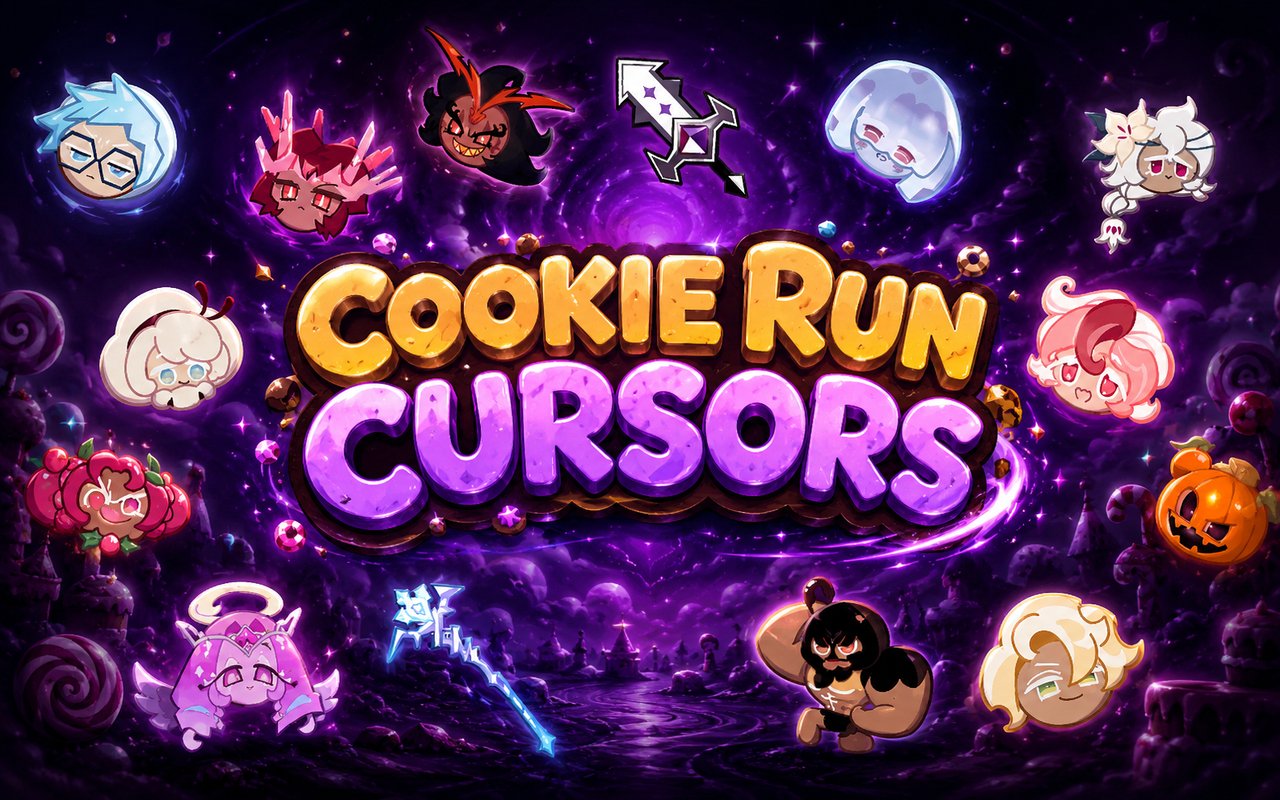
What Is The Cookie Run Kingdom Cursor?
The Cookie Run Kingdom Cursor replaces your standard Chrome browser cursor with themed designs drawn from the beloved Cookie Run Kingdom universe, letting you interact with the web using characters and artwork from the game. Each cursor swap is instant and requires no technical knowledge, making it accessible to any fan who wants a more personalised browsing experience. The extension integrates directly into Chrome and activates across all the pages you visit.
Cookie Run: Kingdom is a wildly popular mobile RPG and strategy game developed by Devsisters, built around a cast of cookie characters who inhabit a vibrant magical world. Fan-favourite cookies such as Pure Vanilla Cookie, Dark Cacao Cookie, and Sea Fairy Cookie each bring distinct visual personalities and lore to the game, alongside the sprawling Cookie Kingdom setting that gives the franchise its name. The game has built a devoted global community drawn to its charming art style, deep storytelling, and memorable characters.
This extension is ideal for Cookie Run Kingdom fans who want to carry their love of the game into everyday browsing, whether they are checking social media, studying, or managing their in-game strategies on a browser.
Key Features of The Cookie Run Kingdom Cursor Extension
Complete Cookie Run Kingdom Cursor Collection
The collection draws from some of the most recognisable and beloved figures in the Cookie Run Kingdom roster, including Pure Vanilla Cookie, Dark Cacao Cookie, Sea Fairy Cookie, Hollyberry Cookie, White Lily Cookie, and the iconic Cookie Kingdom castle imagery. Fans of both the Ancient Cookies and the core story arcs will find designs that reflect the characters they care most about. The list below highlights the key characters and design themes featured:
- Pure Vanilla Cookie
- Dark Cacao Cookie
- Sea Fairy Cookie
- Hollyberry Cookie
- White Lily Cookie
- Cookie Kingdom castle design
Original Animation Art Style
The Cookie Run Kingdom franchise is known for its warm, richly saturated colour palette, featuring soft pastel tones layered with vivid accent colours that make each cookie character instantly recognisable. The cursor designs reflect this visual identity closely, preserving the rounded, expressive character silhouettes and the clean linework that defines the game’s official artwork. Details like Sea Fairy Cookie’s icy blue tones and Dark Cacao Cookie’s deep purple and armoured aesthetic are faithfully captured in the cursor designs. The result is a cohesive set of cursors that feel consistent with the source material rather than like unofficial fan art.
Adjustable Cursor Size
A built-in size slider lets you scale your cursor up or down depending on your screen resolution and personal preference. Larger displays benefit from a bigger cursor that remains easy to spot, while compact laptop screens work well with a more modest size. Adjusting the scale takes only a few seconds from within the extension’s settings panel.
Favorites System for Quick Switching
The favorites system allows you to bookmark the cursor designs you use most often so they are always within easy reach. Rather than scrolling through the full library each time you want to change cursors, your saved favorites appear in a dedicated section for instant access. These saved preferences persist across browser sessions, so your choices are remembered each time you open Chrome.
Lightweight and Performance-Friendly
The extension is designed to run quietly in the background without drawing on Chrome’s memory or processing resources in any meaningful way. There is no noticeable impact on page load times, tab performance, or browser responsiveness, even during graphic-intensive gaming sessions or heavy multitasking. It performs equally well on older hardware and on high-spec machines.
Easy Toggle On and Off
A single click on the extension icon allows you to switch the custom cursor off and revert instantly to Chrome’s default pointer, which is useful during work meetings, video calls, or web apps that have their own cursor behaviour. Switching it back on is equally fast, and the extension remembers the last cursor you had active so you never have to reselect it. This makes it practical for users who need flexibility throughout their day.
How to Install The Cookie Run Kingdom Cursor
- Open Google Chrome on your desktop or laptop.
- Go to the Chrome Web Store and search for Cookie Run Kingdom Cursor.
- Click the extension listing to open its detail page.
- Click Add to Chrome and confirm when the popup appears.
- Click the extension icon in your Chrome toolbar to open the cursor library.
- Select any design to activate it immediately — no browser restart needed.
Why Cookie Run Kingdom Cursor Fans Love This Extension
For players who have spent hours building their Cookie Kingdom, unlocking Ancient Cookies, and following the emotional storylines of characters like Pure Vanilla Cookie and Dark Cacao Cookie, the attachment to this franchise goes well beyond casual gaming. The lore surrounding the Ancient Heroes, the wars between kingdoms, and the redemption arcs woven through the story have created a fanbase that feels genuinely connected to these characters. Having Pure Vanilla Cookie or Sea Fairy Cookie appear as your cursor is a small but meaningful way to keep those characters present outside the game itself. For fans who follow Cookie Run Kingdom fan communities, fan art, and content creators, this kind of visual connection to the IP resonates strongly.
Students and remote workers who spend long hours at a browser often look for small personalisation touches that make their workspace feel less sterile, and a cursor themed around a favourite game fits naturally into that. Cookie Run Kingdom players who browse wikis, watch story recap videos, or manage guild communications through a browser will particularly enjoy seeing familiar characters accompany them through every click.
Frequently Asked Questions
Does this extension work on all websites?
The cursor is active across virtually all websites you visit in Chrome. A small number of sites with strict content security policies may limit custom cursor behavior, but this is uncommon and the extension works normally on the vast majority of pages.
Can I use multiple Cookie Run Kingdom Cursor cursors at once?
Only one cursor can be active at a time, but switching between designs is quick. The favorites system lets you save your preferred characters and switch between them in seconds without scrolling through the entire collection.
Will this extension slow down my browser?
No. The Cookie Run Kingdom Cursor extension is built to be lightweight and runs quietly in the background. It has no noticeable impact on Chrome’s speed, memory usage, or page load performance.
Is the Cookie Run Kingdom Cursor extension free?
Yes. The extension is completely free to download and use from the Chrome Web Store. You get access to the full cursor library without any subscription or in-app purchases.




Community comments
Comments are reviewed before they appear publicly.