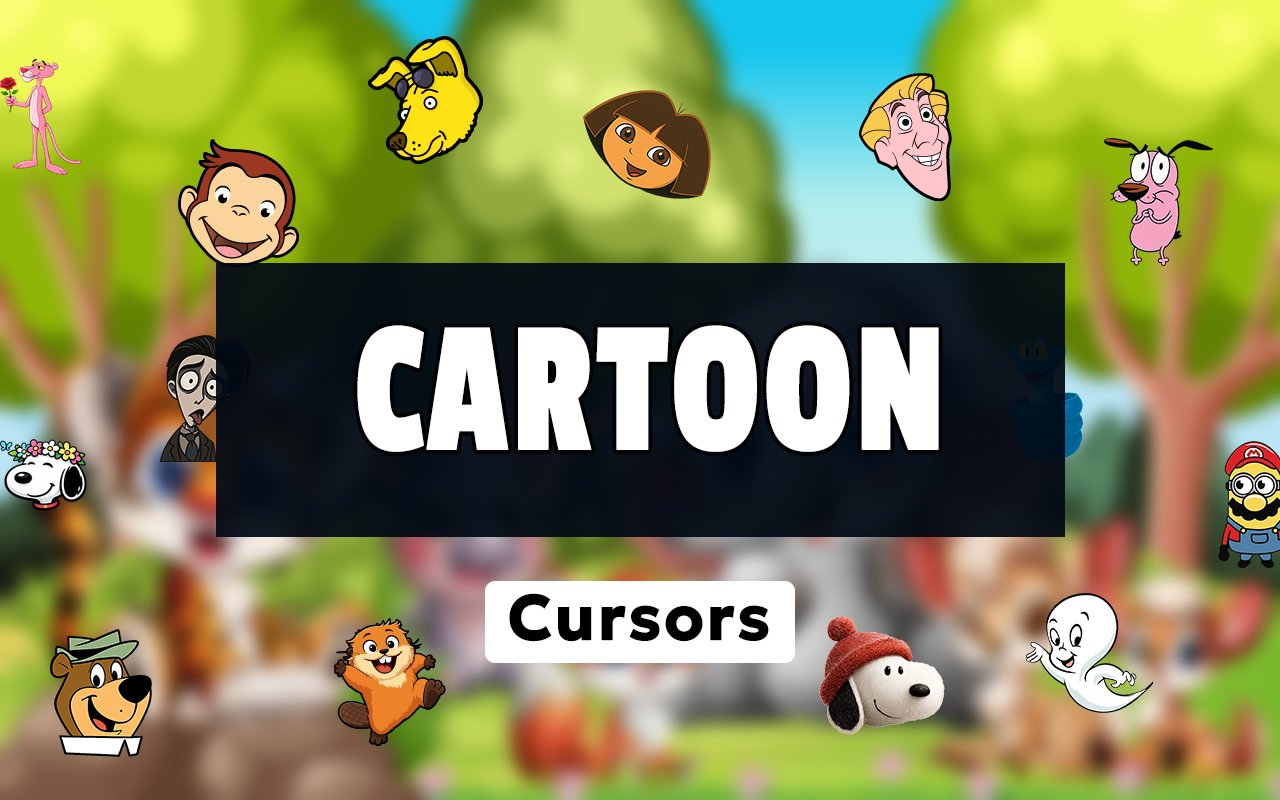
What Is The Cartoon Cursor?
Cartoon Cursor is a Chrome extension that replaces your standard browser pointer with custom-designed cursors based on beloved classic cartoon characters. With over 50 unique designs available, it lets you swap out the default arrow for characters you grew up watching on screen. Installation takes seconds, and the active cursor updates instantly across every tab in Chrome.
The collection draws from decades of animated television history, bringing together characters from entirely different eras and studios under one library. Fan favorites like Snoopy from Peanuts, Courage the Cowardly Dog, Dora the Explorer, Casper the Friendly Ghost, Cat Noir from Miraculous, and Toothless from How to Train Your Dragon are all represented. The range spans gentle classics aimed at young children through to cult animated series beloved by older audiences.
This extension is ideal for animation enthusiasts, nostalgic adults, and younger users who want their browser to feel a little more personal and fun during everyday browsing.
Key Features of The Cartoon Cursor Extension
Complete Classic Cartoon Cursor Collection
The library includes more than 50 cursor designs pulled from iconic animated characters spanning multiple generations. You will find Snoopy, Toothless, Courage the Cowardly Dog, Dora, Casper, Cat Noir, and many more fan-recognized figures, each crafted as a distinct cursor design. Here is a selection of characters included:
- Snoopy (Peanuts)
- Toothless (How to Train Your Dragon)
- Courage the Cowardly Dog
- Dora the Explorer
- Casper the Friendly Ghost
- Cat Noir (Miraculous Ladybug)
Original Animation Art Style
Each cursor is drawn to reflect the distinct visual identity of its source cartoon, preserving the line weight, color palette, and character proportions fans recognise immediately. Snoopy retains his clean black and white simplicity, while Toothless is rendered in his deep charcoal with those distinctive green eyes. Courage captures the wide-eyed, slightly unnerving expressiveness that defined the original show, and Cat Noir carries the sleek, dark aesthetic of Miraculous Ladybug. The art quality stays consistent across the entire collection, making every design feel deliberate rather than generic.
Adjustable Cursor Size
A built-in size slider lets you scale any cursor up or down to suit your display and personal preference. Smaller adjustments work well on compact laptop screens where a large cursor would obscure content, while larger sizes can improve visibility on high-resolution monitors or external displays. You can fine-tune the size at any time directly from the extension panel without restarting Chrome.
Favorites System for Quick Switching
The favorites system allows you to bookmark the cursor designs you return to most often, keeping them accessible at the top of the panel rather than buried in a library of over 50 options. Once saved, your favorites persist across browser sessions so they are ready the next time you open Chrome. This makes it easy to switch between a few preferred characters throughout the day without any extra searching.
Lightweight and Performance-Friendly
The extension runs passively in the background and does not draw on Chrome’s memory or processing resources in any meaningful way. Page load times, video playback, and tab switching remain completely unaffected even during resource-intensive browsing sessions. It is equally well-suited to older machines running Chrome on modest hardware as it is to high-end setups.
Easy Toggle On and Off
A single click on the toggle inside the extension panel switches the custom cursor off, instantly restoring Chrome’s default pointer for situations where a standard cursor is more appropriate. This is useful during video calls, professional presentations, or web apps where a cartoon cursor might be distracting. When you are ready to bring it back, one more click reactivates the last cursor you had selected.
How to Install The Cartoon Cursor
- Open Google Chrome on your desktop or laptop.
- Go to the Chrome Web Store and search for Cartoon Cursor.
- Click the extension listing to open its detail page.
- Click Add to Chrome and confirm when the popup appears.
- Click the extension icon in your Chrome toolbar to open the cursor library.
- Select any design to activate it immediately — no browser restart needed.
Why Cartoon Cursor Fans Love This Extension
For many users, these characters carry a strong sense of nostalgia tied to specific moments in childhood. Seeing Snoopy or Casper reappear as a browser cursor brings an immediate and familiar warmth that is entirely different from a generic decorative theme. Courage the Cowardly Dog in particular has experienced a wave of renewed affection among older fans who watched the show as children and now encounter it again through internet culture. Having that character follow your pointer around the screen is a small but genuinely satisfying detail for anyone who remembers the original run.
Students and younger users who grew up watching Dora the Explorer or following Cat Noir through Miraculous Ladybug will find this extension adds a personal touch to time spent studying, doing homework, or browsing between classes. It is the kind of low-effort customization that makes a browser feel owned rather than default, without requiring any technical knowledge to set up or maintain.
Frequently Asked Questions
Does this extension work on all websites?
The cursor is active across virtually all websites you visit in Chrome. A small number of sites with strict content security policies may limit custom cursor behavior, but this is uncommon and the extension works normally on the vast majority of pages.
Can I use multiple Cartoon Cursor cursors at once?
Only one cursor can be active at a time, but switching between designs is quick. The favorites system lets you save your preferred characters and switch between them in seconds without scrolling through the entire collection.
Will this extension slow down my browser?
No. The Cartoon Cursor extension is built to be lightweight and runs quietly in the background. It has no noticeable impact on Chrome’s speed, memory usage, or page load performance.
Is the Cartoon Cursor extension free?
Yes. The extension is completely free to download and use from the Chrome Web Store. You get access to the full cursor library without any subscription or in-app purchases.




Community comments
Comments are reviewed before they appear publicly.