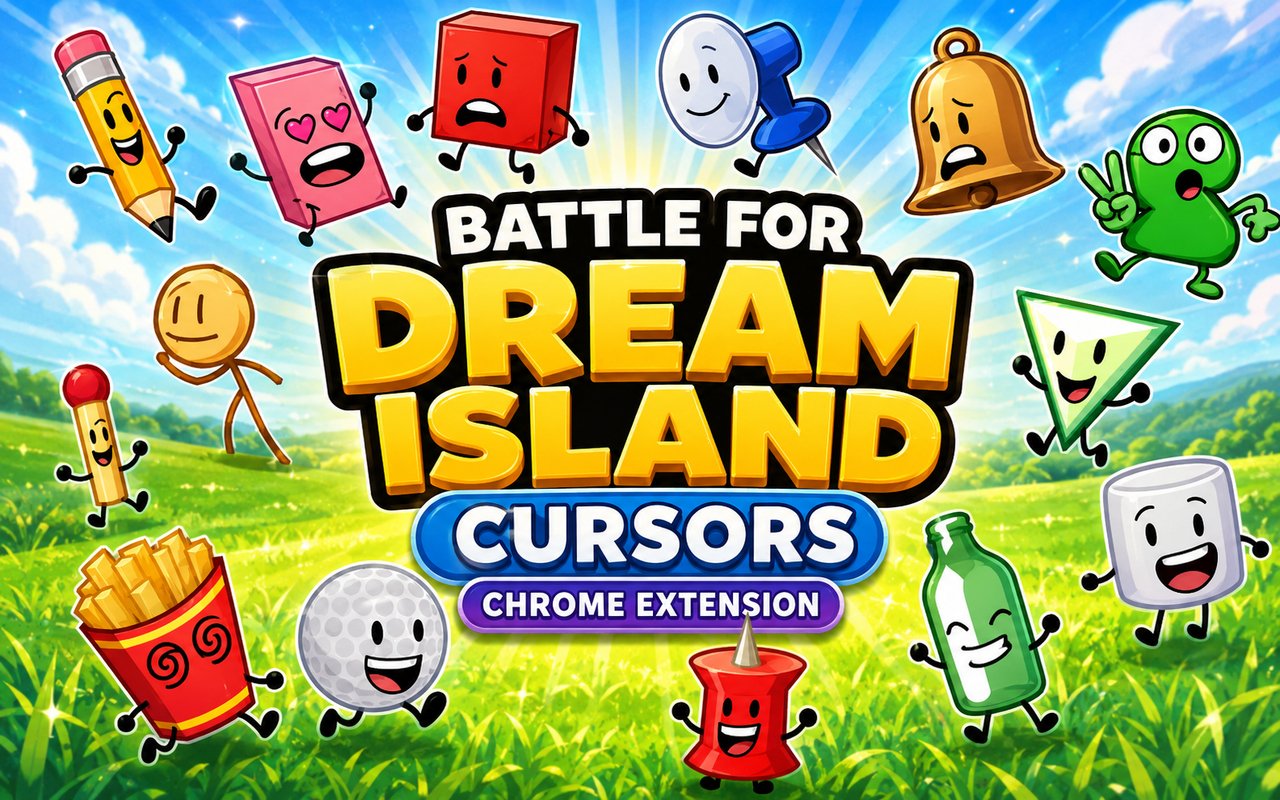
What Is The Battle for Dream Island Cursor?
Battle for Dream Island Cursor is a Chrome extension that replaces your standard browser cursor with animated designs based on the beloved BFDI animated series. With over 30 unique cursors to choose from, it brings fan-favorite characters directly into your everyday browsing experience. Each cursor is crafted to reflect the distinct personality and look of the characters from the show.
Battle for Dream Island is a long-running animated web series and competition show in which colorful object characters compete for the chance to live on Dream Island. Characters like Blocky, Pencil, and Evil Leafy have become iconic figures in the BFDI community, each with a distinct visual style and personality that fans have followed across multiple seasons and spin-offs.
This extension is made for BFDI fans who want to carry their enthusiasm for the series into their daily Chrome sessions, whether for studying, streaming, or casual browsing.
Key Features of The Battle for Dream Island Cursor Extension
Complete BFDI Cursor Collection
The extension includes more than 30 animated cursors drawn from across the BFDI roster, covering both classic and fan-favorite characters. You will find Blocky, Ruby, Pencil, Evil Leafy, Golf Ball, and many more represented with care and accuracy to their on-screen designs. The collection spans a wide range of character types, giving fans plenty of variety to choose from:
- Blocky
- Ruby
- Pencil
- Evil Leafy
- Golf Ball
- Firey
Original Animation Art Style
Each cursor closely follows the visual identity established in the Battle for Dream Island series, featuring the flat, bold outlines and vivid color fills that define the show’s object character aesthetic. The character designs retain their signature expressions and proportions, so Ruby looks unmistakably cheerful and Evil Leafy carries that familiar unsettling edge. The animation on each cursor is smooth and consistent with how these characters move in the series itself. This level of fidelity makes the collection feel authentic rather than a loose approximation of the source material.
Adjustable Cursor Size
The extension includes a size slider that lets you scale your cursor up or down to suit your display and personal preference. Smaller sizes work well on compact laptop screens where screen real estate is limited, while larger sizes make the character designs more visible on high-resolution or widescreen monitors. Adjusting the size takes only a moment and applies instantly without requiring a page refresh.
Favorites System for Quick Switching
You can bookmark any cursor design as a favorite, making it easy to return to preferred characters without browsing through the full library each time. Saved favorites are stored persistently, so they remain available across browser sessions even after Chrome is closed and reopened. This is especially useful when you like switching between a handful of characters depending on your mood or activity.
Lightweight and Performance-Friendly
The extension is designed to run quietly in the background without placing any measurable load on Chrome’s memory or processing resources. Page load times and browser responsiveness are unaffected, even during graphic-intensive sessions like streaming or gaming. Users on older machines can run it comfortably alongside other extensions without any performance concerns.
Easy Toggle On and Off
A simple on/off toggle lets you disable the custom cursor whenever you need to revert to the system default, such as during video calls, work presentations, or specific web applications. Re-enabling it is equally fast, requiring just one click on the extension icon. The extension remembers which cursor was last active and restores it automatically the next time you switch it back on.
How to Install The Battle for Dream Island Cursor
- Open Google Chrome on your desktop or laptop.
- Go to the Chrome Web Store and search for Battle for Dream Island Cursor.
- Click the extension listing to open its detail page.
- Click Add to Chrome and confirm when the popup appears.
- Click the extension icon in your Chrome toolbar to open the cursor library.
- Select any design to activate it immediately — no browser restart needed.
Why Battle for Dream Island Cursor Fans Love This Extension
For longtime viewers of the series, BFDI characters carry real emotional weight built up over years of watching competitions, alliances, and dramatic eliminations unfold. Seeing Firey or Pencil appear as a cursor brings a quiet sense of familiarity to even the most routine browsing session. Fans who grew up with the series during its early YouTube years have a particular attachment to the original cast, and having those characters present in a small but consistent way throughout the day connects back to that history. The detail and accuracy of each cursor design shows that the extension was made with genuine respect for the source material.
For students and younger users who watch BFDI content regularly, this extension is a natural way to carry that interest into their school or study browsing without it being intrusive. It works quietly in the background, adding a personal touch to Chrome that reflects who they are as fans.
Frequently Asked Questions
Does this extension work on all websites?
The cursor is active across virtually all websites you visit in Chrome. A small number of sites with strict content security policies may limit custom cursor behavior, but this is uncommon and the extension works normally on the vast majority of pages.
Can I use multiple Battle for Dream Island Cursor cursors at once?
Only one cursor can be active at a time, but switching between designs is quick. The favorites system lets you save your preferred characters and switch between them in seconds without scrolling through the entire collection.
Will this extension slow down my browser?
No. The Battle for Dream Island Cursor extension is built to be lightweight and runs quietly in the background. It has no noticeable impact on Chrome’s speed, memory usage, or page load performance.
Is the Battle for Dream Island Cursor extension free?
Yes. The extension is completely free to download and use from the Chrome Web Store. You get access to the full cursor library without any subscription or in-app purchases.




Community comments
Comments are reviewed before they appear publicly.