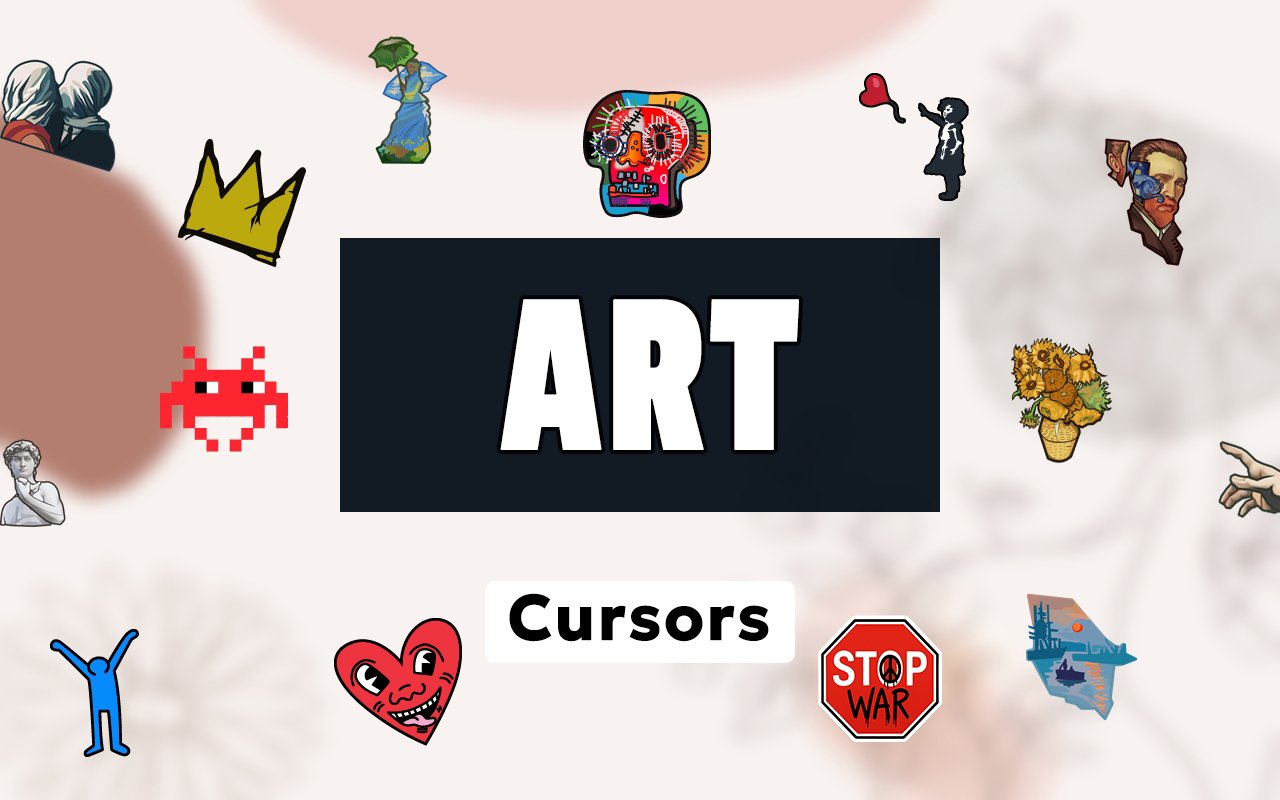
What Is The Art Cursor?
Art Cursor is a Chrome extension that replaces your standard browser cursor with designs inspired by some of the most celebrated artists in history. From post-impressionist brushwork to modern street art, each cursor brings a distinct artistic style to your everyday browsing. The extension installs in seconds and activates without requiring any browser restart.
The collection draws from a rich spectrum of art history and contemporary culture, featuring the swirling night skies of Van Gogh, the soft water reflections of Monet, the dreamlike surrealism of Dali, the monumental figures of Michelangelo, the subversive stencil work of Banksy, and the vivid neo-expressionism of Basquiat. Each artist brings a completely different visual language, making the cursor library genuinely varied rather than stylistically repetitive. These are not generic art motifs but recognisable references tied to specific works and aesthetics.
The extension is ideal for art students, museum enthusiasts, gallery visitors, and anyone who appreciates fine and contemporary art as part of their daily digital life.
Key Features of The Art Cursor Extension
Complete Art Masters Cursor Collection
The library covers six distinct artistic worlds, each represented through carefully crafted cursor designs. Van Gogh’s swirling blues and yellows, Monet’s hazy palette, Dali’s melting surrealist imagery, Michelangelo’s classical forms, Banksy’s stencilled street figures, and Basquiat’s raw expressive marks are all present and accounted for across the collection:
- Van Gogh-inspired cursors with signature impasto brushstroke patterns
- Monet water lily and impressionist colour wash designs
- Dali surrealist cursor motifs including melting clocks and dreamscapes
- Michelangelo classical figure and Renaissance detail cursors
- Banksy stencil-style street art cursors with bold graphic outlines
- Basquiat neo-expressionist cursors with raw linework and vivid colour blocks
Original Animation Art Style
Each cursor set is designed to authentically reflect the visual identity of its source artist rather than offering a simplified or generic interpretation. Van Gogh cursors carry the unmistakable thick, directional strokes and intense cobalt and amber tones of works like Starry Night, while Banksy cursors retain the flat, high-contrast stencil aesthetic of his street installations. Dali designs lean into distorted forms and desert palettes, and Basquiat cursors echo the crowns, crossed-out words, and layered paint marks that define his canvases. The result is a collection where each artist feels genuinely represented rather than decorative.
Adjustable Cursor Size
A built-in size slider lets you scale each cursor up or down to suit your screen resolution and personal preference. Larger cursors work well on high-resolution displays or when browsing from a distance, while smaller sizes keep things neat on compact laptop screens. The size setting is saved automatically so you do not need to adjust it every time you open Chrome.
Favorites System for Quick Switching
The favorites system lets you bookmark the cursor designs you return to most often, keeping them accessible without needing to scroll through the entire library. Saved favorites persist across browser sessions, so your chosen artists are always waiting at the top of your list when you open the extension panel. This is particularly useful if you like to rotate between two or three styles depending on your mood or the type of work you are doing.
Lightweight and Performance-Friendly
The extension is built to run quietly in the background without placing any demand on Chrome’s resources. There is no measurable impact on page load times, memory usage, or browser responsiveness, even during graphic-intensive sessions or when multiple tabs are open. It performs reliably on older machines as well as modern setups, making it accessible regardless of hardware.
Easy Toggle On and Off
A single click on the extension icon toggles the custom cursor on or off whenever you need it. This makes it simple to revert to your default cursor for professional video calls, specific web applications, or any context where a custom design feels out of place. When you re-enable the extension, it instantly restores the last cursor you had active without requiring you to reselect it.
How to Install The Art Cursor
- Open Google Chrome on your desktop or laptop.
- Go to the Chrome Web Store and search for Art Cursor.
- Click the extension listing to open its detail page.
- Click Add to Chrome and confirm when the popup appears.
- Click the extension icon in your Chrome toolbar to open the cursor library.
- Select any design to activate it immediately — no browser restart needed.
Why Art Cursor Fans Love This Extension
For people who genuinely care about art, having Van Gogh’s turbulent brushwork or Banksy’s sardonic street imagery as part of their browser is more than a cosmetic choice — it is a small but meaningful expression of what they value. Scrolling through a research page with a cursor that echoes the swirling forms of Starry Night, or navigating social media with a Basquiat-inspired pointer, creates a subtle but consistent connection to the art that matters to them. Fans of these artists will recognise the specific visual references rather than simply seeing a pretty design, and that recognition makes the experience feel personal. It is the kind of detail that art lovers notice and appreciate.
The extension fits naturally into the daily routines of art students writing essays, designers drawing inspiration from historical movements, and collectors browsing auction catalogues or museum websites. Anyone who spends time in online art spaces will find that the cursor becomes a quiet but constant reflection of their interests every time they reach for the mouse.
Frequently Asked Questions
Does this extension work on all websites?
The cursor is active across virtually all websites you visit in Chrome. A small number of sites with strict content security policies may limit custom cursor behavior, but this is uncommon and the extension works normally on the vast majority of pages.
Can I use multiple Art Cursor cursors at once?
Only one cursor can be active at a time, but switching between designs is quick. The favorites system lets you save your preferred artists and switch between them in seconds without scrolling through the entire collection.
Will this extension slow down my browser?
No. The Art Cursor extension is built to be lightweight and runs quietly in the background. It has no noticeable impact on Chrome’s speed, memory usage, or page load performance.
Is the Art Cursor extension free?
Yes. The extension is completely free to download and use from the Chrome Web Store. You get access to the full cursor library without any subscription or in-app purchases.




Community comments
Comments are reviewed before they appear publicly.