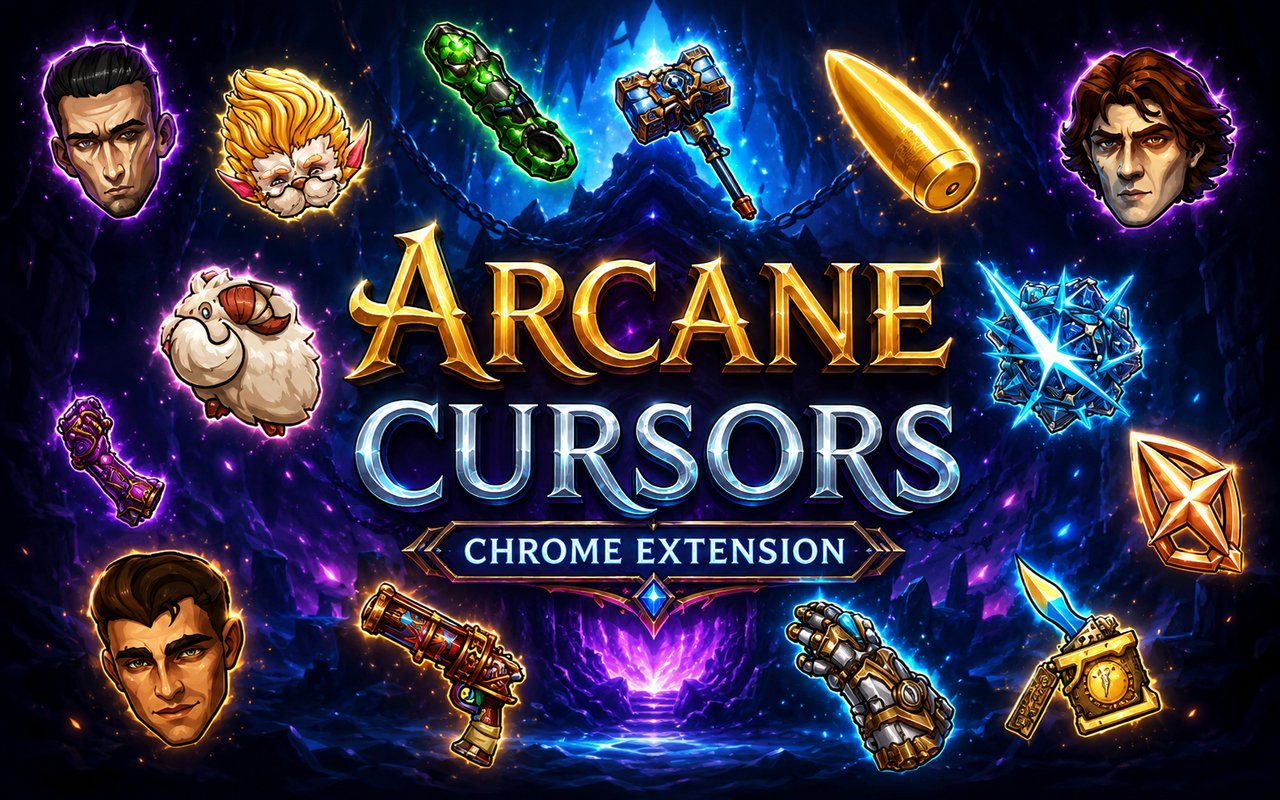
What Is The Arcane Cursor?
Arcane Cursor replaces your standard browser pointer with custom-designed cursors based on characters and imagery from the world of Arcane and League of Legends. Every cursor in the pack is crafted around the show’s distinctive visual language, giving your browser a themed look that reflects the Arcane universe. The extension installs directly into Chrome and activates within seconds.
Arcane is the critically acclaimed animated series set in the League of Legends universe, following the fractured relationship between Jinx and Vi as they navigate the divided cities of Piltover and the Undercity. Characters like Viktor, Caitlyn, and Ekko bring their own visual identities to the story, each rendered with a bold, painterly style that made the show an instant visual landmark. The series brought a massive new audience into the League of Legends world and created a fanbase that continues to grow.
This extension is built for fans of both the show and the game who want their browser to reflect their passion for the franchise during everyday use.
Key Features of The Arcane Cursor Extension
Complete Arcane and League of Legends Cursor Collection
The extension includes cursor designs drawn from across the Arcane roster and its League of Legends origins. Characters such as Jinx, Vi, Viktor, Caitlyn, and Ekko are all represented, alongside additional designs that draw from the wider LoL champion pool associated with the series. Each cursor is designed to capture the personality and visual signature of its respective character:
- Jinx cursor design
- Vi cursor design
- Viktor cursor design
- Caitlyn cursor design
- Ekko cursor design
- League of Legends themed designs
Original Animation Art Style
The cursors draw directly from Arcane’s signature aesthetic, which blends hand-painted textures with sharp, expressive character linework and a rich color palette of deep blues, purples, and neon accents. Jinx’s chaotic energy is reflected in vibrant, electric tones, while Vi’s designs carry a heavier, more industrial weight that mirrors her Undercity roots. Viktor’s cursors lean into the cold, mechanical precision of Hextech, and Ekko’s designs bring a warmer, street-art influenced warmth. The result is a cursor pack that feels visually cohesive while still giving each character a distinct identity.
Adjustable Cursor Size
The extension includes a size slider that lets you scale your cursor up or down to suit your screen resolution and personal preference. Smaller sizes work well on compact laptop displays where screen space is limited, while larger sizes are ideal for high-resolution monitors or users who simply prefer a more visible pointer. Finding the right size takes only a few seconds from within the extension panel.
Favorites System for Quick Switching
You can mark any cursor design as a favorite to save it for fast access later. Instead of scrolling through the full library every time you want to change designs, your saved favorites appear in a dedicated section for immediate selection. These preferences are stored persistently, so your saved choices remain intact even after closing and reopening Chrome.
Lightweight and Performance-Friendly
The extension is built to run quietly in the background without consuming meaningful memory or processing resources. It has no measurable effect on page load times or Chrome’s overall responsiveness, even during graphic-intensive sessions like gaming streams or video playback. Users on older machines will find the extension runs just as smoothly as on newer hardware.
Easy Toggle On and Off
A single click on the extension icon lets you switch the custom cursor off whenever you need your default pointer, whether for a video call, a work application, or a site where the custom design feels out of place. Re-enabling it is equally instant, and the extension automatically remembers the last cursor you had active so you never have to reselect it.
How to Install The Arcane Cursor
- Open Google Chrome on your desktop or laptop.
- Go to the Chrome Web Store and search for Arcane Cursor.
- Click the extension listing to open its detail page.
- Click Add to Chrome and confirm when the popup appears.
- Click the extension icon in your Chrome toolbar to open the cursor library.
- Select any design to activate it immediately — no browser restart needed.
Why Arcane Cursor Fans Love This Extension
Arcane connected with its audience in a way that few animated series have, and much of that connection came through its characters. The arc between Jinx and Vi is one of the most emotionally resonant storylines in recent animated television, and Viktor’s journey struck a deep chord with viewers who followed his transformation from idealistic scientist to something far more complex. For League of Legends players, seeing champions like Caitlyn and Ekko fully realized in Arcane’s art style added a new layer of attachment to characters they had already spent hundreds of hours playing. Having those characters present on screen during everyday browsing keeps that connection alive in a small but satisfying way.
Whether someone is browsing between ranked matches, studying while rewatching the series, or just spending time online, this extension is a natural fit for any fan who wants their browser to reflect their interest in the Arcane universe. It particularly resonates with League of Legends players who already associate these characters with long hours at their desk.
Frequently Asked Questions
Does this extension work on all websites?
The cursor is active across virtually all websites you visit in Chrome. A small number of sites with strict content security policies may limit custom cursor behavior, but this is uncommon and the extension works normally on the vast majority of pages.
Can I use multiple Arcane Cursor cursors at once?
Only one cursor can be active at a time, but switching between designs is quick. The favorites system lets you save your preferred characters and switch between them in seconds without scrolling through the entire collection.
Will this extension slow down my browser?
No. The Arcane Cursor extension is built to be lightweight and runs quietly in the background. It has no noticeable impact on Chrome’s speed, memory usage, or page load performance.
Is the Arcane Cursor extension free?
Yes. The extension is completely free to download and use from the Chrome Web Store. You get access to the full cursor library without any subscription or in-app purchases.




Community comments
Comments are reviewed before they appear publicly.