What Is The Anime Cursor?
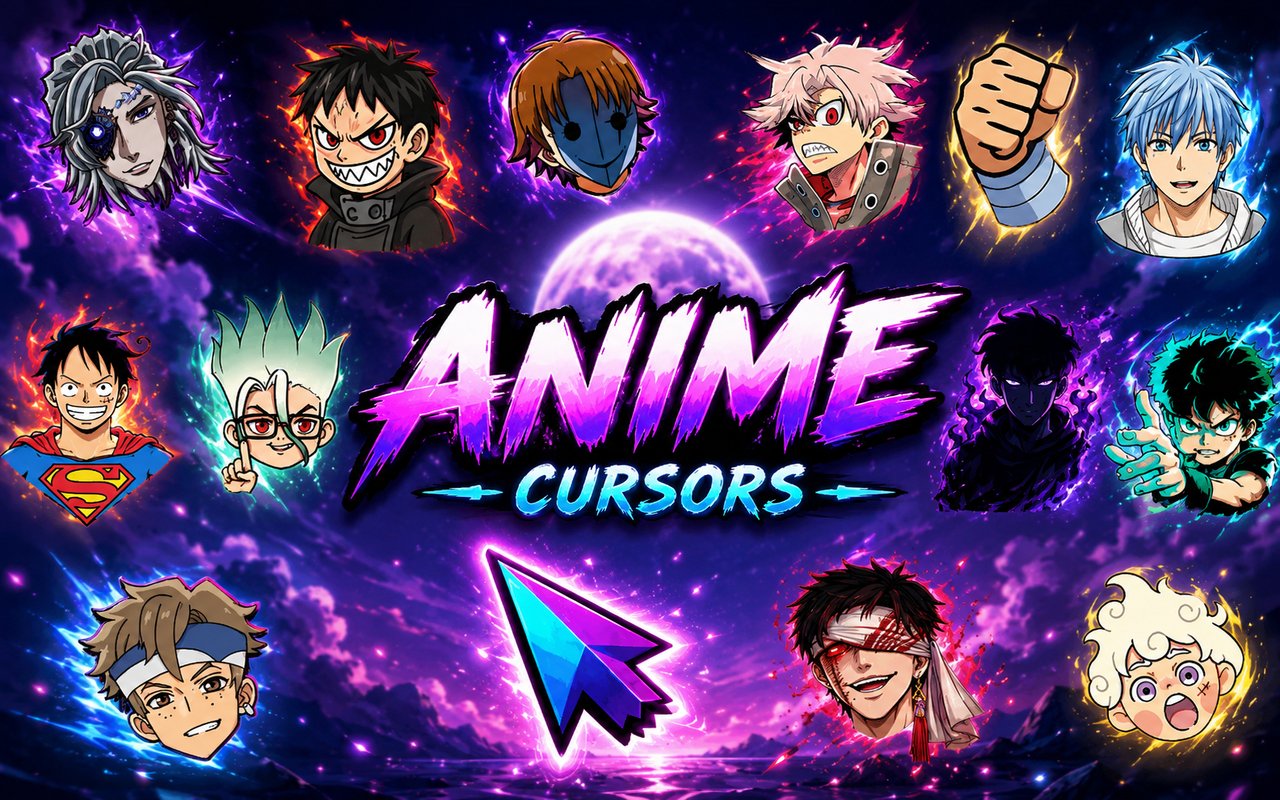
Anime Cursor is a Chrome extension that replaces your standard browser cursor with custom-designed cursors inspired by popular anime series. Instead of the default arrow or pointer, you get hand-crafted designs drawn directly from beloved franchises, swapping instantly as you browse. The extension is free to use and covers a wide range of titles in a single library.
The collection pulls from some of the most iconic series in anime history, including Solo Leveling, Berserk, One Piece, and Naruto. Fans will recognise characters like Sung Jin-Woo, Guts, Monkey D. Luffy, and Naruto Uzumaki represented through cursor designs that capture each series’ distinct visual identity. These are titles that have defined generations of anime fans, and the extension brings their artwork directly into your daily browsing.
This extension is built for anime fans who want their browser to reflect their interests without any complicated setup or ongoing cost.
Key Features of The Anime Cursor Extension
Complete Multi-Series Anime Cursor Collection
The library spans multiple major anime franchises, featuring characters and iconic visual elements from Solo Leveling, Berserk, One Piece, Naruto, and more. You will find designs based on Sung Jin-Woo, Guts, Griffith, Luffy, Zoro, Naruto, Sasuke, and a range of other recognisable figures, all available from a single extension.
- Sung Jin-Woo (Solo Leveling)
- Guts (Berserk)
- Griffith (Berserk)
- Monkey D. Luffy (One Piece)
- Roronoa Zoro (One Piece)
- Naruto Uzumaki (Naruto)
- Sasuke Uchiha (Naruto)
- Series-specific weapon and symbol designs
Original Animation Art Style
Each cursor is designed to reflect the unique visual language of its source series rather than using a generic anime look. Solo Leveling cursors carry the dark, high-contrast shadow aesthetic of the manhwa, while Berserk designs lean into the gritty, heavy linework that defines Kentaro Miura’s art. One Piece cursors use the bold, energetic shapes associated with Eiichiro Oda’s style, and Naruto designs incorporate the sharp, dynamic forms familiar from both the manga and animated series. The result is a collection where each cursor feels native to the world it comes from.
Adjustable Cursor Size
The extension includes a size slider that lets you scale your cursor up or down to suit your screen and personal preference. Smaller sizes work well on high-resolution displays where detail is preserved, while larger sizes are easier to track on wide monitors or during extended browsing sessions. Finding the right size takes only a few seconds inside the extension panel.
Favorites System for Quick Switching
Rather than scrolling through the full library every time you want a different cursor, you can mark your preferred designs as favorites for immediate access. The favorites panel keeps your chosen cursors in one place, making it easy to switch between a Guts cursor for one session and a Luffy cursor for another. Your saved favorites remain stored across browser sessions, so your preferences are always ready when you open Chrome.
Lightweight and Performance-Friendly
The extension is built to run quietly in the background without drawing on Chrome’s memory or processing resources in any meaningful way. Page load times, tab performance, and browser speed are unaffected, even during graphics-heavy tasks like streaming video or running web-based games. Users on older machines will find no slowdown associated with keeping the extension active.
Easy Toggle On and Off
A single click on the extension icon lets you switch the custom cursor off entirely and return to Chrome’s default cursor whenever needed. This is useful during video calls, screen shares, or when using web applications where a standard pointer is preferable. When you toggle it back on, the extension automatically reactivates the last cursor you had selected.
How to Install The Anime Cursor
- Open Google Chrome on your desktop or laptop.
- Go to the Chrome Web Store and search for Anime Cursor.
- Click the extension listing to open its detail page.
- Click Add to Chrome and confirm when the popup appears.
- Click the extension icon in your Chrome toolbar to open the cursor library.
- Select any design to activate it immediately — no browser restart needed.
Why Anime Cursor Fans Love This Extension
For fans of these series, the attachment goes beyond casual interest. Watching Guts survive the Eclipse, following Luffy’s journey to become King of the Pirates, or growing up with Naruto chasing his dream of becoming Hokage are experiences that leave a lasting impression. Having a cursor that references those moments or characters is a small but genuine way to keep those stories present in everyday life. The designs are specific enough that fellow fans will recognise them immediately, which adds another layer of meaning for people who care about the source material.
Students who browse for hours while studying, remote workers sitting at a desk all day, and fans who spend time on anime forums or streaming platforms will all find that a cursor change makes those sessions feel more personal. Someone working through a long research session with a Sung Jin-Woo cursor active or rewatching One Piece episodes while Zoro sits in the corner of their screen will appreciate how a small detail can make a familiar routine feel a little more their own.
Frequently Asked Questions
Does this extension work on all websites?
The cursor is active across virtually all websites you visit in Chrome. A small number of sites with strict content security policies may limit custom cursor behavior, but this is uncommon and the extension works normally on the vast majority of pages.
Can I use multiple Anime Cursor cursors at once?
Only one cursor can be active at a time, but switching between designs is quick. The favorites system lets you save your preferred characters and switch between them in seconds without scrolling through the entire collection.
Will this extension slow down my browser?
No. The Anime Cursor extension is built to be lightweight and runs quietly in the background. It has no noticeable impact on Chrome’s speed, memory usage, or page load performance.
Is the Anime Cursor extension free?
Yes. The extension is completely free to download and use from the Chrome Web Store. You get access to the full cursor library without any subscription or in-app purchases.




Community comments
Comments are reviewed before they appear publicly.