What Is The Angry Birds Cursor?
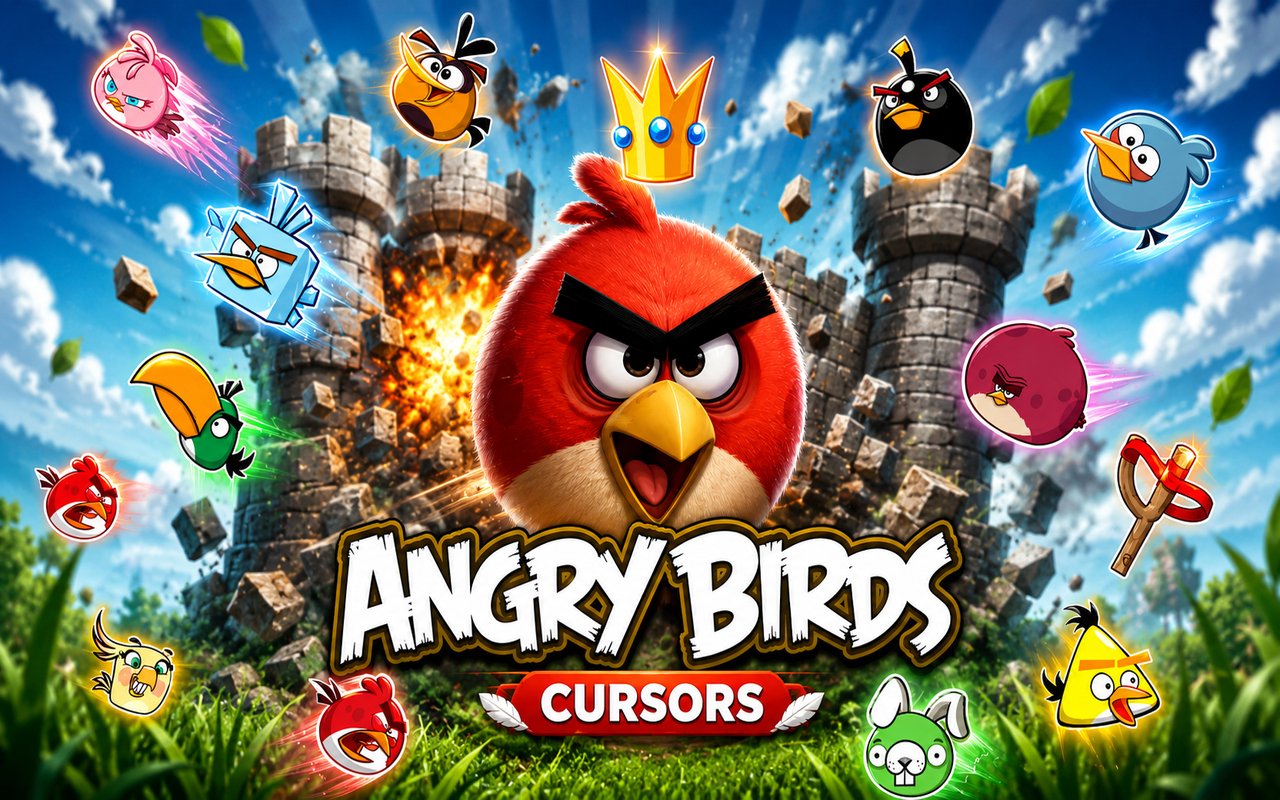
The Angry Birds Cursor replaces your standard Chrome browser cursor with themed designs drawn from one of the most recognizable mobile game franchises ever made. Each cursor is crafted around characters, props, and iconic elements from the Angry Birds universe, giving your browser a playful, game-inspired look. The extension installs in seconds and activates your chosen cursor immediately across all your browsing.
Angry Birds, originally launched by Rovio Entertainment in 2009, became a global phenomenon built around a cast of expressive bird characters taking on a gang of egg-stealing pigs. Red, the stubborn and determined leader, Chuck the speedy yellow bird, and Bomb the explosive black bird are among the most beloved characters in the franchise. The slingshot itself — the weapon of choice across every level — is just as iconic as the birds it launches.
This extension appeals to longtime fans of the games as well as anyone who wants a cursor that brings a bit of color and personality to their daily browsing sessions.
Key Features of The Angry Birds Cursor Extension
Complete Angry Birds Cursor Collection
The collection pulls from the core cast and imagery of the Angry Birds franchise, featuring characters and props that fans will recognize immediately. Red, Chuck, Bomb, and the classic wooden slingshot are represented alongside additional birds, pigs, and game elements that round out the set. Whether you prefer a cursor built around your favorite bird or want to cycle through the whole roster, the library covers the essentials:
- Red — the classic red bird and face of the franchise
- Chuck — the fast-moving yellow bird
- Bomb — the explosive black bird
- The slingshot — the game’s signature launching device
- The green pig — the recurring antagonist of the series
- Matilda — the white egg-dropping bird
Original Animation Art Style
The cursors are rendered in the bold, cartoonish visual style that defines the Angry Birds franchise, featuring thick outlines, vivid saturated colors, and the exaggerated expressive faces the characters are known for. Red’s furrowed brow, Chuck’s pointed beak, and Bomb’s wide-eyed look are all faithfully captured at cursor scale. The color palette stays true to the source material — bright reds, yellows, and greens against clean backgrounds. Every design is immediately readable at small sizes without losing the character detail that makes each bird distinct.
Adjustable Cursor Size
The extension includes a size slider that lets you scale your cursor up or down to suit your screen resolution and personal preference. Larger displays benefit from a bigger cursor that stays visible during fast scrolling, while compact setups may call for a more restrained size. The adjustment takes effect in real time with no need to reload your browser.
Favorites System for Quick Switching
You can bookmark any cursor design as a favorite, making it easy to return to your preferred characters without browsing through the full library each time. Saved favorites remain accessible across browser sessions, so your selection is ready the moment you open Chrome. This is particularly useful if you like to rotate between a handful of designs depending on your mood or activity.
Lightweight and Performance-Friendly
The extension runs quietly in the background and places no measurable load on Chrome’s memory or processing resources. Page load times, video playback, and graphic-intensive web applications are unaffected. It performs just as well on older hardware as it does on modern machines, making it accessible to a wide range of users.
Easy Toggle On and Off
A single click on the extension icon lets you switch the custom cursor on or off instantly, which is useful when you need your default cursor for a video call, a work application, or a site that calls for a more neutral setup. Re-enabling it is just as fast, and the extension remembers the last cursor you had active so you never have to reselect it manually.
How to Install The Angry Birds Cursor
- Open Google Chrome on your desktop or laptop.
- Go to the Chrome Web Store and search for Angry Birds Cursor.
- Click the extension listing to open its detail page.
- Click Add to Chrome and confirm when the popup appears.
- Click the extension icon in your Chrome toolbar to open the cursor library.
- Select any design to activate it immediately — no browser restart needed.
Why Angry Birds Cursor Fans Love This Extension
For anyone who spent hours catapulting Red into rickety pig fortresses or chasing three-star scores on every level, seeing these characters on screen carries a genuine sense of nostalgia. The franchise defined mobile gaming for a generation, and characters like Chuck, Bomb, and Matilda became instantly recognizable even outside the games. Having the slingshot or a favorite bird follow your cursor around the browser brings back that sense of playfulness that made Angry Birds so addictive in the first place. It is a small but meaningful way to keep that connection to the franchise alive in everyday life.
Gamers who still play Angry Birds titles, students who grew up with the original app, and anyone who simply appreciates bold and colorful browser customization will find this extension fits naturally into their daily routine. It works just as well during a casual browsing session as it does alongside an active gaming or study setup where a bit of personality on screen makes the experience more enjoyable.
Frequently Asked Questions
Does this extension work on all websites?
The cursor is active across virtually all websites you visit in Chrome. A small number of sites with strict content security policies may limit custom cursor behavior, but this is uncommon and the extension works normally on the vast majority of pages.
Can I use multiple Angry Birds Cursor cursors at once?
Only one cursor can be active at a time, but switching between designs is quick. The favorites system lets you save your preferred characters and switch between them in seconds without scrolling through the entire collection.
Will this extension slow down my browser?
No. The Angry Birds Cursor extension is built to be lightweight and runs quietly in the background. It has no noticeable impact on Chrome’s speed, memory usage, or page load performance.
Is the Angry Birds Cursor extension free?
Yes. The extension is completely free to download and use from the Chrome Web Store. You get access to the full cursor library without any subscription or in-app purchases.




Community comments
Comments are reviewed before they appear publicly.