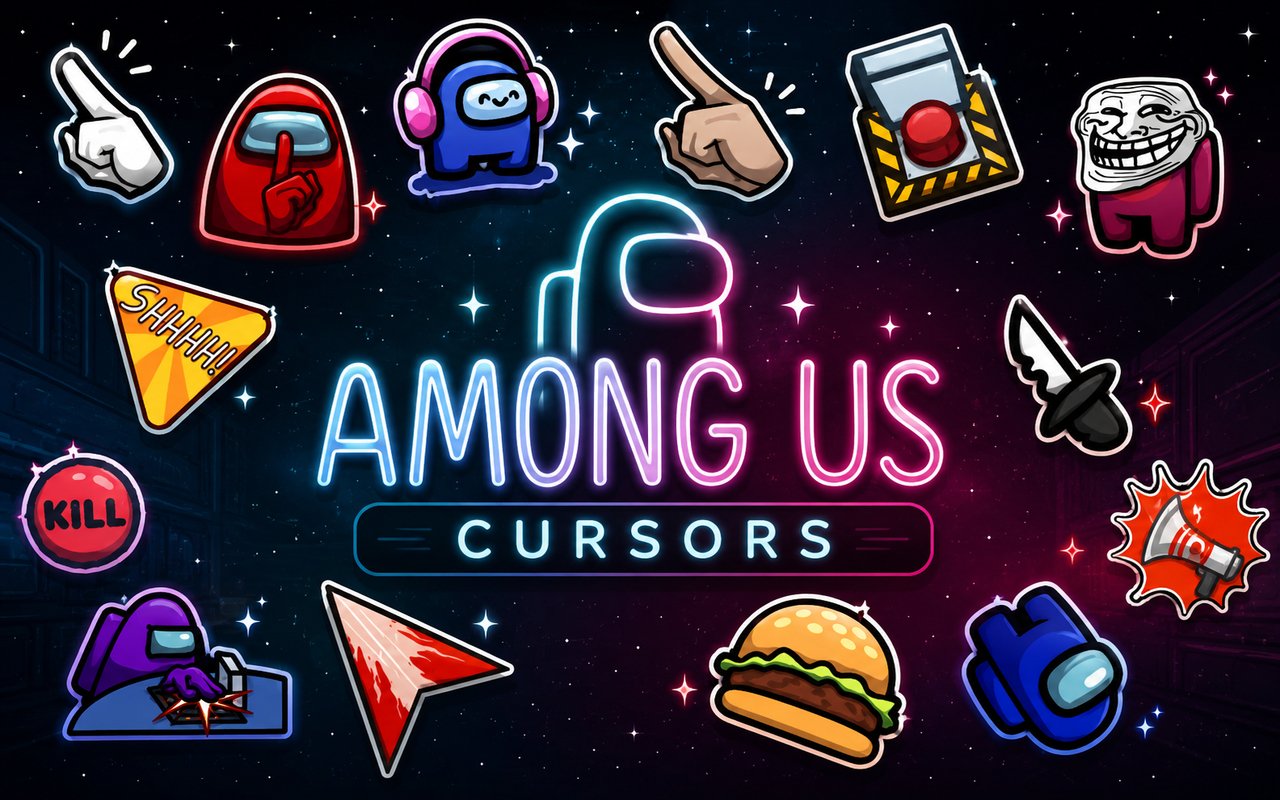
What Is The Among Us Cursor?
The Among Us Cursor is a Chrome extension that replaces your standard browser pointer with custom-designed cursors inspired by the wildly popular social deduction game. Every cursor in the collection is themed around the game’s iconic visuals, giving your browser a playful makeover without any complicated setup. It installs in seconds and activates immediately across your Chrome browsing sessions.
Among Us is the multiplayer game developed by Innersloth where colorful crewmates work together aboard a spaceship while hidden impostors attempt to sabotage the mission and eliminate the crew. The game became a global phenomenon thanks to its tense gameplay moments, including emergency meetings, venting impostors, and the endlessly memed phrase “sus.” Characters like the red crewmate, the classic impostor, and the ghost form have become some of the most recognizable figures in gaming culture.
This extension is a natural fit for fans who want a small but fun way to bring a piece of their favorite game into their daily browsing routine.
Key Features of The Among Us Cursor Extension
Complete Among Us Cursor Collection
The collection covers a wide range of characters and in-game elements, from crewmates in various colors to impostors mid-sabotage. You will find cursors referencing the emergency meeting button, the ghost crewmate, venting animations, and the classic “sus” pose that made the game famous. Specific designs available include:
- Red Crewmate cursor
- Impostor cursor
- Ghost Crewmate cursor
- Emergency Meeting button cursor
- Crewmate venting cursor
- Sus pose cursor
Original Animation Art Style
Among Us has a deliberately simple but instantly recognizable visual identity built around rounded, bean-shaped crewmates dressed in colored spacesuits with a single glass visor. The cursors in this extension faithfully recreate that flat, cartoon aesthetic using the game’s signature bold outlines and limited but vivid color palette. Each design feels true to the source material rather than a rough approximation, so the crewmates look exactly as they do in the game. The clean, minimal art style also means the cursors remain clearly visible against a wide variety of website backgrounds.
Adjustable Cursor Size
The extension includes a size slider that lets you scale your cursor up or down to suit your screen resolution and personal preference. Whether you are working on a compact laptop display or a large widescreen monitor, you can find a size that feels natural and comfortable. Larger cursors are particularly useful for high-resolution screens where the default pointer can feel small.
Favorites System for Quick Switching
The favorites system lets you bookmark the cursor designs you return to most often, so you can access them instantly without scrolling through the full library every time. Saved favorites persist across browser sessions, meaning your selections are still there the next time you open Chrome. This makes switching between a crewmate cursor for casual browsing and an impostor cursor for gaming sessions effortless.
Lightweight and Performance-Friendly
The extension is designed to run quietly in the background without drawing on Chrome’s memory or slowing down page load times. It performs just as well during graphic-intensive browsing sessions as it does on older or lower-powered machines. You will not notice any difference in browser speed after installing it.
Easy Toggle On and Off
A single click on the extension icon toggles the custom cursor on or off, letting you revert to the default Chrome pointer whenever you need to for work, video calls, or specific web applications. Re-enabling it is just as quick, and the extension remembers whichever cursor design was last active so you pick up right where you left off.
How to Install The Among Us Cursor
- Open Google Chrome on your desktop or laptop.
- Go to the Chrome Web Store and search for Among Us Cursor.
- Click the extension listing to open its detail page.
- Click Add to Chrome and confirm when the popup appears.
- Click the extension icon in your Chrome toolbar to open the cursor library.
- Select any design to activate it immediately — no browser restart needed.
Why Among Us Cursor Fans Love This Extension
For fans of the game, Among Us carries a strong sense of nostalgia tied to the hours spent calling emergency meetings, debating who was acting sus, and watching the dramatic reveal of the impostor at the end of a round. Seeing a crewmate or impostor appear as your cursor brings back those moments every time you open a new tab or navigate a page. The ghost cursor in particular hits differently for anyone who remembers being eliminated early and floating around the map waiting for the game to end. These small visual references make the extension feel personal rather than just decorative.
Students, streamers, and remote workers who spend long hours in front of Chrome will appreciate having a cursor that adds a bit of personality to an otherwise ordinary interface. It is especially popular among younger users who grew up with the game and want their browser setup to reflect the things they enjoy outside of work or school.
Frequently Asked Questions
Does this extension work on all websites?
The cursor is active across virtually all websites you visit in Chrome. A small number of sites with strict content security policies may limit custom cursor behavior, but this is uncommon and the extension works normally on the vast majority of pages.
Can I use multiple Among Us Cursor cursors at once?
Only one cursor can be active at a time, but switching between designs is quick. The favorites system lets you save your preferred characters and switch between them in seconds without scrolling through the entire collection.
Will this extension slow down my browser?
No. The Among Us Cursor extension is built to be lightweight and runs quietly in the background. It has no noticeable impact on Chrome’s speed, memory usage, or page load performance.
Is the Among Us Cursor extension free?
Yes. The extension is completely free to download and use from the Chrome Web Store. You get access to the full cursor library without any subscription or in-app purchases.




Community comments
Comments are reviewed before they appear publicly.