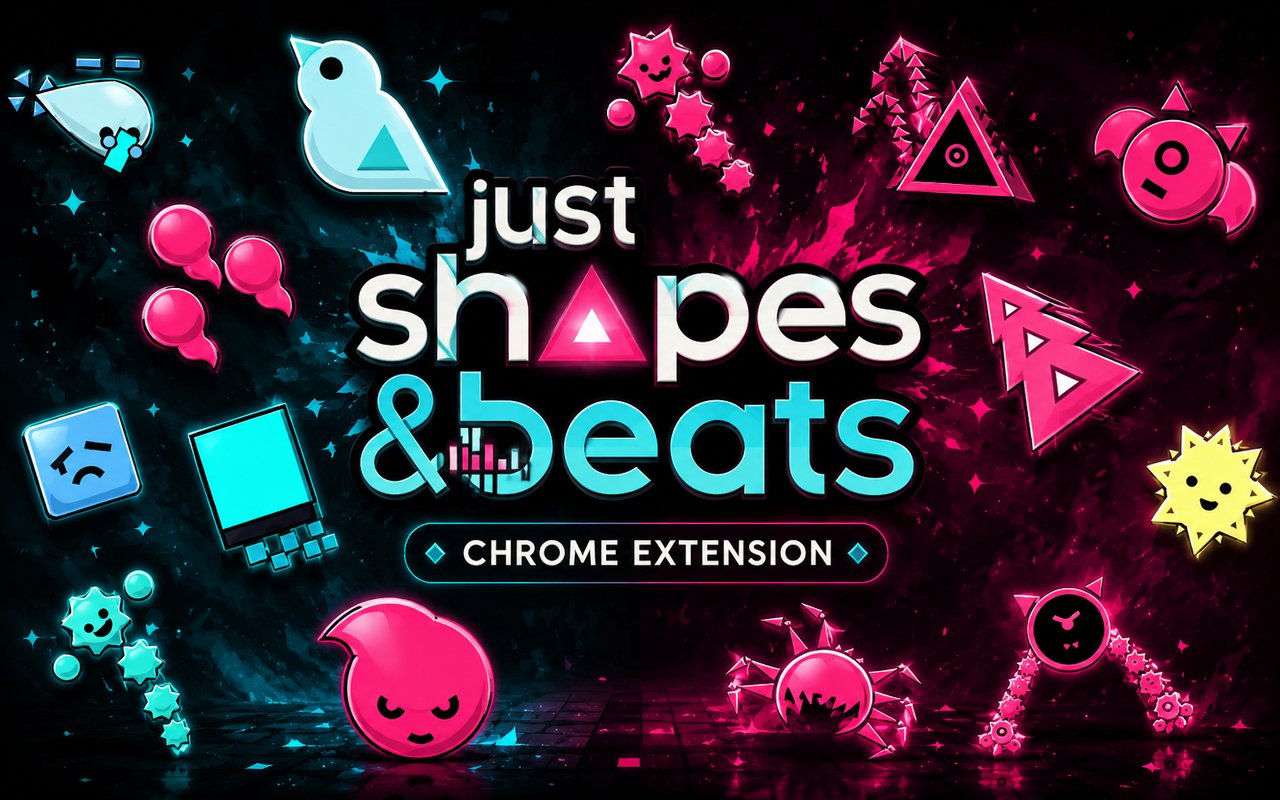
What Is The Just Shapes & Beats Cursor?
The Just Shapes & Beats Cursor is a Chrome extension that replaces your standard browser cursor with themed designs drawn from the rhythm-based bullet hell game Just Shapes & Beats. Each cursor is crafted to reflect the game’s distinctive aesthetic, bringing its chaotic, neon-drenched world into your everyday browsing. You can switch between multiple designs directly from the extension panel without any complicated setup.
Just Shapes & Beats is a cooperative music game developed by Berzerk Studio, known for its relentless particle effects, pulsing pink hazards, and memorable boss encounters. Characters and bosses such as Big Evil Cube, Barracuda, and Specter Boss have become iconic within the game’s community, each tied to a specific track and visual identity. The game’s soundtrack-driven chaos and its roster of abstract, geometric antagonists have built a dedicated following since its release.
This extension appeals to fans of the game who want a small but meaningful connection to Just Shapes & Beats during their daily time in the browser, whether they are studying, working, or browsing between sessions.
Key Features of The Just Shapes & Beats Cursor Extension
Complete Just Shapes & Beats Cursor Collection
The extension includes cursor designs based on some of the game’s most recognizable bosses and moments, covering characters such as Big Evil Cube, Barracuda, Specter Boss, and La Danse Macabre, along with other iconic elements pulled from the game’s stages. Each design captures the sharp geometry and threatening presence these bosses carry in gameplay. The available cursors include:
- Big Evil Cube
- Barracuda
- Specter Boss
- La Danse Macabre
- Pink hazard particle designs
- Abstract geometric shape motifs from the game’s visual language
Original Animation Art Style
Just Shapes & Beats has a striking visual identity built on hard-edged geometric shapes, aggressive pink and magenta color schemes against deep black backgrounds, and a minimalist approach that still manages to feel overwhelming in motion. The cursors in this extension stay true to that aesthetic, using the same sharp angles, flat shading, and neon-saturated palette that define the game’s look. Boss designs like Big Evil Cube retain their imposing, blocky presence even at cursor scale. The result is a set of designs that any fan of the game will recognize immediately without needing any additional context.
Adjustable Cursor Size
A built-in size slider lets you scale each cursor up or down to suit your screen resolution and personal preference. Smaller sizes work well on compact laptop displays where precision matters, while larger scales make the designs stand out on widescreen or high-resolution monitors. Finding the right size takes only a moment and the change applies instantly.
Favorites System for Quick Switching
The favorites system allows you to bookmark specific cursor designs so they are always within easy reach. Rather than scrolling through the full library each time you want to change your cursor, saved favorites appear in a dedicated section for fast access. Your saved selections carry over between browser sessions, so your preferred designs are ready each time you open Chrome.
Lightweight and Performance-Friendly
The extension runs quietly in the background and places no measurable load on Chrome’s memory or processing resources. Page load times and browser responsiveness remain completely unaffected, even on older machines or during graphic-intensive browsing sessions. You can keep it active all day without any concern about it interfering with other tasks.
Easy Toggle On and Off
A single click on the extension icon lets you switch the custom cursor on or off at any moment. This is useful when you need to revert to the default cursor for work applications, video calls, or websites where a custom cursor might feel out of place. When you turn it back on, the extension restores the last cursor you had active without requiring you to reselect it.
How to Install The Just Shapes & Beats Cursor
- Open Google Chrome on your desktop or laptop.
- Go to the Chrome Web Store and search for Just Shapes & Beats Cursor.
- Click the extension listing to open its detail page.
- Click Add to Chrome and confirm when the popup appears.
- Click the extension icon in your Chrome toolbar to open the cursor library.
- Select any design to activate it immediately — no browser restart needed.
Why Just Shapes & Beats Cursor Fans Love This Extension
Just Shapes & Beats leaves a strong impression on the players who work through its punishing boss encounters, and bosses like Barracuda and La Danse Macabre are tied to specific musical moments that are hard to forget once you have experienced them. Seeing those same designs represented as cursor art brings back the tension and energy of those encounters every time you move your mouse across the screen. For a game so deeply connected to rhythm and visual impact, having its characters present during everyday computer use feels like a natural extension of that connection. The community around Just Shapes & Beats has always been passionate, and small touches like this help keep that enthusiasm alive outside of active play sessions.
Gamers who spend significant time in Chrome between play sessions — whether watching guides, browsing community discussions, or simply working through their day — will find this extension adds a layer of personality to an otherwise unremarkable part of the interface. It is particularly well suited to players who replay the game regularly and feel a strong attachment to specific boss designs or stages.
Frequently Asked Questions
Does this extension work on all websites?
The cursor is active across virtually all websites you visit in Chrome. A small number of sites with strict content security policies may limit custom cursor behavior, but this is uncommon and the extension works normally on the vast majority of pages.
Can I use multiple Just Shapes & Beats Cursor cursors at once?
Only one cursor can be active at a time, but switching between designs is quick. The favorites system lets you save your preferred characters and switch between them in seconds without scrolling through the entire collection.
Will this extension slow down my browser?
No. The Just Shapes & Beats Cursor extension is built to be lightweight and runs quietly in the background. It has no noticeable impact on Chrome’s speed, memory usage, or page load performance.
Is the Just Shapes & Beats Cursor extension free?
Yes. The extension is completely free to download and use from the Chrome Web Store. You get access to the full cursor library without any subscription or in-app purchases.




Community comments
Comments are reviewed before they appear publicly.