YOUR NEXT DISCOVERY
Wallpapers
Find wallpaper collections for a more personal Chrome new tab. Explore character artwork, atmospheric scenes and visual styles, then open a post for its extension features and setup guide.

















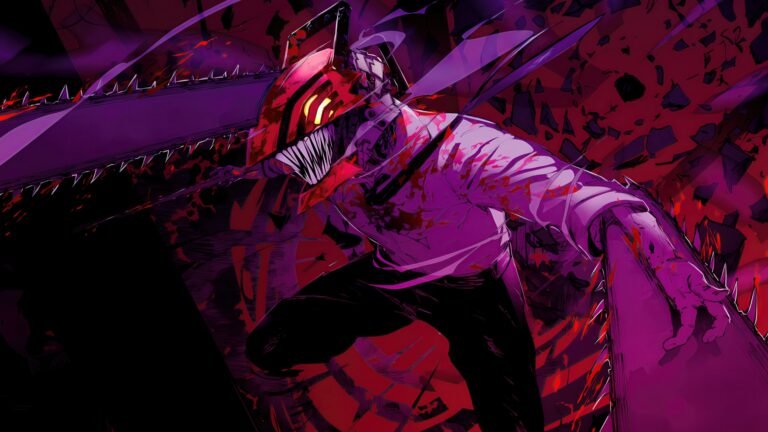












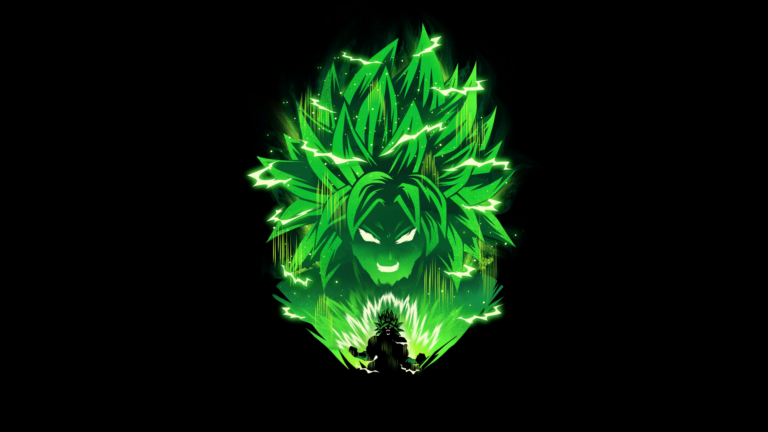


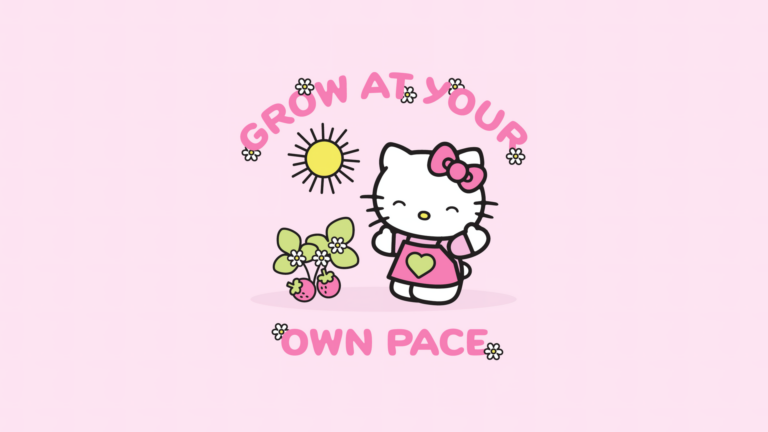

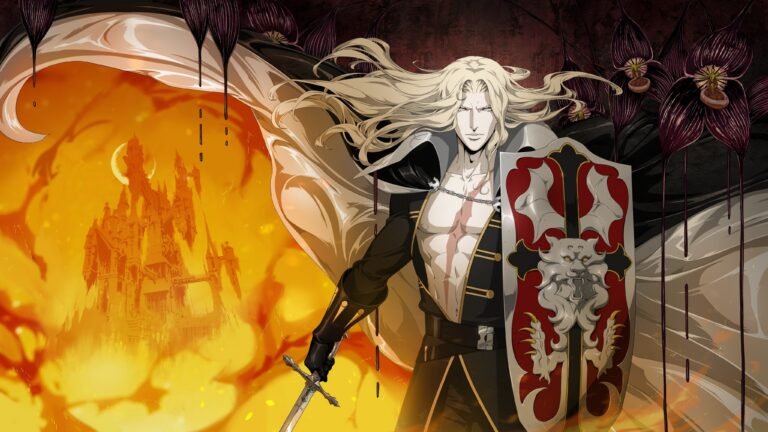




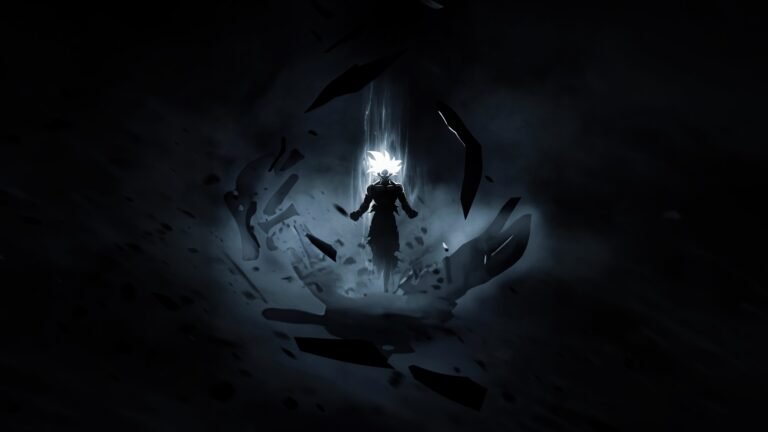












Choose a wallpaper that fits your browser
Your new tab can be a quiet backdrop, a favorite character portrait or a scene that matches the rest of your setup. This wallpaper collection is a place to compare those looks before choosing a Chrome extension. Use the topic badges to move between styles, and read the full post title to find the character or setting you want.
Compare the design and the features
A background is only one part of a new-tab extension. Individual posts explain the features supplied with each collection. Check those details rather than assuming that every extension has the same search tools, shortcuts, gallery or customization options.
How to use a collection
Open a wallpaper post, inspect its preview and follow the store link when one is available. Review the listing and permissions before installing. AddonSpot provides these collections through Chrome extensions; there is no separate image-download button. For moving scenes, explore the Live Wallpapers collection.